

Bank Account Fraud Social Engineering: How It Works and How to Stop It

Bank account fraud social engineering is when a scammer manipulates you into handing over access, money, or sensitive details, often by pretending to be your bank, a merchant, or even a family member.
Contents
33 sections
-
What bank account fraud social engineering looks like in real life
-
Common channels scammers use
-
Red flags that matter most
-
bank account fraud social engineering: the most common scam scripts
-
1) The "bank fraud department" call
-
2) The Zelle or instant transfer "reversal" scam
-
3) The fake login page (phishing)
-
4) The "new device" push notification trick
-
5) The "account upgrade" or "KYC verification" message
-
Why these scams work (and what to do about it)
-
A simple decision rule: stop, switch channels, verify
-
Verification checklist you can use in 60 seconds
-
What to do immediately if you think you were targeted
-
Step-by-step response plan
-
Where to report and learn next steps
-
How to reduce your risk before anything happens
-
Harden your accounts (high impact, low effort)
-
Set up "friction" that protects you
-
What this looks like with real numbers: safer cash setup examples
-
Scenario A: $3,000 in total cash
-
Scenario B: $12,000 in total cash
-
Scenario C: $50,000 in total cash
-
Choosing accounts and features that can help limit fraud damage
-
Features worth comparing
-
Timeline-based decision rules: how cautious to be with money movement
-
Under 1 year
-
1 to 3 years
-
3 to 7 years
-
7+ years
-
Quick "do and do not" list for calls, texts, and emails
-
Do
-
Do not
-
If you are helping a parent, teen, or partner: simple guardrails
Unlike a pure “hack,” social engineering relies on urgency, fear, and confusion. The scammer’s goal is to get you to do something that defeats your bank’s security controls: read a one-time passcode, approve a push notification, move money to a “safe” account, or share your online banking login.
What bank account fraud social engineering looks like in real life
Most scams follow a simple pattern: (1) the scammer contacts you, (2) creates urgency, (3) asks for a “verification” step, and (4) pushes you to move money or share access.
Common channels scammers use
- Phone calls with spoofed caller ID that looks like your bank.
- Text messages claiming “fraud detected” with a link to “verify.”
- Email with a realistic logo and a fake sign-in page.
- Social media DMs pretending to be customer support.
- In-person “courier” pickup scams for cash, checks, or cards.
Red flags that matter most
- They pressure you to act immediately or keep the call secret.
- They ask for a one-time code, password, PIN, or full card number.
- They tell you to move money to a new account to “protect it.”
- They ask you to install remote access software or screen sharing.
- They insist you stay on the phone while you log in or transfer funds.
| Scammer claim | What they want | What to do instead |
|---|---|---|
| “We detected fraud. Read me the code we texted you.” | To bypass 2FA and take over your account | Hang up. Call the number on your card or bank website. |
| “Your money is at risk. Transfer it to a safe account.” | A transfer you authorize that is hard to reverse | Stop. Verify via a known channel. Ask your bank about holds and protections. |
| “We need remote access to fix your account.” | To watch you log in and capture credentials | Never install remote tools for banking support. Use official support only. |
| “Confirm your username and password so we can secure it.” | Direct login access | Legitimate banks do not ask for your password. |
bank account fraud social engineering: the most common scam scripts
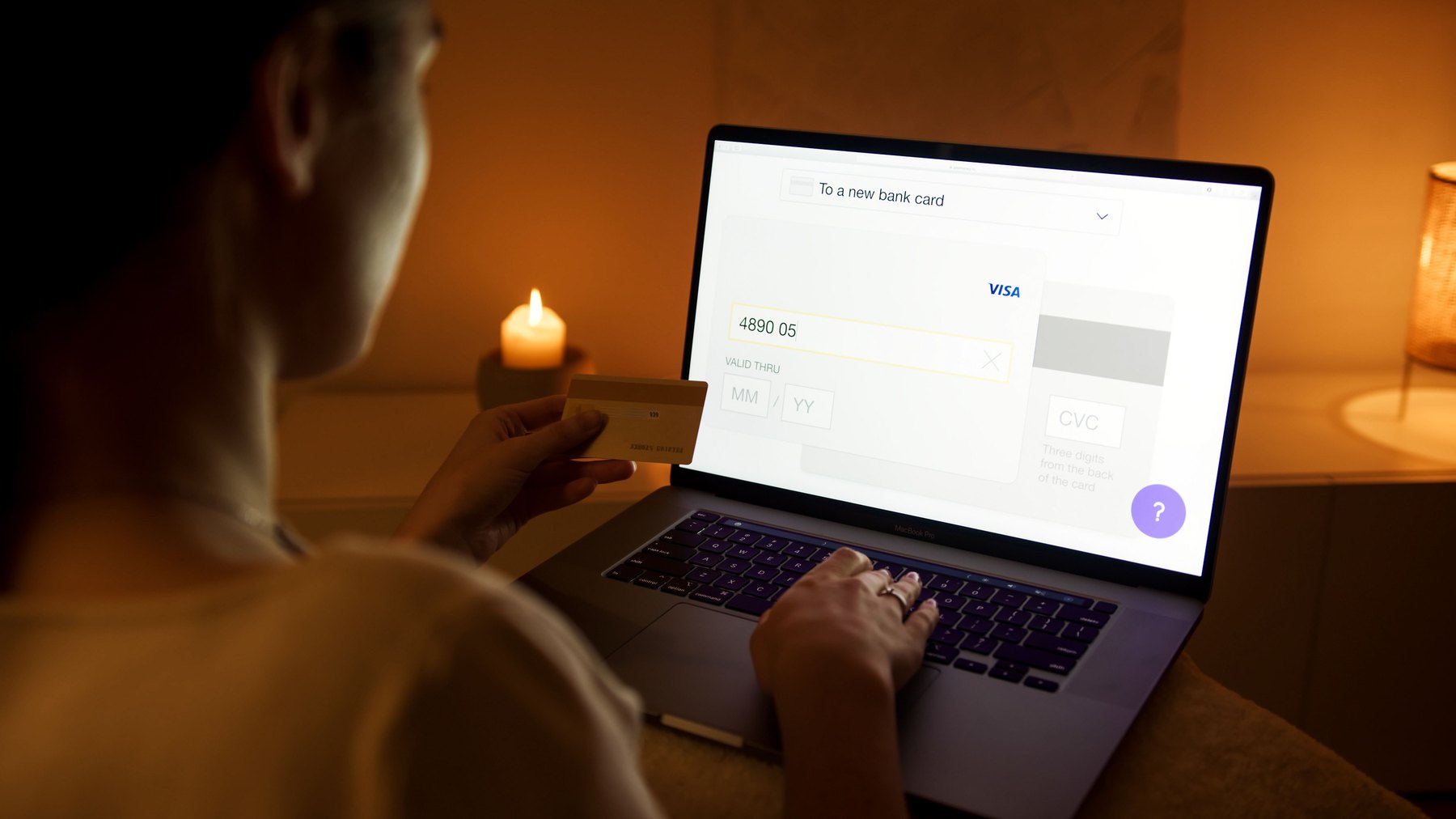
Scammers reuse scripts because they work. Knowing the script helps you recognize the pattern before you comply.
1) The “bank fraud department” call
You get a call that appears to come from your bank. The caller knows your name and maybe the last 4 digits of your card. They say there are suspicious charges and they need to “verify” you. The verification step is the trap: they ask for a code, or they send a push notification and tell you to approve it.
2) The Zelle or instant transfer “reversal” scam
The scammer claims a transfer was sent by mistake or that your account is compromised. They tell you to send money to yourself or to a “safe” recipient. In reality, you are sending money to the scammer. Banks often treat authorized transfers differently than unauthorized ones, so this distinction matters.
3) The fake login page (phishing)
You receive a text or email with a link that looks like your bank. The page captures your username and password. Then the scammer attempts to log in and prompts a one-time code to your phone. If you enter that code into the fake page, you may be handing them the final key.
4) The “new device” push notification trick
You receive a push notification asking to approve a login or add a new device. The scammer is trying to enroll their device. They may be on the phone pressuring you to approve it “to stop fraud.”
5) The “account upgrade” or “KYC verification” message
Scammers pretend you must re-verify your identity to avoid account closure. They ask for SSN, driver’s license images, or a selfie. That information can be used for identity theft and account opening fraud.
Why these scams work (and what to do about it)
Social engineering works because it targets normal human reactions: urgency, authority, and fear of losing money. Your best defense is a repeatable process you follow every time, even when you are stressed.
A simple decision rule: stop, switch channels, verify
- Stop: do not click, do not share codes, do not move money.
- Switch channels: hang up or close the message.
- Verify: contact your bank using a trusted method (number on the back of your card, official app, or bank website you type yourself).
Verification checklist you can use in 60 seconds
- Did I initiate this contact? If not, assume it could be a scam.
- Am I being asked for a one-time code, password, PIN, or to approve a login? If yes, stop.
- Am I being asked to move money “for safety”? If yes, stop.
- Can I independently reach the bank via a known number or secure in-app message? Do that.
| Request you receive | Risk level | Safe response | Why |
|---|---|---|---|
| “Read me the code we texted you.” | Very high | Refuse and call back via official number | Codes are used to log in or reset passwords. |
| “Click this link to verify your account.” | High | Open your bank app directly or type the URL yourself | Links can lead to phishing pages. |
| “Confirm your identity with SSN and photo ID.” | High | Only provide via secure, known bank channels you initiate | Data can be reused for identity theft. |
| “We need you to transfer funds to protect them.” | Very high | Do not transfer. Ask the bank about freezes, holds, and dispute steps | Authorized transfers can be difficult to reverse. |
| “We will send a courier to pick up your card/cash.” | Very high | Refuse. Contact the bank via official channels | Banks do not collect cards or cash this way. |
What to do immediately if you think you were targeted
Speed matters. If you clicked a link, shared a code, approved a push notification, or sent money, take action in this order.
Step-by-step response plan
- Contact your bank using the number on the back of your card or the official app. Ask them to review recent logins, device enrollments, and transfers.
- Change your online banking password from a clean device and enable strong two-factor authentication. If your email password is reused anywhere, change that too.
- Freeze your credit with the major credit bureaus if identity theft is possible (for example, you shared SSN or ID images).
- Review transactions and report unauthorized ones promptly. Ask what documentation they need and the timeline for investigation.
- Scan your device for malware if you installed anything or allowed remote access. Remove remote access tools you did not install intentionally.
Where to report and learn next steps
- FTC Consumer Advice for reporting scams and recovery steps.
- Consumer Financial Protection Bureau (CFPB) for banking complaint options and fraud resources.
- AnnualCreditReport.com to check your credit reports for unfamiliar accounts or inquiries.
How to reduce your risk before anything happens
You cannot control every breach or scam attempt, but you can reduce the chance that a single mistake becomes a major loss.
Harden your accounts (high impact, low effort)
- Turn on account alerts for logins, password changes, new payees, and transfers.
- Use a unique password for banking and email. A password manager can help.
- Prefer app-based authentication where available. Avoid sharing codes with anyone.
- Lock down your email because it is often the reset path for banking passwords.
- Limit public info on social media that can be used for security questions.
Set up “friction” that protects you
- Daily transfer limits: ask your bank what limits exist and whether you can lower them.
- Separate accounts: keep most cash in savings and keep only spending money in checking.
- Use a dedicated bill-pay account with a smaller balance if you frequently pay new vendors.
What this looks like with real numbers: safer cash setup examples
Social engineering often succeeds because too much money is immediately movable from one place. A simple structure can reduce the “blast radius” if a scammer tricks you into approving a transfer.
Scenario A: $3,000 in total cash
- $500 in checking for weekly spending and bills that draft early.
- $2,300 in savings as a buffer.
- $200 kept as cash at home for small emergencies.
Decision rule: if you are asked to move more than what you normally spend in a week, pause and verify through a trusted channel.
Scenario B: $12,000 in total cash
- $1,500 in checking for bills and spending.
- $9,500 in a high-yield savings account for emergency fund.
- $1,000 in a separate savings “vault” or subaccount for annual expenses (insurance, car repairs).
Decision rule: keep your “moveable in one tap” balance smaller than one month of expenses when possible.
Scenario C: $50,000 in total cash
- $3,000 in checking for bills and spending.
- $22,000 in high-yield savings as an emergency fund (often 3 to 12 months of expenses depending on job stability).
- $25,000 in CDs or a separate savings account at a different institution for slower-access reserves.
Decision rule: if a transfer would take your savings below your emergency fund target, treat it as a “must verify twice” transaction.
Choosing accounts and features that can help limit fraud damage
Different banks and account types offer different protections and controls. The goal is not to find a perfect bank, but to compare features that reduce fraud risk and make recovery easier.
Features worth comparing
- Real-time alerts for transfers, new payees, and login attempts.
- Ability to lock a debit card instantly in the app.
- Transfer controls like daily limits, payee waiting periods, and outbound transfer holds.
- Customer support access including secure messaging and clear fraud reporting steps.
- FDIC insurance for deposit protection in case of bank failure, which is separate from scam loss. You can verify bank coverage at FDIC.gov.
| Option (example) | Best fit | What to compare | Main drawback |
|---|---|---|---|
| Ally Bank | Broad online banking with checking, savings, CDs | Alerts, transfer timing, overdraft rules, ATM access | Rates and features can change |
| Capital One 360 | Online banking with some branch or cafe access | ATM network, fees, savings APY, fraud support options | Physical access varies by market |
| Discover Bank | Simple online checking and savings | Account alerts, debit features, fees, transfer controls | Terms and availability can change |
| SoFi Bank | Digital banking with spending and savings tools | Direct deposit conditions, APY tiers, alerts, transfer limits | Highest APY may require conditions |
| Marcus by Goldman Sachs | High-yield savings and CDs | Current APY, CD terms, transfer limits, account tools | No full checking lineup |
| Synchrony Bank | Savings, CDs, money market options | ATM access, transfer rules, CD penalties, current APY | Mostly savings-focused |
| American Express National Bank | Savings and CDs from a large financial brand | Funding rules, current APY, CD terms, support access | Limited everyday banking features |
| Barclays | Online savings and CD comparison | Current APY, CD terms, digital experience, fees | No full-service branch network |
Timeline-based decision rules: how cautious to be with money movement
Scammers often push you to move money quickly. Your timeline for needing cash should influence how much you keep in “instant transfer” form.
Under 1 year
- Keep funds in checking and high-yield savings where you can monitor daily.
- Use alerts and consider lower transfer limits.
- Avoid moving large sums based on a call or text. Verify independently first.
1 to 3 years
- Consider splitting cash between savings and CDs with staggered maturity dates.
- Keep a smaller checking balance to reduce exposure to debit card and transfer fraud.
3 to 7 years
- Keep emergency cash accessible, but consider separating longer-term reserves at a different institution to reduce single-account risk.
- Review beneficiary and contact info regularly so you can regain access if locked out.
7+ years
- Long-term goals may involve investing, but scam prevention still matters: protect the accounts that link to your investments and retirement plans, especially your email and phone number used for 2FA.
Quick “do and do not” list for calls, texts, and emails
Do
- Call back using the number on your card or official website.
- Use your bank’s app to check messages and alerts.
- Ask the bank to place extra notes, limits, or verification steps if you have been targeted.
- Keep screenshots of texts and emails for reporting.
Do not
- Do not share one-time passcodes, even if the caller “sounds official.”
- Do not approve push notifications you did not initiate.
- Do not click links in unexpected fraud alerts. Navigate to the bank yourself.
- Do not move money to “safe” accounts provided by someone who contacted you first.
If you are helping a parent, teen, or partner: simple guardrails
Households often share finances, and scammers may target the person who is least familiar with banking security.
- Create a family verification phrase for urgent money requests.
- Set a rule: no transfers over a chosen amount (for example, $300 or $1,000) without a second verification step.
- Use account alerts that notify more than one trusted person, if your bank supports it.
- Review monthly: new payees, new devices, and contact info changes.
Bank account fraud social engineering is designed to make you act first and think later. A repeatable process – stop, switch channels, verify – plus smart account setup can reduce the odds that a scam turns into a major financial loss.


