

AI Smart Carts Save Money: How to Shop Smarter Without Overspending

AI smart carts save money when you use their real time totals, deal prompts, and budget tools to avoid impulse buys and checkout surprises.
Contents
34 sections
-
What AI smart carts are and how they work
-
Where AI smart carts save money in real life
-
1) Preventing budget creep with a running total
-
2) Catching coupon and loyalty discounts you would miss
-
3) Reducing waste with better planning
-
4) Helping you compare unit prices and sizes
-
5) Avoiding "checkout shock" that leads to credit card debt
-
AI smart carts save money: a simple decision checklist
-
Named examples: smart carts and scan-as-you-shop options to compare
-
Costs to watch: fees, pricing traps, and privacy tradeoffs
-
Membership and access fees
-
Personalized pricing and "deal" framing
-
Impulse buys from recommendations
-
Data collection and account security
-
Errors and verification checks
-
What this looks like with real numbers
-
Scenario 1: Weekly budget guardrails (family of 3)
-
Scenario 2: Coupon discipline (single shopper)
-
Scenario 3: Waste reduction (couple that throws out produce)
-
Borrowing and cash flow: when smart shopping matters most
-
If you carry credit card balances
-
If you are rebuilding credit
-
If you are considering BNPL for groceries
-
Timeline decision rules: how to set a grocery system that sticks
-
Under 1 year: stabilize and stop leaks
-
1 to 3 years: optimize routines
-
3 to 7 years: reduce time cost and decision fatigue
-
7+ years: align shopping with bigger goals
-
A practical in-store playbook (works with or without a smart cart)
-
Before you go
-
During the trip
-
After checkout
-
Common mistakes that cancel out savings
-
Bottom line
These carts and scan-as-you-shop systems are showing up in more grocery and big-box stores. They can be helpful, but they are not magic. The biggest savings usually come from behavior changes: sticking to a list, comparing unit prices, and avoiding waste. This guide explains how AI smart carts work, where they can help, what to watch out for, and how to decide if they fit your budget.
What AI smart carts are and how they work
An AI smart cart is a shopping cart with a screen and sensors that can identify items as you place them in the cart. Some use cameras and computer vision. Others rely on barcode scanning plus weight sensors. Many connect to store loyalty accounts so they can apply digital coupons and show personalized offers.
Common features include:
- Running total that updates as you add items.
- Deal and coupon prompts tied to your loyalty account.
- Product suggestions such as store brands or bulk sizes.
- Navigation to find items on your list.
- Faster checkout through a dedicated lane or app-based payment.
Related tools that work similarly include scan-as-you-shop apps, handheld scanners, and cashierless stores. The money impact is similar: you get more information during the trip, not after the receipt prints.
Where AI smart carts save money in real life
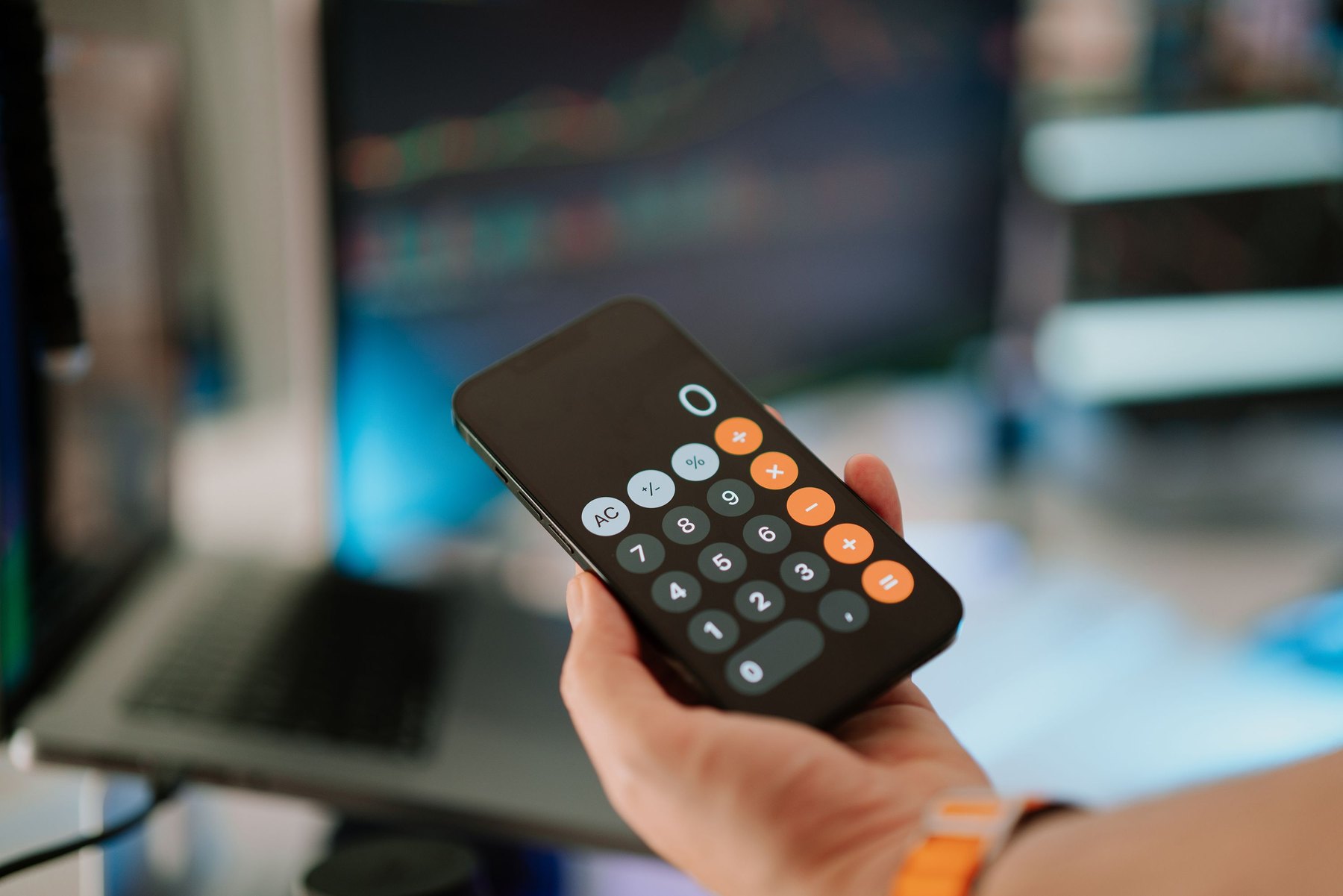
Most grocery overspending comes from a few repeat patterns. Smart carts can help with some of them, especially if you set rules before you shop.
1) Preventing budget creep with a running total
Seeing a live total can reduce the “I will figure it out at checkout” problem. If your weekly grocery target is $150, a cart that shows $147 before you reach the snack aisle gives you a chance to stop, swap, or save the treat for next week.
2) Catching coupon and loyalty discounts you would miss
Many stores now put the best prices behind digital coupons or loyalty pricing. Smart carts can surface those deals while you are still deciding. That can help, but only if you compare the final price per unit and do not buy extra items just because they are discounted.
3) Reducing waste with better planning
Some systems can show past purchases or suggest items based on your list. The real savings here comes from buying what you will actually use. If you throw away $10 to $25 of produce each week, cutting that waste can matter more than chasing small coupons.
4) Helping you compare unit prices and sizes
Not every smart cart highlights unit price clearly, but some do. Unit price is one of the most reliable ways to lower costs without changing what you eat. If the cart shows that the larger size is cheaper per ounce, you can decide whether you will use it before it expires.
5) Avoiding “checkout shock” that leads to credit card debt
When your total jumps at checkout, it is easy to put the difference on a credit card and “deal with it later.” A running total can reduce that risk by making the cost visible earlier. If you are already carrying a balance, avoiding new charges can be as important as finding discounts.
AI smart carts save money: a simple decision checklist
Use this checklist to decide whether a smart cart or scan-as-you-shop system is likely to help you.
| Question | If “Yes” | What to do |
|---|---|---|
| Do you often go over budget because you lose track while shopping? | Smart carts may help. | Set a hard cap (example: $150) and stop adding items at $145. |
| Do you already shop with a list and rarely impulse buy? | Savings may be small. | Focus on unit price and store brand swaps instead. |
| Do you use digital coupons inconsistently? | Smart carts may help. | Link loyalty account and review applied discounts before paying. |
| Do personalized offers tempt you to buy extras? | Smart carts may hurt. | Turn off suggestions if possible and shop from a pre-set list. |
| Do you share a loyalty account with family members? | Data may be messy. | Use separate lists and watch for “recommended” items you do not want. |
Named examples: smart carts and scan-as-you-shop options to compare
Availability varies by location and store chain, and features change over time. These are recognizable examples you can look up and compare in your area.
| Option | Best fit | What to compare | Main drawback |
|---|---|---|---|
| Instacart Caper Cart | In-store shoppers who want a running total and guided shopping | Store availability, coupon integration, checkout flow | Not available everywhere; features depend on the retailer |
| Amazon Dash Cart | Amazon Fresh shoppers who want automatic item recognition | Eligible stores, supported items, payment requirements | Limited to certain Amazon Fresh locations |
| Sam’s Club Scan & Go | Warehouse shoppers who want faster checkout | Membership cost, in-app deals, receipt checks | Requires membership; bulk sizes can increase spending if you waste food |
| Walmart Scan & Go (Walmart+) | Frequent Walmart shoppers who want to skip lines | Walmart+ fee, in-store restrictions, coupon handling | May require paid membership; not in every store |
| Kroger Scan, Bag, Go | Kroger family stores shoppers who like scanning as they shop | Participating stores, loyalty pricing, bagging rules | Availability varies; you still need to watch unit prices |
| Stop & Shop Scan It! | Shoppers who prefer handheld scanners or app scanning | Device vs app experience, coupon sync, checkout steps | Extra steps if the system flags items for verification |
Costs to watch: fees, pricing traps, and privacy tradeoffs
Smart carts can reduce some costs, but they can also introduce new ones. Here is what to check before you assume you are saving.
Membership and access fees
Some scan-as-you-shop tools are tied to paid memberships (for example, warehouse clubs or premium store programs). If you pay a monthly or annual fee, your savings need to exceed that cost. A simple way to test this is to track your savings for 4 to 8 weeks and compare it to the fee.
Personalized pricing and “deal” framing
Digital coupons can be real discounts, but they can also steer you toward higher-priced items. Use a rule: only accept a suggested deal if it lowers the unit price for something already on your list.
Impulse buys from recommendations
Recommendation engines are designed to increase basket size. If the cart suggests snacks, seasonal items, or “frequently bought together,” treat it like an ad. Decide your snack budget before you shop.
Data collection and account security
Smart carts often rely on loyalty accounts and payment methods. Use strong passwords, enable multi-factor authentication when available, and review privacy settings. If you want to understand how retailers use consumer data and how to reduce unwanted marketing, the FTC has practical guidance at https://consumer.ftc.gov/.
Errors and verification checks
Item recognition is not perfect. You may need staff verification, especially for age-restricted items or high-theft categories. Build a few extra minutes into your trip until you learn the system.
What this looks like with real numbers
Below are three realistic scenarios showing how smart cart features can change a grocery budget. These are examples, not guarantees. Your results depend on prices in your area, how often you shop, and whether you stick to your plan.
Scenario 1: Weekly budget guardrails (family of 3)
Goal: Keep weekly groceries at $160 without using credit cards for overflow.
- Planned list total: $140
- Buffer for price changes and one treat: $20
In-cart rule: When the cart total hits $150, you can add only items on the list. When it hits $160, stop.
Example outcome: You skip two impulse items ($6 and $9) because the running total makes the tradeoff obvious. You still buy one planned treat ($5) inside the buffer.
Scenario 2: Coupon discipline (single shopper)
Goal: Use digital coupons without buying extras.
Monthly grocery target: $320
Trip plan (adds up to $320):
- Staples and proteins: $180
- Produce: $80
- Household items: $40
- Flexible treats: $20
Decision rule: Accept a coupon only if it applies to an item already in one of the four buckets. If it is outside the buckets, it is a no.
Example outcome: The cart offers a “buy 2 get 1” snack deal. You decline because it would push treats above $20 and you do not need it.
Scenario 3: Waste reduction (couple that throws out produce)
Goal: Reduce food waste by $15 per week by buying smaller quantities and freezing extras.
Weekly grocery budget: $130
Allocation (adds up to $130):
- Meals planned for 5 dinners: $85
- Lunch basics: $20
- Produce with a “use by” plan: $15
- Household and pantry top-offs: $10
In-cart rule: If produce is not assigned to a specific meal or snack plan, do not buy it. If the cart suggests a larger pack for a lower unit price, buy it only if you will freeze or cook it within 48 hours.
Borrowing and cash flow: when smart shopping matters most
Grocery overspending can spill into borrowing when your checking account runs short. If you are using credit cards to cover groceries, small improvements can help stabilize cash flow.
If you carry credit card balances
Prioritize avoiding new revolving debt. A practical rule is to set a grocery cap that fits your pay cycle and keep a small buffer for price changes. If you want to understand how credit card interest and payments work, the CFPB has clear resources at https://www.consumerfinance.gov/.
If you are rebuilding credit
On-time payments matter more than chasing every deal. If smart carts help you stay within a predictable budget, that can make it easier to pay bills on time.
If you are considering BNPL for groceries
Buy Now, Pay Later can make a small grocery trip feel cheaper today, but it can stack multiple payments into future weeks. If you are tempted to split grocery purchases into installments, focus first on lowering the cart total and building a small cash buffer.
Timeline decision rules: how to set a grocery system that sticks
Use these time-based rules to choose the right level of effort and tools.
Under 1 year: stabilize and stop leaks
- Pick a weekly cap and track it for 8 trips.
- Use a smart cart for the running total, not for recommendations.
- Build a $200 to $500 grocery buffer in checking so one expensive trip does not trigger overdrafts.
1 to 3 years: optimize routines
- Standardize 10 to 15 low-cost meals and rotate them.
- Compare unit prices and store brands for your top 20 items.
- Review loyalty and coupon settings quarterly to reduce marketing noise.
3 to 7 years: reduce time cost and decision fatigue
- Use saved lists, scheduled pickup, or repeat orders for staples.
- Buy in bulk only for items you consistently finish before expiration.
- Track waste: if you throw away food weekly, fix that before chasing small discounts.
7+ years: align shopping with bigger goals
- Set a long-term grocery percentage of take-home pay (example: 8% to 15%) and revisit annually.
- Automate savings first, then fit groceries into the remaining plan.
- Keep accounts secure and monitor loyalty accounts tied to payment methods.
A practical in-store playbook (works with or without a smart cart)
Bring this simple system to your next trip.
Before you go
- Write a list by aisle: produce, dairy, proteins, pantry, frozen, household.
- Set a cap and a buffer (example: $150 cap, $10 buffer).
- Decide your “yes list” for treats (example: one item under $6).
During the trip
- Watch the running total after each aisle.
- Swap to store brand when ingredients are similar and unit price is lower.
- Skip recommendations unless they replace something already on your list.
After checkout
- Save the receipt and note one change for next time.
- Check your bank account for accurate posting and avoid overdrafts.
- Review your credit reports annually to spot identity issues that can affect your finances. You can get free reports at https://www.annualcreditreport.com/.
Common mistakes that cancel out savings
- Buying more because it is “on sale.” A discount is only a win if you would buy it anyway and use it.
- Ignoring unit price. A coupon can still leave you paying more per ounce than a store brand.
- Shopping hungry or rushed. Smart carts cannot fix impulse decisions made under stress.
- Assuming the cart total includes every discount. Verify what is applied before you pay.
Bottom line
AI smart carts can be a useful tool for budget-focused shoppers because they make costs visible while you still have choices. The best results usually come from pairing the tech with simple rules: a list, a cap, a buffer, and a strict filter for “deals.” If you compare features, fees, and how discounts are applied at your local stores, you can decide whether a smart cart helps you spend with more control.
For more help understanding deposit account protections when you are managing tight cash flow, the FDIC explains coverage basics at https://www.fdic.gov/.


