

Always There: 150 Years of ADT

ADT 150 years is a long track record in the home security world, but longevity alone does not tell you whether a system is a good fit for your home, budget, or comfort with contracts.
Contents
23 sections
-
What ADT's 150-year history can signal (and what it cannot)
-
Potential advantages of a long operating history
-
Common tradeoffs to watch for
-
Decision rule
-
ADT 150 years: how to compare ADT to other security options
-
Key comparison factors that matter most
-
Named options to compare (examples)
-
Understanding the "loan-like" parts of home security deals
-
Where costs can hide
-
Questions to ask before you sign
-
Real-number cost examples (so you can estimate your total)
-
Scenario 1: Apartment renter who wants basic coverage
-
Scenario 2: Homeowner who wants pro install and cameras
-
Scenario 3: Family prioritizing fire and environmental monitoring
-
Budgeting for security like a responsible borrower
-
Three sample monthly budget allocations (they add up)
-
Decision rules by timeline
-
Documents and information you may need when shopping
-
A practical checklist for comparing offers
-
How to protect your credit and avoid billing problems
-
When ADT's scale may be a good match
-
When a DIY or no-contract alternative may fit better
-
Bottom line: use history as one data point, not the decision
This guide breaks down what a long operating history can mean in practical terms: monitoring infrastructure, customer support scale, installation options, contract structures, and how to compare ADT with other recognizable security providers. You will also find decision rules, checklists, and real number examples so you can estimate total cost and avoid surprises.
What ADT’s 150-year history can signal (and what it cannot)
A company that has been around for generations may have advantages, but it can also come with tradeoffs. Here is how to interpret “established since the 1800s” in a way that helps you make a decision.
Potential advantages of a long operating history
- Monitoring scale and redundancy: Larger monitoring operations can mean more staffing and established processes for dispatch and escalation.
- Installer network: A long-running brand may have more technicians and standardized installation practices in many regions.
- Product ecosystem: Established providers often support a broader set of sensors and add-ons, including fire, CO, and environmental monitoring.
- Institutional knowledge: Mature companies may have clearer policies for service calls, equipment swaps, and troubleshooting.
Common tradeoffs to watch for
- Contracts and cancellation: Some legacy providers use longer contracts or stricter cancellation terms than DIY-first brands.
- Pricing complexity: Promotions, equipment financing, and add-on fees can make it harder to compare apples to apples.
- Less flexibility: Some systems are more “closed,” meaning fewer third-party integrations or fewer self-monitoring options.
Decision rule
If you value professional installation and a large monitoring operation, an established provider may be worth comparing. If you want month-to-month flexibility, prioritize providers that clearly offer no-contract plans and easy cancellation.
ADT 150 years: how to compare ADT to other security options
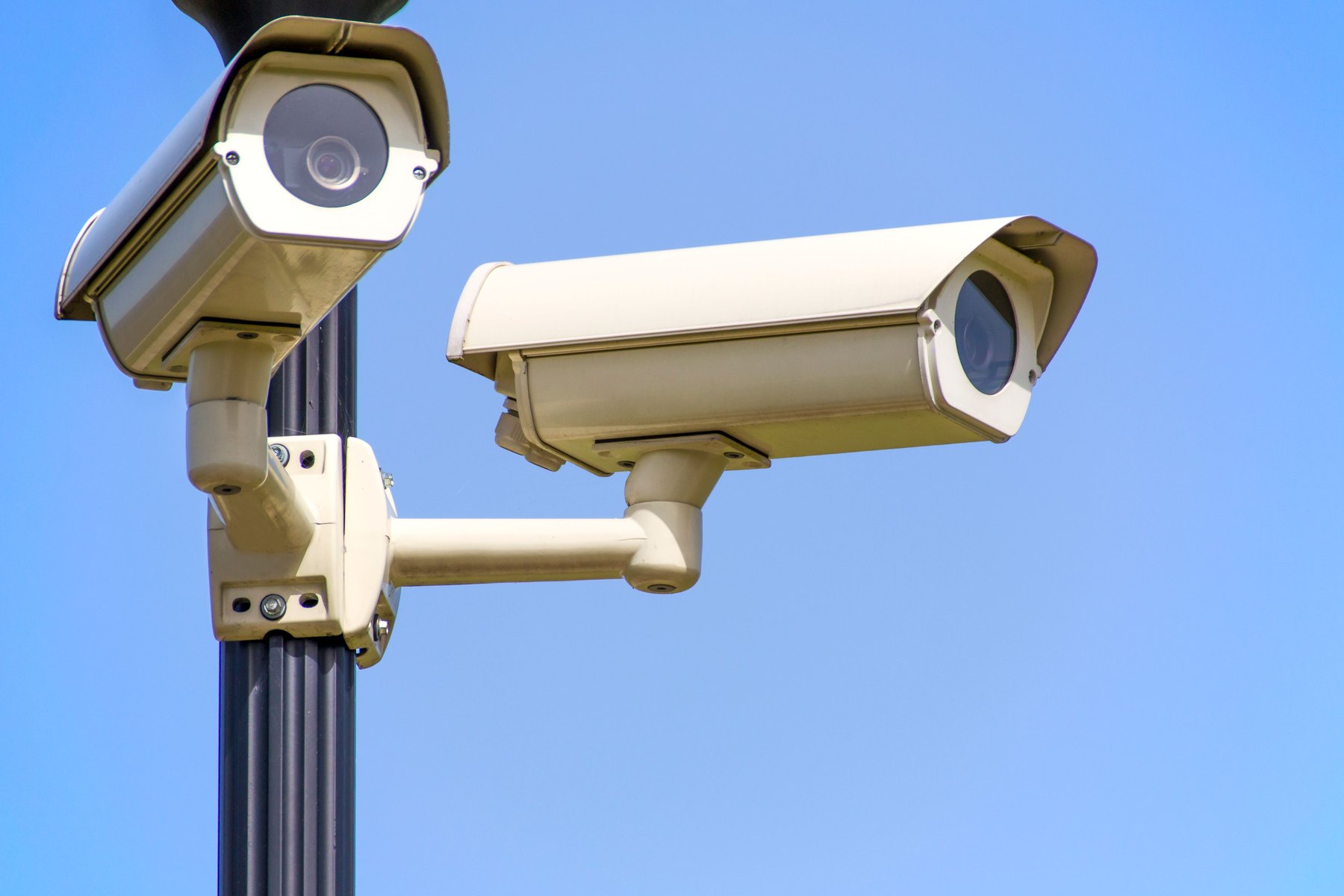
When you compare home security providers, focus on the total cost and the terms that affect you after the first month. Use the same checklist for every provider so marketing does not drive the decision.
Key comparison factors that matter most
- Upfront cost: Equipment price, installation fee, activation fee, and any required add-ons.
- Ongoing cost: Monthly monitoring fee, video storage fees, and cellular backup charges.
- Contract length: Month-to-month vs 12 to 36 months, plus renewal terms.
- Cancellation terms: Notice requirements, early termination fees, and equipment return rules.
- Monitoring type: Professional monitoring, self-monitoring, or a hybrid option.
- Connectivity: Cellular backup, Wi-Fi reliance, and what happens during an internet outage.
- Equipment ownership: Do you own the equipment outright, lease it, or finance it?
- Support and service: Warranty length, service call fees, and replacement policies.
Named options to compare (examples)
These are recognizable providers many shoppers cross-shop. Availability and plan details vary by location, so verify what is offered where you live.
| Option | Best fit | What to compare | Main drawback to watch |
|---|---|---|---|
| ADT | Professional install and full-service monitoring | Contract length, equipment ownership, total monthly cost | Longer commitments may apply in some plans |
| Vivint | Smart home features with pro install | Equipment financing terms, monthly monitoring, cancellation | Financing and contract structure can be complex |
| SimpliSafe | DIY install with optional monitoring | Month-to-month pricing, cellular backup, camera features | DIY setup and sensor placement is on you |
| Ring Alarm | Budget-friendly DIY ecosystem | Subscription features, camera storage, add-on costs | Feature set may depend on subscription tier |
| Frontpoint | DIY with strong customer support reputation | Equipment cost, monitoring pricing, contract terms | Upfront equipment can be higher than some DIY kits |
| Brinks Home | Professional monitoring with various packages | Contract details, equipment terms, installation fees | Terms can vary by offer and location |
Understanding the “loan-like” parts of home security deals
Even though a security system is not a traditional loan, many offers behave like borrowing. You might see equipment financing, installment plans, or long contracts with early termination fees. Treat these like debt decisions.
Where costs can hide
- Equipment financing: A low upfront price may be paired with a multi-year payment plan. Ask for the total financed amount and the term.
- Installation and activation: Some plans bundle these, others charge separately.
- Early termination fees: If you move or change your mind, you may owe a portion of remaining payments.
- Add-ons: Extra cameras, doorbells, glass-break sensors, and smart locks can raise both upfront and monthly costs.
Questions to ask before you sign
- Do I own the equipment at the end of the term?
- Is monitoring month-to-month or a fixed contract?
- What is the total cost over 24 and 36 months including all fees?
- What happens if I move? Can I transfer service?
- Is there a trial period and what are the return rules?
Real-number cost examples (so you can estimate your total)
Because plan pricing changes, the most useful approach is to model your own total cost using ranges. Below are three sample scenarios. Replace the numbers with quotes you receive.
Scenario 1: Apartment renter who wants basic coverage
- Upfront equipment: $150 to $350 (DIY kit)
- Monthly monitoring: $20 to $35
- Estimated 2-year total: Upfront $250 + (24 x $25) = $850
Decision rule: If you might move within 12 to 24 months, prioritize month-to-month monitoring and equipment you can take with you.
Scenario 2: Homeowner who wants pro install and cameras
- Upfront: $0 to $300 (depends on promotions and install fees)
- Equipment payments: $20 to $60 per month (if financed)
- Monitoring: $40 to $70 per month
- Estimated 3-year total example: (36 x $50 monitoring) + (36 x $35 equipment) + $150 fees = $3,390
Decision rule: If you are financing equipment, ask for the total cost if you pay it off early and whether monitoring is required for the full term.
Scenario 3: Family prioritizing fire and environmental monitoring
- Upfront equipment: $300 to $800 (more sensors)
- Monthly monitoring: $35 to $80
- Estimated 5-year total example: $600 + (60 x $55) = $3,900
Decision rule: If you want fire and CO monitoring, verify which sensors are monitored and whether dispatch is included in your plan.
Budgeting for security like a responsible borrower
A security system can be a recurring bill for years. Use a simple allocation approach so it does not crowd out higher-priority goals like emergency savings or high-interest debt payoff.
Three sample monthly budget allocations (they add up)
Allocation A: Tight budget, essentials first (Total $200)
- $120 to minimum debt payments above required minimums (credit cards or personal loan)
- $50 to emergency fund
- $30 to security monitoring
Allocation B: Balanced household (Total $400)
- $150 to emergency fund
- $150 to retirement or sinking funds (car repair, home maintenance)
- $100 to security monitoring and equipment savings
Allocation C: Homeowner with higher fixed costs (Total $650)
- $250 to home maintenance sinking fund
- $200 to emergency fund
- $200 to security monitoring and camera storage subscriptions
Decision rules by timeline
- Under 1 year: Avoid long contracts if you expect a move or job change. Prefer portable equipment and month-to-month monitoring.
- 1 to 3 years: Compare the 24 to 36 month total cost. If a contract saves money, confirm cancellation and transfer terms.
- 3 to 7 years: Focus on reliability, warranty, and service costs. Ask how often equipment is typically refreshed and what upgrades cost.
- 7+ years: Consider total ecosystem lock-in. Favor systems that let you replace components without restarting a long financing plan.
Documents and information you may need when shopping
Some providers run identity checks or credit checks for financed equipment or certain contract plans. Having your information ready can speed up quotes and help you compare offers consistently.
| Item | Why it matters | Tips |
|---|---|---|
| Photo ID and basic personal info | Identity verification for service setup | Use accurate info to avoid delays |
| Service address and dwelling type | Determines equipment needs and install approach | Note entry points, floors, detached garage |
| Internet and cellular coverage details | Affects reliability and backup options | Ask about cellular backup and outage behavior |
| Payment method | Autopay requirements may apply | Confirm if credit card, ACH, or both are accepted |
| Landlord permission (renters) | Some installs require drilling or mounting | Choose no-drill mounts when possible |
A practical checklist for comparing offers
Use this checklist while you are on the phone or reading an online quote. It is designed to reduce surprises later.
| Category | What to confirm | Why it matters |
|---|---|---|
| Total cost | Upfront fees + monthly monitoring + equipment payments | Lets you compare true 2 to 3 year cost |
| Contract | Length, renewal, cancellation, early termination | Prevents being locked in longer than expected |
| Equipment | Ownership, warranty, replacement process | Affects long-term value and flexibility |
| Monitoring | Professional vs self-monitoring, dispatch policies | Clarifies what happens in an emergency |
| Connectivity | Cellular backup, battery backup, outage behavior | Improves reliability when power or internet fails |
| Privacy and access | Who can access cameras, account controls, user roles | Reduces household and guest access risks |
How to protect your credit and avoid billing problems
Security contracts and financing can affect your budget and, in some cases, your credit. A few steps can help you stay organized.
- Review your credit reports: Check your reports before applying for any financing so you can spot errors. Use AnnualCreditReport.com.
- Keep copies of the contract and disclosures: Save PDFs and email confirmations, including cancellation instructions.
- Track autopay: If you change cards or banks, update autopay immediately to avoid late fees or service interruptions.
- Know your rights with billing disputes: For general consumer complaint pathways and guidance, see the Consumer Financial Protection Bureau and the Federal Trade Commission.
When ADT’s scale may be a good match
ADT is often considered by households that want a full-service approach. Situations where an established, professionally monitored provider can be worth comparing include:
- You prefer professional installation rather than DIY setup.
- You want a single provider for monitoring, service, and upgrades.
- You are comfortable evaluating contract terms and committing for a defined period if the total cost works for you.
When a DIY or no-contract alternative may fit better
- You expect to move soon and want portability.
- You want to avoid long commitments and prefer month-to-month monitoring.
- You are comfortable installing sensors and troubleshooting basic connectivity issues.
Bottom line: use history as one data point, not the decision
ADT’s long history can reflect operational scale and experience, but your best choice depends on the numbers and the terms: total cost over time, contract and cancellation rules, equipment ownership, and reliability in your home. Get at least three quotes, compare the 2 to 3 year total cost, and pick the setup that matches your timeline and budget.
If you are also evaluating how recurring bills fit into your overall financial plan, the FDIC’s consumer resources can help you think through budgeting and banking basics: FDIC.gov.


