

How Real People Use Money Transfer Apps

Money transfer apps have become a daily tool for splitting bills, paying rent, sending family support, and moving money between accounts. They can be fast and convenient, but the best choice depends on what you are trying to do, how quickly the money needs to arrive, and what fees or limits apply.
Contents
28 sections
-
What money transfer apps actually do (and what they do not)
-
How real people use money transfer apps day to day
-
1) Splitting rent and utilities with roommates
-
2) Paying a babysitter, cleaner, or dog walker
-
3) Sending family support or emergency help
-
4) Paying small businesses and online sellers
-
5) Moving money between your own accounts
-
Money transfer apps compared: real options and what to check
-
Fees, limits, and timing: a practical checklist
-
What this looks like with real numbers
-
Scenario A: Roommates reimbursing rent and utilities
-
Scenario B: Supporting a parent with a monthly bill
-
Scenario C: A weekend trip with friends (shared costs)
-
Decision rules by timeline: when speed matters
-
Under 1 year (today to 12 months)
-
1 to 3 years
-
3 to 7 years
-
7+ years
-
Common mistakes and how to avoid them
-
Sending to the wrong person
-
Paying a stranger with a peer-to-peer transfer
-
Using a credit card without understanding the cost
-
Keeping too much money in the app
-
Security habits that matter for money transfer apps
-
How to choose the right app for your situation
-
Recordkeeping and budgeting: make transfers easier to track
-
Where to learn more and check your financial footing
-
Bottom line
This guide walks through real-world scenarios, the most common ways people use these apps, and how to compare popular options without guessing. You will also get checklists, decision rules, and examples with real numbers so you can see what these choices look like in practice.
What money transfer apps actually do (and what they do not)
Most money transfer apps let you send money from one person to another using a phone number, email, username, or QR code. Some also let you:
- Move money between your own accounts
- Pay merchants online or in-store
- Receive direct deposit
- Hold a balance in the app
- Send money internationally
What they typically do not do:
- Reverse a transfer easily once it is sent to the wrong person
- Offer the same protections as a credit card for disputes
- Guarantee instant delivery in every case (bank processing and verification can slow things down)
How real people use money transfer apps day to day
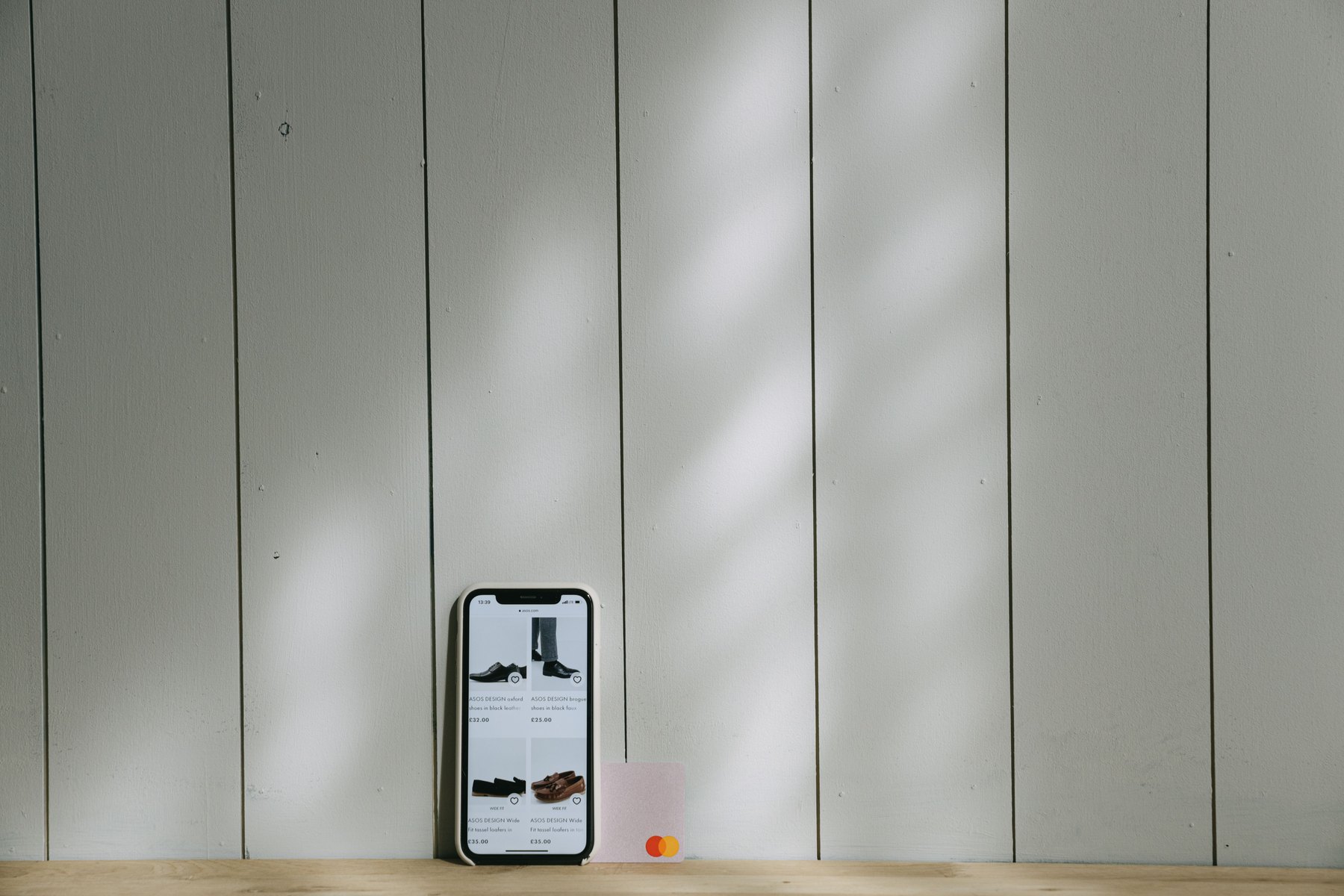
Below are common, practical use cases. Each one has a slightly different “best fit” based on speed, fees, and how the recipient wants to receive the money.
1) Splitting rent and utilities with roommates
Typical pattern: One person pays the landlord or utility company, then roommates reimburse their share.
- What people like: quick reimbursements, a clear memo like “June electric”
- What to watch: whether the app charges for instant transfers or credit card funding
- Decision rule: if you do this monthly, prioritize a method with low fees and predictable delivery, even if it is not instant
2) Paying a babysitter, cleaner, or dog walker
Typical pattern: a one-time or weekly payment to an individual.
- What people like: fast payment after the job is done
- What to watch: confirm the correct username or phone number before sending
- Decision rule: if you need a receipt trail, use a clear note and keep confirmations
3) Sending family support or emergency help
Typical pattern: sending $50 to $500 quickly when someone is short on groceries, gas, or a bill.
- What people like: speed, especially if the recipient can access funds immediately
- What to watch: scams and impersonation, especially during “urgent” requests
- Decision rule: if the request is urgent and unusual, verify through a second channel (call a known number)
4) Paying small businesses and online sellers
Typical pattern: paying a seller for a used item, a deposit, or a service.
- What people like: convenience and avoiding cash
- What to watch: peer-to-peer transfers may not include purchase protections, and scammers often push “friends and family” style payments
- Decision rule: if you do not know the seller, consider payment methods with stronger dispute options
5) Moving money between your own accounts
Typical pattern: transferring money from a checking account to a separate spending account, or moving funds to a debit card quickly.
- What people like: faster access than some bank-to-bank transfers
- What to watch: holding a large balance in an app can add risk if your phone is compromised
- Decision rule: keep only what you plan to spend soon in an app balance, and store the rest in your bank account
Money transfer apps compared: real options and what to check
There is no single best app for everyone. The right pick depends on whether you need international transfers, instant cash-out, merchant payments, or simple person-to-person transfers. Here are recognizable options people commonly use, plus what to compare.
| Option | Best fit | What to compare | Main drawback |
|---|---|---|---|
| Venmo | Splitting bills with friends, casual reimbursements | Instant transfer fee, privacy settings, bank link options | Payments can be hard to reverse if sent to the wrong person |
| Cash App | Fast peer-to-peer transfers and optional debit card use | Cash-out speed options, fees for instant transfers, account verification steps | Scammers often target popular P2P platforms, so verification matters |
| Zelle | Bank-to-bank transfers to people you trust | Which banks support it, transfer limits, delivery speed | Limited dispute options for authorized payments |
| PayPal | Online purchases and paying sellers, some international use | Goods and services vs friends and family options, currency conversion, withdrawal fees | Fees can vary by transaction type and funding source |
| Apple Cash (Apple Pay) | iPhone users sending money in Messages | Bank transfer timing, identity verification, device security settings | Works best inside the Apple ecosystem |
| Google Pay | Android users and Google account based transfers | Supported banks/cards, transfer timing, security controls | Features can vary by country and account setup |
| Wise | International transfers with transparent exchange rate details | Exchange rate, transfer fees, delivery time, recipient bank details needed | Not designed for casual “split dinner” social payments |
| Western Union | International transfers and cash pickup options | Total fees, exchange rate markup, pickup locations, transfer speed | Costs can be higher depending on route and speed |
Fees, limits, and timing: a practical checklist
Before you choose an app for a specific transfer, check these items. They are where most surprises happen.
| Item to check | Why it matters | What to look for |
|---|---|---|
| Funding source | Fees can change based on whether you use a bank account, debit card, or credit card | Whether credit card funding is allowed and what it costs |
| Instant transfer fee | “Instant” often costs extra | Fee amount or percentage, and any caps |
| Standard transfer timing | Free transfers may take longer | Typical business day range and cutoff times |
| Transfer limits | Limits can block large rent payments or emergency transfers | Daily and weekly limits, and whether verification increases them |
| International availability | Not all apps support cross-border transfers | Supported countries, currencies, and recipient methods |
| Chargeback and dispute options | Authorized transfers can be hard to undo | Whether the app offers purchase protection for certain transaction types |
| Account security | Phone takeover and phishing can lead to losses | Two-factor authentication, passcode, biometric login, alerts |
What this looks like with real numbers
People often ask, “Should I pay the fee for instant transfer?” or “How much should I keep in the app?” Here are three concrete scenarios with allocations that add up.
Scenario A: Roommates reimbursing rent and utilities
Monthly shared bills total $2,400. Three roommates split it evenly.
- Rent paid by Roommate 1: $2,100
- Utilities paid by Roommate 1: $300
- Each roommate share: $800
Allocation example for Roommate 2 on payday (total $800 owed):
- $800 sent via a standard (free) transfer if it will arrive before the due date
- $0 kept in app balance after sending
Decision rule: if the landlord is due in 5 days, a standard transfer is usually fine. If the due date is tomorrow and late fees are likely, compare the instant transfer fee against the potential late fee and stress cost.
Scenario B: Supporting a parent with a monthly bill
You send $250 each month to help cover a phone bill and prescriptions.
Monthly allocation (total $250):
- $250 scheduled or sent on the 1st of the month
- $0 left sitting in the app after the transfer
Decision rule: if this is recurring, prioritize reliability and low fees over “instant.” If the recipient needs cash access, confirm how they withdraw and whether that triggers fees.
Scenario C: A weekend trip with friends (shared costs)
Total shared costs are $1,050 for a 3-day trip. One person pays upfront, then everyone settles up.
- Hotel deposit: $450
- Gas: $150
- Groceries: $150
- Tickets: $300
Three friends splitting equally means $350 each. Example settlement plan for one friend (total $350):
- $200 sent immediately after the hotel deposit posts
- $150 sent after the final receipts are shared
- $0 kept in the app balance after each payment
Decision rule: split payments when totals are uncertain. Use clear memos like “Hotel deposit” and “Final settle-up” so everyone can reconcile.
Decision rules by timeline: when speed matters
Transfers are not just about convenience. Timing changes what you should optimize for.
Under 1 year (today to 12 months)
- If the payment is time-sensitive (rent due, urgent support), compare instant transfer fees vs consequences of being late.
- If it is not time-sensitive, default to standard transfers to reduce fees.
- Keep app balances small, roughly what you expect to spend in the next 1 to 2 weeks.
1 to 3 years
- If you regularly send money to the same people, standardize: pick one method, confirm usernames, and set a routine.
- Track recurring transfers like any other bill so they do not crowd out savings goals.
3 to 7 years
- Use money transfer apps mainly as a payments tool, not as a place to store larger savings.
- If you are building an emergency fund, consider keeping it in an FDIC-insured bank account rather than an app balance.
7+ years
- Long-term goals usually call for stable systems: bank accounts, automated bill pay, and clear records.
- Use transfer apps for convenience, but keep your long-term plan separate from day-to-day payment tools.
Common mistakes and how to avoid them
Sending to the wrong person
- Confirm the recipient in person the first time, or verify via a known phone number.
- Send a small test amount (like $1) before a large transfer if the app allows it.
- Double-check the last 4 digits of the phone number or the exact username.
Paying a stranger with a peer-to-peer transfer
- If you are buying something, check whether the platform offers a purchase-protected option and what it costs.
- Be cautious when a seller insists on a specific method that is hard to dispute.
Using a credit card without understanding the cost
- Some apps treat credit card funded transfers as cash-like transactions or charge fees.
- Compare the fee to alternatives like a bank transfer or debit card payment.
Keeping too much money in the app
- Decide on a cap, such as $50 to $300 for casual spending, depending on your habits.
- Move extra funds back to your bank account after you receive money.
Security habits that matter for money transfer apps
Most losses happen because of social engineering, phishing, or account takeover, not because the app “glitched.” Practical steps:
- Turn on two-factor authentication if available.
- Use a unique, strong password and a phone lock screen.
- Do not share verification codes.
- Set transaction alerts so you see transfers immediately.
- Be skeptical of urgent requests, especially if the story is unusual.
If you think you have been scammed or your account is compromised, act quickly: secure your email and phone account, change passwords, and contact the app support. The FTC has steps for reporting scams and identity issues at consumer.ftc.gov.
How to choose the right app for your situation
Use this quick selection logic:
- If you are paying someone you trust and both of you bank in the US: compare Zelle through your banks vs a P2P app, focusing on limits and timing.
- If you are paying for goods or services online: compare options that clearly label purchase-protected transactions, and read the fee details.
- If you need international transfers: compare total cost including exchange rate and delivery method. Wise and Western Union are common starting points to compare.
- If you need cash pickup: compare services that support pickup locations and verify recipient requirements.
Recordkeeping and budgeting: make transfers easier to track
Money transfer apps can blur the line between spending and bills. A few habits make it easier:
- Use consistent memos: “Rent July,” “Electric June,” “Trip settle-up.”
- Screenshot or export transaction history monthly if you rely on it for budgeting.
- Match transfers to categories in your budget so reimbursements do not look like extra income.
Where to learn more and check your financial footing
- For help understanding payment scams and how to respond: FTC consumer guidance
- For broader consumer finance tools and complaint options: Consumer Financial Protection Bureau
- To check your credit reports for free (useful if you suspect identity theft): AnnualCreditReport.com
- To understand deposit insurance basics for bank accounts: FDIC
Bottom line
Money transfer apps are most useful when you match the tool to the task: low-fee standard transfers for routine reimbursements, careful verification for urgent help, and stronger protections when paying for goods and services. Compare fees, limits, timing, and dispute options before you rely on any single app for important payments.


