

Wifi Router Prices FCC Ban: What It Could Mean for Your Budget and Internet Bill

Wifi router prices FCC ban questions are popping up because rules about what equipment can be sold or used can ripple into what you pay at checkout and on your monthly internet bill.
Contents
23 sections
-
What "FCC ban" can mean for home WiFi routers
-
Wifi router prices FCC ban: the real ways costs can change
-
1) Fewer models available can raise prices
-
2) Rental equipment can become the default
-
3) Replacement cycles can speed up
-
4) Used market risk increases
-
5) Financing temptations rise
-
Router buying vs renting: a cost comparison with real numbers
-
Named router options to compare (and what to watch)
-
Before you buy: a practical checklist that prevents wasted money
-
If prices jump: smart ways to pay without overpaying
-
Decision rules by timeline
-
Three example budgets (with allocations that add up)
-
How router costs can affect your broader finances
-
Watch for "small monthly" fees that behave like debt
-
If you finance the purchase, compare total cost
-
How to avoid scams and bad deals during a "ban" rumor cycle
-
When renting can still be the better choice
-
Quick decision matrix: what should you do next?
-
If your WiFi is slow
-
If you are shopping because of "FCC ban" news
-
Helpful places to verify consumer rights and billing issues
-
Bottom line
This topic can get confusing fast because “FCC ban” may refer to different actions: restrictions on certain radio equipment, enforcement against noncompliant devices, or policy changes that affect how internet providers handle customer owned equipment. The practical takeaway is simpler: if certain routers are restricted or pulled from shelves, supply can tighten, prices can shift, and households may be pushed toward renting equipment from their internet service provider (ISP) or buying a different model.
Below is a practical guide to how router pricing works, what an FCC related restriction could change, and how to make a cost smart decision if you need to replace or upgrade your home WiFi.
What “FCC ban” can mean for home WiFi routers
The Federal Communications Commission (FCC) regulates radio frequency devices, including WiFi routers, to help ensure they operate within approved technical limits. When people say “ban,” they often mean one of these situations:
- Sales restrictions or recalls – a model may be removed from retail channels if it is found noncompliant.
- Import or marketing enforcement – sellers may be told to stop importing or advertising certain devices.
- Rule changes – updates to technical standards can make older devices less attractive or harder to support.
- ISP policy shifts – sometimes the bigger impact is indirect: providers adjust approved device lists, support policies, or rental pricing.
If you are trying to verify what is actually happening, start with the FCC’s consumer resources and announcements. You can browse the FCC at https://www.fcc.gov/.
Wifi router prices FCC ban: the real ways costs can change
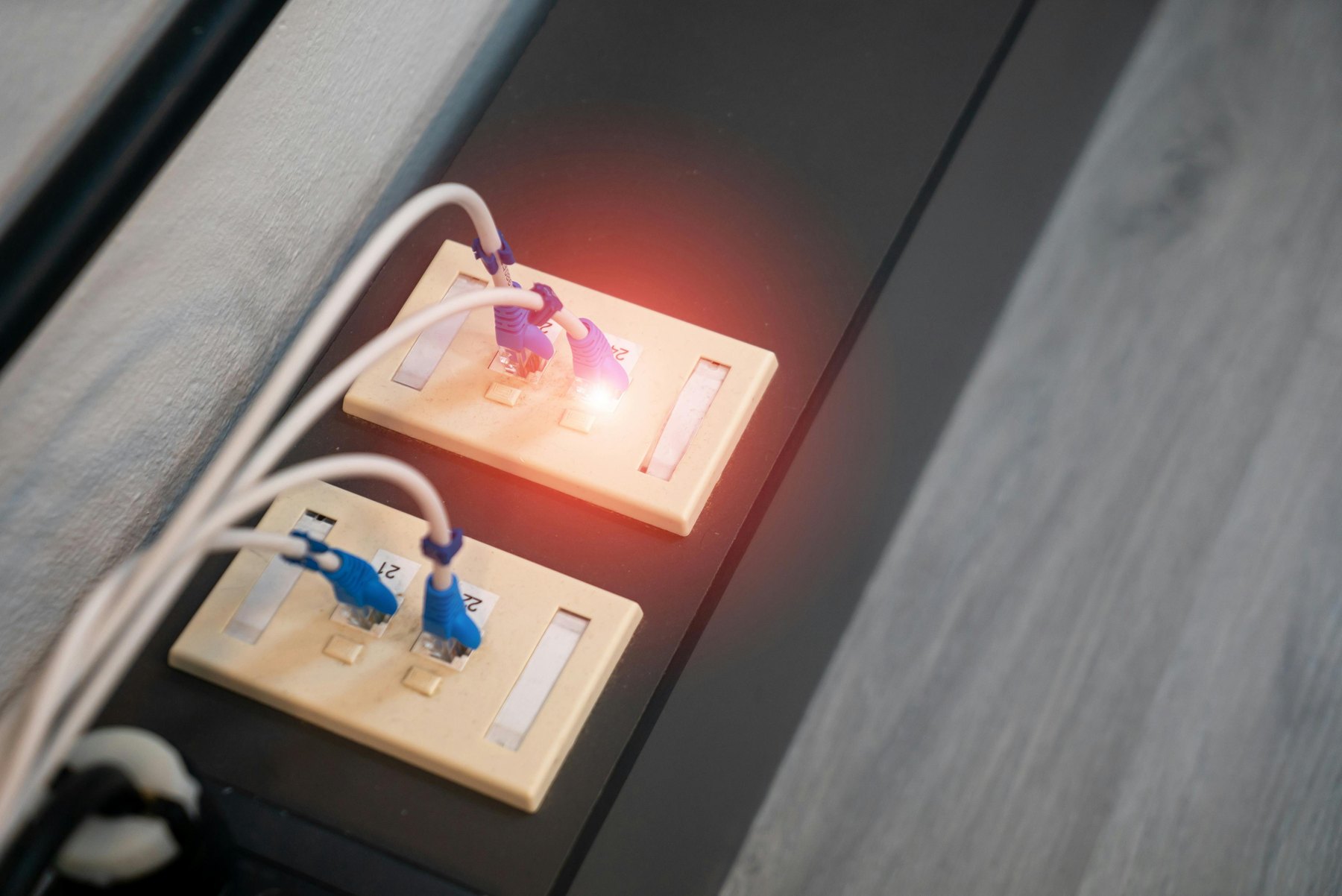
Even if you never read an FCC docket, you can still feel the effects in your wallet. Here are the most common price channels:
1) Fewer models available can raise prices
If a popular low cost router is pulled from major retailers, shoppers may have fewer budget options. That can push buyers toward midrange models, raising the average amount paid upfront.
2) Rental equipment can become the default
When people cannot find a compatible or affordable router quickly, they often accept an ISP rental. Rental fees can look small monthly but add up over time.
3) Replacement cycles can speed up
If a router is no longer supported with firmware updates or becomes incompatible with a provider’s network changes, households may replace sooner than planned.
4) Used market risk increases
When new inventory is tight, more shoppers look at used routers. That can be fine, but it increases the chance of buying a device with outdated security, missing parts, or unclear compliance history.
5) Financing temptations rise
Higher upfront prices can lead some buyers to use “buy now, pay later,” store financing, or credit cards. That is not automatically bad, but the total cost depends on APR, fees, and how quickly you repay.
Router buying vs renting: a cost comparison with real numbers
Most households face a simple decision: buy your own router or rent one from your ISP. The cheapest option depends on the rental fee, how long you keep the service, and whether you need premium features.
| Scenario | Example cost inputs | 2 year cost | 4 year cost | Notes |
|---|---|---|---|---|
| Rent from ISP | $12 per month rental | $288 | $576 | May include support and automatic swaps |
| Buy budget router | $90 upfront | $90 | $90 | Assumes it meets your speed and coverage needs |
| Buy midrange router | $180 upfront | $180 | $180 | Often better coverage and longevity |
| Buy mesh system | $300 upfront | $300 | $300 | Useful for larger homes or dead zones |
Decision rule: if your ISP charges $10 to $15 per month, buying often costs less if you expect to keep service for 18 to 24 months or more. Renting can still make sense if you move frequently, want easy replacements, or need a gateway device that combines modem and router and your provider requires a specific model.
Named router options to compare (and what to watch)
If an FCC related restriction reduces availability of certain models, you may be choosing among a smaller set of familiar brands. The goal is not to pick a “best” router for everyone, but to compare fit, total cost, and compatibility with your internet plan.
| Option | Best fit | What to compare | Main drawback |
|---|---|---|---|
| TP-Link (Archer, Deco) | Value focused buyers, mesh on a budget | WiFi standard (WiFi 6 or 6E), update support, app features | Some models have shorter support windows than premium brands |
| NETGEAR (Nighthawk, Orbi) | Higher speeds, larger homes with mesh | Range, backhaul options, warranty, security features | Higher upfront cost; some features may require subscriptions |
| ASUS (RT series, ZenWiFi) | Power users, customization, gaming households | Firmware updates, parental controls, QoS, mesh expandability | Interface can be complex for beginners |
| eero (Amazon) | Easy setup, stable mesh coverage | Mesh performance, number of nodes needed, subscription add ons | Advanced features may be paywalled |
| Google Nest Wifi / Nest Wifi Pro | Simple management, smart home friendly | Coverage per node, WiFi standard, Ethernet ports | Fewer advanced controls than enthusiast routers |
| Linksys (Velop) | Mesh with flexible configurations | Tri band vs dual band, node pricing, app reliability | Value varies widely by model generation |
Quick compatibility check: if you have cable internet, you may also need a cable modem unless your ISP provides a gateway. If you have fiber, you may be plugging your router into an optical network terminal (ONT) or provider gateway. Always confirm what your ISP supports before you buy, especially if provider policies tighten after a compliance change.
Before you buy: a practical checklist that prevents wasted money
Use this list to avoid paying for features you cannot use or buying a router that will not solve your problem.
| Check | Why it matters | How to verify | Cost impact |
|---|---|---|---|
| ISP plan speed | A very fast router will not fix a slow plan | Look at your bill or ISP account | Prevents overbuying |
| Home size and layout | Walls and floors reduce coverage | Note dead zones and router location options | May justify mesh vs single router |
| WiFi standard | WiFi 6 and 6E can improve capacity and latency | Check router specs and your device capabilities | Affects price tier |
| Ethernet needs | Gaming, work PCs, and smart TVs may need ports | Count wired devices and switch needs | May require a switch purchase |
| Security updates | Old firmware can be risky | Check manufacturer support pages and last update dates | May steer you away from older discounted models |
| Return policy | Coverage issues are hard to predict | Confirm return window and restocking fees | Reduces downside if it underperforms |
If prices jump: smart ways to pay without overpaying
If a router shortage or model pullback raises prices, the financing choice matters as much as the sticker price. Here are practical decision rules that keep total cost in check.
Decision rules by timeline
- Under 1 year: prioritize minimizing interest. If you use a credit card, aim to pay it off within a few statements. Consider delaying a nonessential upgrade and repositioning the router for better coverage.
- 1 to 3 years: buying a reliable midrange router often beats renting if you stay with the same ISP. Compare the expected ownership period to the rental fee break even point.
- 3 to 7 years: focus on durability and update support. A slightly higher upfront cost can be reasonable if it avoids multiple replacements.
- 7+ years: plan for at least one technology refresh. WiFi standards, security expectations, and ISP equipment requirements can change.
Three example budgets (with allocations that add up)
Example 1: $120 total budget, small apartment
- $90 router (single unit)
- $20 Ethernet cable and basic surge protector
- $10 buffer for tax or shipping
Example 2: $250 total budget, medium home with dead zones
- $200 entry mesh kit (2 nodes)
- $30 unmanaged Ethernet switch (if you need more ports)
- $20 cables
Example 3: $450 total budget, heavy work from home and gaming
- $320 higher performance mesh or premium router
- $80 additional mesh node or better switch
- $50 for cabling, wall mounts, or a UPS battery backup
These are example allocations, not price quotes. Always check current pricing and confirm the model meets your ISP and home needs.
How router costs can affect your broader finances
A router is not a loan product, but it can still influence your monthly cash flow and credit decisions.
Watch for “small monthly” fees that behave like debt
An ISP rental fee is a recurring charge. If you are also carrying credit card balances, even small recurring fees can make it harder to pay down higher APR debt. A simple approach is to compare:
- Monthly rental fee vs one time purchase
- Interest cost if you finance the purchase on a card
- Time you expect to keep the service
If you finance the purchase, compare total cost
If you use a credit card or a pay over time plan, focus on:
- APR after any promotional period
- Fees (late fees, deferred interest terms)
- Payment schedule and whether it fits your budget
If you are working on your credit, you can review your credit reports for accuracy at https://www.annualcreditreport.com/.
How to avoid scams and bad deals during a “ban” rumor cycle
Whenever headlines mention bans or shortages, scam listings and misleading ads tend to increase. Practical steps that reduce risk:
- Buy from reputable retailers and verify the exact model number.
- Avoid “too cheap” listings for new in box routers from unknown sellers.
- Confirm return eligibility before you buy.
- Skip used routers if you cannot confirm factory reset, included power supply, and update support.
For general guidance on spotting and reporting scams, the FTC’s consumer site is a solid starting point: https://consumer.ftc.gov/.
When renting can still be the better choice
Buying is not always the cheapest in practice. Renting may be worth considering if:
- You need a combined modem router gateway that your ISP requires.
- You want easy troubleshooting and replacements handled by the provider.
- You move often or expect to switch ISPs within a year.
- You are in a temporary living situation and want minimal setup time.
If you rent, ask your ISP what the monthly fee is, whether it can increase, whether there is an activation fee, and whether you can switch to customer owned equipment later without penalties.
Quick decision matrix: what should you do next?
If your WiFi is slow
- Run a speed test near the router and far away.
- If speeds are good near the router but bad far away, you likely need better placement, a mesh system, or a wired access point.
- If speeds are bad everywhere, check your ISP plan, modem, and line issues before buying new hardware.
If you are shopping because of “FCC ban” news
- Verify whether your specific model is affected rather than panic buying.
- Prioritize models with strong update support and clear retailer return policies.
- Compare the break even point between renting and buying using your ISP’s monthly fee.
Helpful places to verify consumer rights and billing issues
If your concern is less about the router itself and more about billing, fees, or disputes with a provider, these sources can help you understand common consumer protections and complaint pathways:
- Consumer Financial Protection Bureau: https://www.consumerfinance.gov/
- Federal Trade Commission consumer guidance: https://consumer.ftc.gov/
Bottom line
Wifi router prices FCC ban concerns matter because equipment restrictions and compliance enforcement can change what is available, what it costs, and whether households end up renting by default. The best money move is usually the one that minimizes total cost over the time you will use the service: compare rental fees to purchase price, confirm ISP compatibility, and prioritize security update support so you are not forced into another replacement too soon.


