

5 Best Crypto Trading Apps (And How to Choose One)

The best crypto trading apps can make it easier to buy, sell, and track digital assets, but the “best” choice depends on your fees, security preferences, and how you plan to trade.
Contents
24 sections
-
What to look for in a crypto trading app
-
1) Fees: trading, spread, and withdrawals
-
2) Security and account protections
-
3) Custody: exchange account vs wallet control
-
4) Coins, networks, and availability
-
5) Trading tools and order types
-
6) Customer support and transparency
-
Best crypto trading apps: 5 options to compare
-
Quick notes on each app
-
Fee and risk checklist (use this before you deposit money)
-
What this looks like with real numbers
-
Scenario A: New investor with $1,000 to start
-
Scenario B: Moderate saver with $5,000 available
-
Scenario C: Higher-risk tolerance with $20,000 earmarked for investing
-
Decision rules by timeline
-
Under 1 year
-
1 to 3 years
-
3 to 7 years
-
7+ years
-
How to choose between these apps (a simple scoring method)
-
Common mistakes to avoid
-
Safety and fraud checks before you download any app
-
Taxes and reporting basics to plan for
-
Bottom line: pick the app that matches your habits
Some apps are built for beginners who want simple recurring buys. Others focus on advanced order types, charting, and lower trading costs. The right fit also depends on where you live, which coins you want, and whether you prefer a custodial app (the platform holds your crypto) or self-custody (you control the wallet keys).
What to look for in a crypto trading app
Before comparing specific platforms, decide what matters most to you. A good app for one person can be a poor fit for another if the fee structure or custody model does not match their habits.
1) Fees: trading, spread, and withdrawals
- Trading fees: Many exchanges charge a percentage per trade. Some use maker-taker pricing that rewards limit orders.
- Spread: Some “simple buy” screens bake costs into a wider spread between buy and sell prices. This can matter more than the posted fee.
- Deposit and withdrawal fees: Check bank transfer costs, card purchase fees, and crypto withdrawal fees (plus network fees).
Decision rule: If you trade frequently, prioritize transparent trading fees and tight spreads. If you buy monthly and hold, you may care more about easy recurring purchases and safe storage.
2) Security and account protections
- Two-factor authentication (2FA): Prefer authenticator app or hardware key options over SMS when available.
- Withdrawal controls: Look for address allowlists, withdrawal holds, and device management.
- Storage practices: Many platforms use cold storage for a portion of assets. Verify what they disclose and what protections apply.
Practical step: Turn on 2FA, use a unique password, and review login devices at least monthly. If the app supports it, enable withdrawal allowlisting.
3) Custody: exchange account vs wallet control
Most trading apps are custodial, meaning the platform holds the crypto on your behalf. That can be convenient, but it also means your access depends on the platform’s controls and policies. If you want self-custody, you may prefer an app that supports easy transfers to your own wallet or integrates with a wallet you control.
4) Coins, networks, and availability
Coin selection varies, and so do supported networks for deposits and withdrawals. Always confirm:
- Whether the coin is available in your region
- Which network you can use to deposit or withdraw (sending on the wrong network can cause loss)
- Minimums and limits for transfers
5) Trading tools and order types
- Basic: market and limit orders, recurring buys, price alerts
- Advanced: stop orders, OCO orders, depth charts, advanced charting, API access
Decision rule: If you cannot explain how a tool works (like leverage or margin), avoid it until you can describe the downside in one sentence.
6) Customer support and transparency
Look for clear fee schedules, published help docs, and responsive support channels. In fast-moving markets, slow support can turn a small issue into a large one.
Best crypto trading apps: 5 options to compare
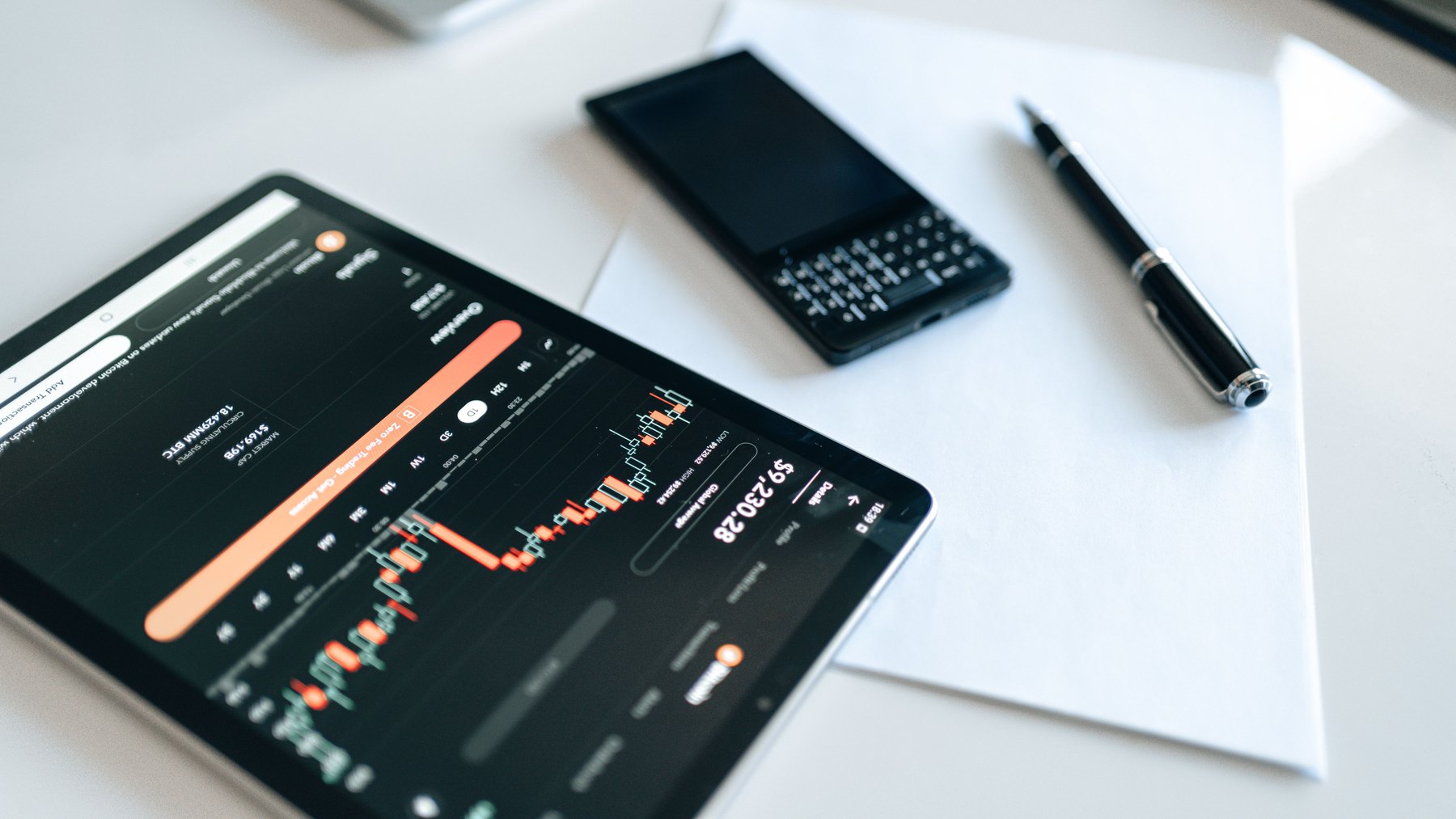
Below are five widely known crypto trading apps. Availability, features, and fees can change, so verify current details in the app before funding an account.
| Option | Best fit | What to compare | Main drawback |
|---|---|---|---|
| Coinbase | Beginners who want a simple interface and broad U.S. availability | Simple vs advanced trading fees, spreads, withdrawal costs, coin availability | Costs can be higher on simple purchase flows if you do not use advanced trading |
| Kraken | Users who want strong security features and more advanced trading tools | Maker-taker fees, supported assets in your region, funding methods, withdrawal fees | Interface can feel complex for first-time buyers |
| Gemini | Users who value a regulated, compliance-forward platform experience | Trading fees, supported coins, custody and transfer options, account protections | Coin selection and features may be more limited than some competitors |
| Crypto.com | Mobile-first users who want an all-in-one app with multiple crypto features | Spreads, trading fees, withdrawal fees, rewards terms, supported networks | Costs can be harder to estimate if pricing is spread-based |
| Robinhood Crypto | People who want a simple trading experience alongside stocks and ETFs | Spreads, transfer availability, coin selection, order types, account protections | May offer fewer advanced crypto tools and fewer assets than dedicated exchanges |
Quick notes on each app
- Coinbase: Often considered user-friendly. If you trade actively, compare the advanced trading interface fees versus the simple buy screen.
- Kraken: Known for robust security options and advanced features. Confirm funding options and regional availability.
- Gemini: Emphasizes compliance and security. Compare fees carefully and confirm which coins and services are available where you live.
- Crypto.com: Feature-rich mobile app. Pay close attention to spreads, withdrawal fees, and the terms of any rewards programs.
- Robinhood Crypto: Simple interface and integration with a broader brokerage account. Confirm transfer and custody options if you plan to move crypto off-platform.
Fee and risk checklist (use this before you deposit money)
Use this checklist to avoid surprises after you sign up.
| Item to check | Where to find it | Why it matters | Good sign |
|---|---|---|---|
| Trading fee schedule | App fee page or order preview | Small percentages add up if you trade often | Clear maker-taker or flat fees shown before you place the trade |
| Spread on simple buys | Compare quoted buy vs sell price | Spread can be a hidden cost | Tight spread and transparent pricing |
| Crypto withdrawal fees and networks | Withdrawal screen | Wrong network can cause loss; fees vary by coin and chain | Multiple network options with clear warnings and confirmations |
| Bank transfer limits and holds | Funding and limits page | Holds can delay withdrawals | Clear timelines for when funds become withdrawable |
| 2FA and security controls | Security settings | Account takeovers are common in financial apps | Authenticator or hardware key support, device management, withdrawal allowlist |
| Customer support access | Help center | Fast help matters when funds are locked or transfers fail | Multiple support channels and clear escalation steps |
What this looks like with real numbers
Crypto can be volatile, so many people treat it as a higher-risk slice of their overall finances. The examples below show how someone might fund a crypto trading app without neglecting near-term needs. These are examples to help you think through tradeoffs, not a one-size-fits-all plan.
Scenario A: New investor with $1,000 to start
- $600 kept in cash savings for short-term needs
- $300 invested in diversified long-term investments (outside the crypto app)
- $100 used for crypto purchases (for example, split into 4 weekly buys of $25)
Why: This limits the chance that a crypto drawdown forces you to sell at a bad time to cover bills.
Scenario B: Moderate saver with $5,000 available
- $3,000 emergency buffer (aiming toward 3 to 6 months of expenses over time)
- $1,500 long-term investing
- $500 crypto allocation (for example, $125 per month for 4 months)
Why: You can participate without making crypto the center of your plan.
Scenario C: Higher-risk tolerance with $20,000 earmarked for investing
- $14,000 diversified long-term investments
- $4,000 cash or short-term reserves for opportunities and taxes
- $2,000 crypto allocation (for example, $250 per month for 8 months)
Why: Spreading buys over time can reduce the regret factor of buying all at once before a dip.
Decision rules by timeline
Your timeline can influence how much risk you can reasonably take and what features you need from an app.
Under 1 year
- Prioritize liquidity and stability. If you might need the money soon, consider keeping most of it in cash savings rather than crypto.
- If you do buy crypto, keep the amount small enough that a large price drop would not disrupt your bills.
- Choose an app with easy cash-out to your bank and clear withdrawal timelines.
1 to 3 years
- Keep your crypto allocation modest unless you can handle volatility without changing plans.
- Compare total costs: spreads, trading fees, and withdrawal fees if you plan to move coins.
- Use recurring buys if you are building a position gradually.
3 to 7 years
- Focus on security, custody choices, and a platform you can stick with.
- Consider whether you want the option to transfer to self-custody later.
- Advanced order types can help manage entries and exits, but only if you understand them.
7+ years
- Prioritize long-term survivability: strong account security, clear policies, and the ability to export records for taxes.
- Consider a plan for custody over time, including whether you will eventually use a hardware wallet.
- Keep diversification in mind so one asset class does not dominate your net worth.
How to choose between these apps (a simple scoring method)
If you are stuck between two or three options, score each app from 1 to 5 in the categories below, then total the points.
- Total cost for your behavior (fees + spread + withdrawal costs)
- Security controls (2FA options, withdrawal protections, device management)
- Ease of use (how quickly you can place the right order without mistakes)
- Coin and network support (assets you want and correct chains for transfers)
- Cash movement (funding methods, holds, and bank withdrawal speed)
- Tax and recordkeeping (transaction history export, statements)
Decision rule: If two apps tie, pick the one with clearer fees and stronger security controls, even if the interface is slightly less flashy.
Common mistakes to avoid
- Buying with a credit card without a plan: Card purchases can come with extra fees and can be risky if you carry a balance.
- Ignoring withdrawal networks: Always confirm the chain (for example, Ethereum vs another network) before sending.
- Leaving security settings at default: Turn on 2FA immediately and review withdrawal settings.
- Overtrading: Frequent trades can increase costs and taxes, and can amplify mistakes.
- Not keeping records: Save transaction histories and confirmations so you can reconcile activity later.
Safety and fraud checks before you download any app
- Download only from the official app store listing and verify the publisher name.
- Be cautious of “support” messages on social media or messaging apps asking for codes or remote access.
- Never share 2FA codes or seed phrases. Legitimate support should not ask for them.
For more on avoiding scams and protecting your accounts, review consumer guidance from the FTC and the CFPB.
Taxes and reporting basics to plan for
Crypto transactions can create tax reporting obligations, including sales, conversions between coins, and sometimes spending crypto. Many apps provide transaction history exports, but you are still responsible for keeping accurate records.
- Track dates, amounts, and cost basis for buys and sells.
- Save CSV exports and monthly statements if available.
- Plan for taxes if you take profits, especially if you trade frequently.
For official information, see the IRS page on virtual currency.
Bottom line: pick the app that matches your habits
When comparing the best crypto trading apps, focus on total costs for how you actually trade, the security controls you will use, and whether the app supports the coins and networks you need. Start small, test deposits and withdrawals, and build a routine that you can maintain without stressing your monthly budget.
If you are also working on broader financial stability, it can help to monitor your credit profile over time. You can check your credit reports for free at AnnualCreditReport.com.


