

Adt Trusted Neighbor Explained

ADT Trusted Neighbor is a program name you may see when researching ADT home security offers, referrals, or local promotions, and it can be confusing if you are trying to compare costs and contracts.
Contents
16 sections
-
What "ADT Trusted Neighbor" usually means
-
ADT Trusted Neighbor: how the offer process typically works
-
Costs to compare before you sign
-
Quick decision rule: treat it like a total cost contract
-
Comparison table: ADT and other recognizable options
-
Dealer vs corporate: why it matters for your contract
-
Budget impact: what it looks like with real numbers
-
Scenario A: Tight budget, focus on stability (monthly take home: $3,200)
-
Scenario B: Moderate budget, balancing debt and safety (monthly take home: $5,000)
-
Scenario C: Higher income, prefer redundancy (monthly take home: $7,500)
-
Timeline decision rules: when a long contract makes sense
-
Checklist: questions to ask about a "Trusted Neighbor" offer
-
How to protect your credit and avoid billing surprises
-
Alternatives if you want security without a long commitment
-
Documents and info to gather before you commit
-
Bottom line: how to evaluate an ADT "Trusted Neighbor" pitch
This guide breaks down what the term generally refers to, how these promotions typically work, what to ask before you sign, and how to compare ADT with other recognizable home security options. Because home security often involves monthly payments and long contracts, it helps to treat the decision like any other borrowing or subscription commitment: compare total cost, cancellation rules, and what happens if your budget changes.
What “ADT Trusted Neighbor” usually means
ADT uses different marketing channels, including referral style programs and local authorized dealer promotions. “Trusted Neighbor” is commonly used to describe a neighbor referral or community based offer where an existing customer, a local representative, or an authorized dealer promotes ADT service in a neighborhood.
What matters for your finances is not the label, but the underlying deal terms. A “Trusted Neighbor” offer could include one or more of the following:
- A promotional price for monitoring for a limited time
- Discounted or included equipment (often tied to a contract term)
- Installation incentives (sometimes “free” but offset by higher monthly cost)
- A referral credit for the person who referred you (and sometimes a credit for you)
- Service sold by an authorized dealer rather than directly by ADT corporate
Because the same phrase can be used in different contexts, the key is to confirm who is selling the contract, what you are committing to, and what the all in cost is over the full term.
ADT Trusted Neighbor: how the offer process typically works
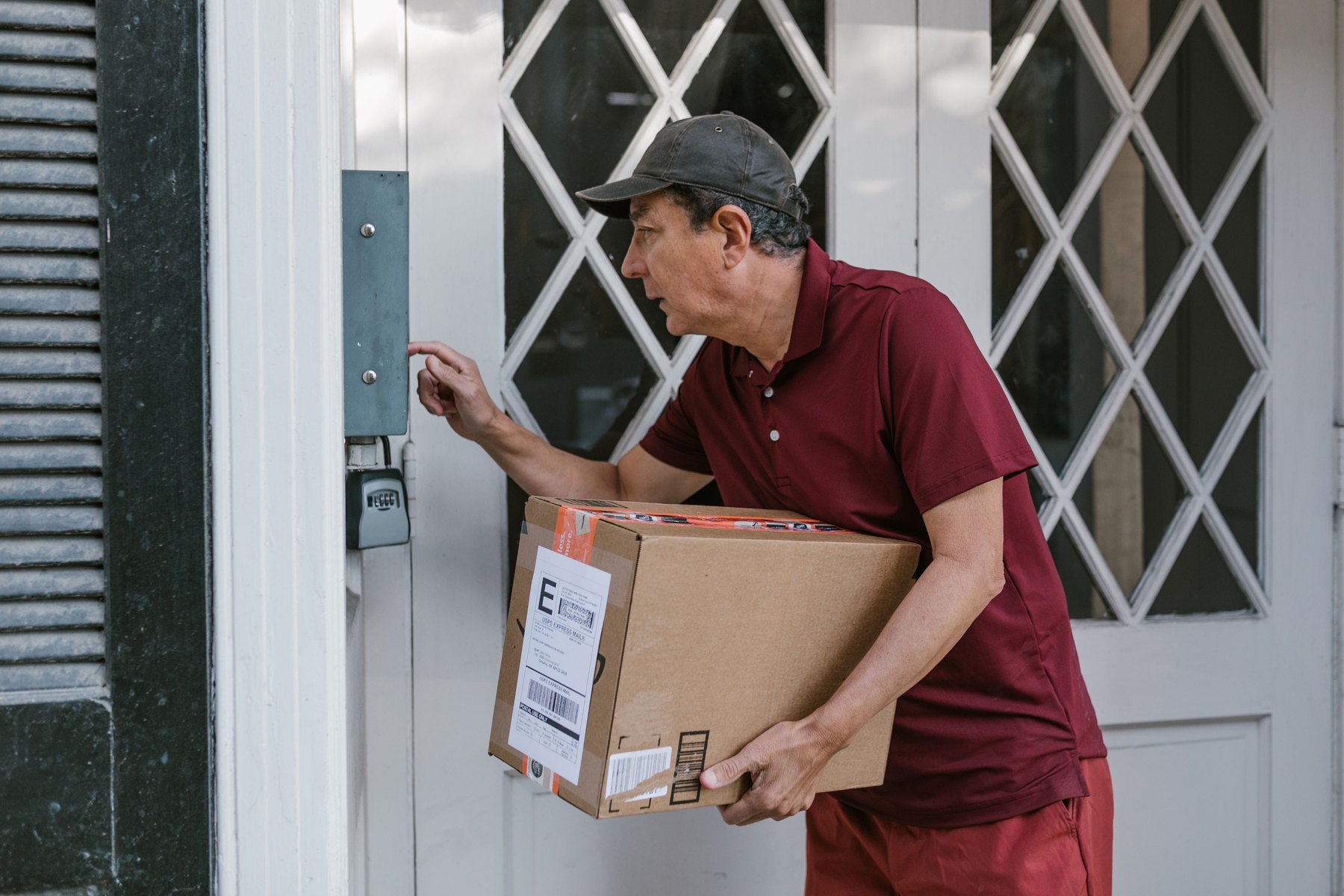
Even if the details vary, many neighborhood style promotions follow a similar flow:
- Initial contact – A door to door rep, a mailer, a neighborhood social post, or a referral link introduces the offer.
- Home assessment – You discuss entry points, cameras, sensors, and whether you want professional monitoring.
- Quote and contract – You receive pricing for equipment, installation, monitoring, and any add ons.
- Install and activation – Equipment is installed and monitoring begins.
- Billing and ongoing service – Monthly charges continue for the contract term, plus taxes and fees where applicable.
Before step 3, slow down and ask for the quote in writing with the full term cost. If the rep cannot provide a clear breakdown, that is a signal to pause and compare alternatives.
Costs to compare before you sign
Home security is not a loan, but it can behave like one financially because you may be committing to a multi year payment stream. Compare these line items:
- Upfront costs – equipment purchase, activation, installation, permits (some cities require alarm permits).
- Monthly monitoring – base plan price, plus any add ons like video storage.
- Contract length – common terms are 24 to 60 months, but you should verify.
- Early termination fee – how it is calculated and whether it declines over time.
- Price changes – whether promotional pricing expires and what the standard rate becomes.
- Equipment ownership – do you own the equipment, lease it, or lose functionality if you cancel.
- Warranty and service calls – what is covered and what costs extra.
Quick decision rule: treat it like a total cost contract
If you are comparing two offers, do not compare only the monthly price. Compare total cost over the minimum term:
- Total cost = upfront costs + (monthly monitoring x months in contract) + expected add ons
Then weigh that against your budget flexibility. A slightly higher upfront cost with a lower monthly bill can be easier to cancel or downgrade later, depending on the contract.
Comparison table: ADT and other recognizable options
Below are well known home security paths people compare. Availability, features, and pricing can change, so use this as a checklist of what to evaluate rather than a ranking.
| Option | Best fit | What to compare | Main drawback |
|---|---|---|---|
| ADT (including neighborhood or “Trusted Neighbor” promos) | People who want professional monitoring and a full service install | Contract term, early termination fee, promo vs standard price, dealer vs corporate contract | Can involve long contracts and higher total cost |
| Vivint | Smart home focused setups with professional install | Equipment financing terms, contract length, monthly monitoring, cancellation rules | May be expensive over time and contract terms matter |
| SimpliSafe | DIY install with optional monitoring | Upfront equipment cost, month to month monitoring, camera storage fees | DIY setup and troubleshooting are on you |
| Ring Alarm (Amazon) | Budget minded DIY with app based ecosystem | Subscription tiers, camera storage, compatibility, total cost with multiple cameras | Feature set depends on subscriptions and internet reliability |
| Frontpoint | DIY with stronger equipment bundles and monitoring | Equipment pricing, monitoring contract, cellular backup options | Costs can add up with higher tier plans |
| Abode | DIY with flexible smart home integrations | Monitoring options, integrations, upfront equipment, app features | Some features may require higher tier plans |
Dealer vs corporate: why it matters for your contract
One reason “Trusted Neighbor” offers can feel inconsistent is that some are sold through authorized dealers. That does not automatically make an offer bad, but it does change what you should verify.
Ask these questions and get the answers in writing:
- Who is the contracting party? Is your agreement with ADT or with a dealer that provides ADT branded service?
- Where do you send cancellation notices? Get the exact address or process.
- What happens if you move? Can you transfer service, and are there fees?
- What is the dispute process? Who handles billing issues and equipment problems?
Budget impact: what it looks like with real numbers
Security systems can compete with other priorities like paying down credit cards, building an emergency fund, or saving for a move. Here are three sample monthly budget allocations to show how a monitoring bill might fit. These are examples, not targets.
Scenario A: Tight budget, focus on stability (monthly take home: $3,200)
- Rent and utilities: $1,650
- Groceries and household: $450
- Transportation: $350
- Minimum debt payments: $300
- Emergency fund savings: $250
- Phone and internet: $160
- Insurance and medical: $120
- Security monitoring: $40
- Miscellaneous: $ – 120 (gap)
In this scenario, adding $40 creates a shortfall. Decision rule: if a new monthly bill creates a gap, either reduce another category, choose a lower cost option, or delay until you have room.
Scenario B: Moderate budget, balancing debt and safety (monthly take home: $5,000)
- Mortgage and utilities: $2,100
- Groceries and household: $650
- Transportation: $550
- Debt payments above minimum: $500
- Emergency fund savings: $400
- Retirement investing: $350
- Phone and internet: $180
- Security monitoring: $55
- Miscellaneous: $215
Here the monitoring cost fits without crowding out debt payoff or savings. Decision rule: if you can cover the bill and still save at least a small amount monthly, the commitment is less likely to strain your finances.
Scenario C: Higher income, prefer redundancy (monthly take home: $7,500)
- Mortgage and utilities: $2,800
- Groceries and household: $900
- Transportation: $800
- Childcare and school: $1,200
- Debt payments: $400
- Emergency fund savings: $600
- Investing: $700
- Security monitoring and subscriptions: $90
- Miscellaneous: $110
This budget can support a higher tier plan, but the best value still depends on contract flexibility and total cost.
Timeline decision rules: when a long contract makes sense
Security contracts often run multiple years. Use your likely housing timeline as a practical filter.
- Under 1 year: Favor month to month monitoring and DIY equipment you can take with you. Avoid long contracts unless the transfer terms are clear and low cost.
- 1 to 3 years: A contract may work if the total cost is competitive and you are confident you will stay put. Prioritize clear early termination terms.
- 3 to 7 years: You can consider longer terms if the equipment and monitoring meet your needs and the company has a solid service track record in your area.
- 7+ years: Focus on upgrade paths and total cost of ownership. Technology changes, so ask how often equipment needs replacement and what that costs.
Checklist: questions to ask about a “Trusted Neighbor” offer
| Question | Why it matters | What to look for |
|---|---|---|
| Is this offer through ADT corporate or an authorized dealer? | Contract terms and support channels can differ | Company name on the contract and billing statements |
| What is the total cost over the full contract term? | Promos can hide higher long term costs | Written breakdown: upfront + monthly x months + add ons |
| When does promotional pricing end? | Your bill may increase later | Exact month the standard rate applies |
| What is the early termination fee and how is it calculated? | Leaving early can be expensive | Whether it declines over time and any notice requirements |
| Do I own the equipment? | Ownership affects resale, reuse, and cancelation value | Owned vs leased, and what happens if you cancel |
| Is cellular backup included? Is there a battery backup? | Reliability affects real world protection | What works during power or internet outages |
| Are permits required in my city? | Permits can add cost and hassle | Who applies and who pays |
How to protect your credit and avoid billing surprises
Some security contracts involve credit checks, equipment financing, or third party billing. Steps that can reduce unpleasant surprises:
- Read the payment authorization: confirm whether autopay is required and what happens if a payment fails.
- Keep a copy of the signed agreement: save the contract PDF, the itemized quote, and any email promises.
- Track the first 2 bills: confirm the promo price, taxes, and add ons match what you agreed to.
- Know your credit report options: you can check your credit reports for accuracy at AnnualCreditReport.com.
- Report unfair billing or deceptive sales practices: the Consumer Financial Protection Bureau and the Federal Trade Commission provide complaint and consumer guidance resources.
Alternatives if you want security without a long commitment
If the “Trusted Neighbor” offer includes a long term contract and you are not sure you want that obligation, consider these approaches:
- DIY system with optional monitoring: often easier to pause, downgrade, or cancel.
- Cameras only: lower monthly cost, but you may trade off professional monitoring.
- Layered physical security: better locks, motion lighting, and window sensors can reduce risk without a contract.
If you are comparing costs, also confirm whether your homeowners or renters insurance offers any discount for monitored security and what documentation is required. Discounts vary and are not guaranteed.
Documents and info to gather before you commit
| Item | Why you need it | Tips |
|---|---|---|
| Photo ID and basic contact info | Account setup and verification | Confirm how your data is stored and shared |
| Home layout and entry points | Accurate equipment quote | List doors, accessible windows, garage, and basement entries |
| Wi-Fi details and router location | Camera and hub placement | Ask about cellular backup if internet is unreliable |
| Landlord permission (renters) | Avoid lease violations | Prefer non-invasive mounting if needed |
| Local permit requirements | Avoid fines and delays | Check your city or county website or ask the installer |
Bottom line: how to evaluate an ADT “Trusted Neighbor” pitch
The phrase “Trusted Neighbor” is less important than the contract and the total cost. If you like the equipment and monitoring, focus on getting clear written answers about who holds the contract, how pricing changes after promotions, and what it costs to cancel or move.
A simple way to decide is to compare at least three quotes using the same equipment list and the same time horizon. If you are likely to move soon or you want maximum flexibility, prioritize month to month options and equipment you can take with you. If you plan to stay and you value professional installation and monitoring, a longer term plan may be worth considering as long as the total cost and exit terms fit your budget.
For more background on monitoring, billing disputes, and consumer protections, you can also review general guidance from the FDIC on managing financial accounts and avoiding common pitfalls with recurring payments.


