

Best Carbon Monoxide Detectors to Compare Before You Choose

The best carbon monoxide detectors are the ones that fit your home layout, power setup, and budget while meeting current safety standards. This guide walks through what to compare, which well known models and brands to put on your shortlist, and how to think about total cost over time so you can choose confidently.
Contents
25 sections
-
What to compare before buying a carbon monoxide detector
-
1) Power type: battery, plug in, or hardwired
-
2) Sensor type and lifespan
-
3) Display and alerts
-
4) Interconnection
-
5) Certifications and standards
-
6) Total cost of ownership
-
Best carbon monoxide detectors: models and brands to compare
-
How many detectors do you need and where should they go?
-
Quick placement checklist
-
Budgeting for carbon monoxide detectors with real numbers
-
Rule of thumb: think in 5 to 10 year cycles
-
Three sample budgets that add up
-
When paying for detectors, should you use cash, a credit card, or financing?
-
Decision rules by timeline
-
Cost comparison example (simple math)
-
Combination smoke and CO alarms vs separate devices
-
Choose a combo alarm if:
-
Choose separate devices if:
-
Maintenance and replacement: the part that protects your budget
-
Maintenance checklist
-
Simple decision rule for replacement
-
Shopping checklist: compare these items on the box
-
Common mistakes that can waste money
-
Bottom line: pick a shortlist, then compare total cost and fit
Carbon monoxide (CO) is an odorless gas that can build up from fuel burning appliances, attached garages, fireplaces, and more. A detector is a small purchase compared with the potential costs of an emergency, but prices and features vary a lot. The goal is not to buy the fanciest device. It is to buy the right device for your situation and maintain it.
What to compare before buying a carbon monoxide detector
When you compare detectors, focus on a few practical factors that affect both safety and long term cost.
1) Power type: battery, plug in, or hardwired
- Battery powered: Flexible placement and often easiest for renters. Ongoing battery cost and you must replace batteries on schedule.
- Plug in: Convenient if you have outlets in the right spots. Many include a battery backup for outages.
- Hardwired: Common in newer homes or when paired with smoke alarms. Often interconnected so one alarm triggers others. Installation can add cost if you hire an electrician.
2) Sensor type and lifespan
Most residential CO alarms use electrochemical sensors. What matters most is the listed end of life (often 5 to 10 years). A cheaper unit that must be replaced sooner can cost more over time.
3) Display and alerts
- Digital display can show current or peak CO levels, which can be useful for troubleshooting.
- Voice alerts can reduce confusion during an alarm.
- Smart alerts (app notifications) can help if you are away, but they add complexity and may require Wi Fi and a compatible phone.
4) Interconnection
Interconnected alarms can be helpful in larger homes because you can hear the alarm anywhere. Some systems interconnect via wiring, others via wireless. If you already have interconnected smoke alarms, check compatibility before buying.
5) Certifications and standards
Look for alarms that meet recognized safety standards (for example UL listing). Also check your state and local requirements for placement and whether combination smoke and CO alarms are allowed where you live. For general guidance on CO safety and alarms, you can review the FTC consumer information at https://consumer.ftc.gov/.
6) Total cost of ownership
Sticker price is only part of the cost. Consider:
- Replacement cycle (5 to 10 years is common)
- Battery replacements (if applicable)
- Potential electrician cost for hardwired units
- Number of units needed for your layout
Best carbon monoxide detectors: models and brands to compare
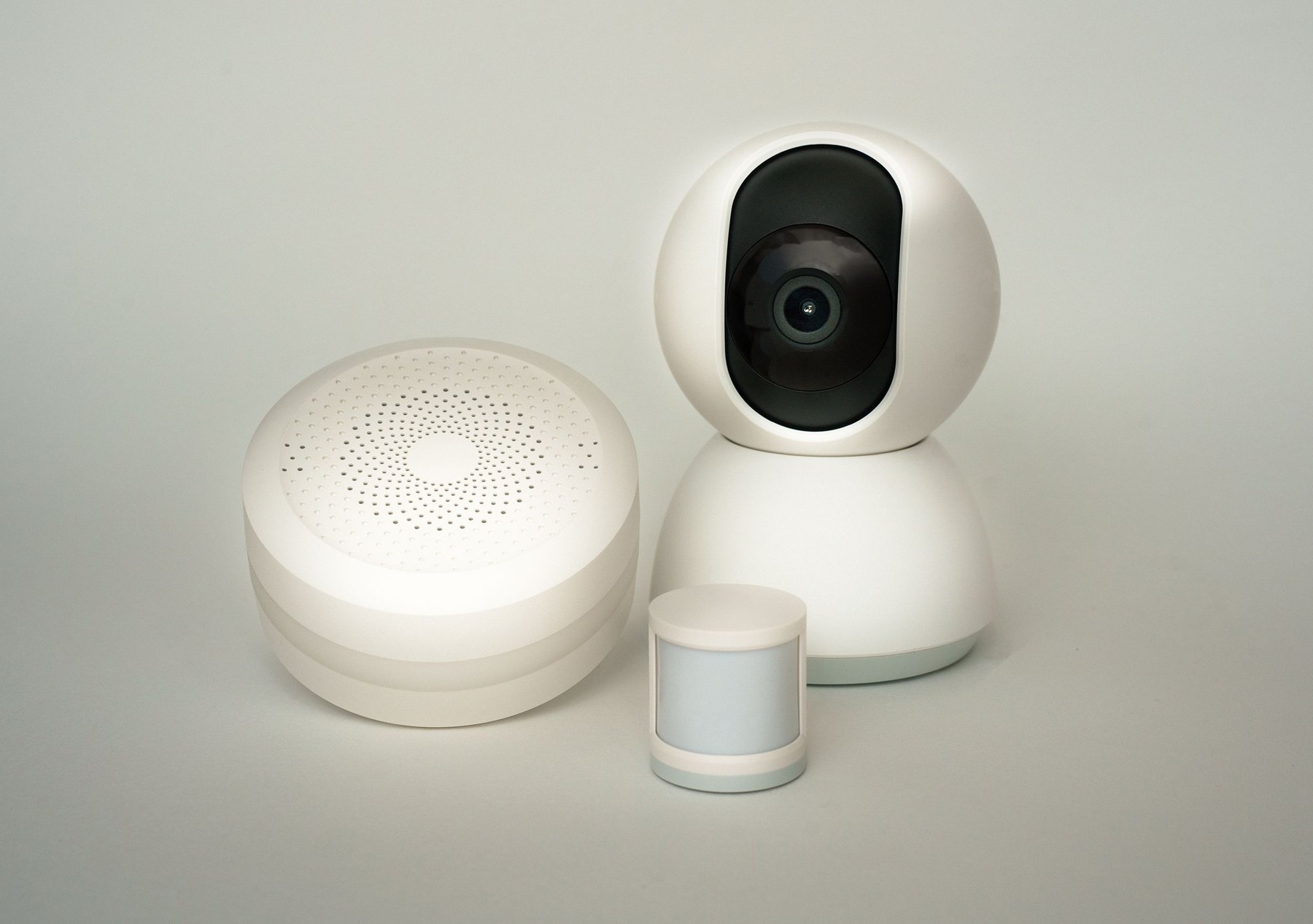
Below are recognizable options many shoppers compare. Availability, features, and model names can change, so verify the exact specs and end of life date on the package or manufacturer site before you buy.
| Option | Best fit | What to compare | Main drawback |
|---|---|---|---|
| Kidde battery powered CO alarm (digital display models) | Renters or smaller homes needing flexible placement | End of life years, display vs no display, battery type | Battery maintenance and replacement reminders |
| First Alert plug in CO alarm with battery backup | Homes with convenient outlets and desire for backup power | Backup battery type, alarm volume, display and peak memory | Placement limited by outlet locations |
| Google Nest Protect (smoke and CO combo) | Smart home users who want app alerts and self testing | Compatibility, Wi Fi requirements, battery vs wired versions | Higher upfront cost and reliance on app ecosystem |
| BRK (First Alert) hardwired smoke and CO combo | Homeowners replacing existing hardwired alarms | Interconnect type, compatibility with existing wiring harness | May require installation work or electrician |
| X Sense CO alarms (battery models) | Budget minded shoppers buying multiple units | Sensor life, display, included batteries, warranty terms | Feature set varies by model, confirm certifications |
| Honeywell Home CO alarms (select models) | Shoppers who prefer established home safety brands | Power type, end of life, mounting options | Model availability can vary by retailer |
How to use the table: pick 2 to 3 options that match your power preference and the number of units you need, then compare end of life, interconnection, and whether you want a display or smart alerts.
How many detectors do you need and where should they go?
Exact placement rules can vary by state and local code, and manufacturers include specific instructions. As a starting point, many households plan coverage by sleeping areas and each level of the home. If you have fuel burning appliances, fireplaces, or an attached garage, placement becomes even more important.
Quick placement checklist
- Plan at least one CO alarm near sleeping areas so you can hear it at night.
- Consider one on each level of the home, including basements if applicable.
- Follow the manufacturer guidance on distance from fuel burning appliances.
- Avoid placing alarms right next to windows, vents, or bathrooms where steam and airflow can affect performance.
- Test alarms on schedule and replace at end of life, even if they still beep during tests.
For additional government safety guidance, you can review information from the U.S. Consumer Product Safety Commission at https://www.cpsc.gov/.
Budgeting for carbon monoxide detectors with real numbers
Because this is a home safety purchase, it helps to budget based on your home size and the replacement cycle. Prices vary widely by brand and features, so the examples below use ranges rather than exact prices.
Rule of thumb: think in 5 to 10 year cycles
If an alarm lasts 10 years, you can divide the total cost by 10 to estimate an annual cost. If it lasts 5 to 7 years, the annual cost is higher even if the upfront price is lower.
| Home scenario | Likely number of CO alarms | Example unit cost range | Estimated upfront total | What to watch |
|---|---|---|---|---|
| Small apartment (1 level) | 1 to 2 | $20 to $60 | $20 to $120 | Battery replacement schedule, placement near sleeping area |
| Townhome (2 to 3 levels) | 2 to 4 | $20 to $80 | $40 to $320 | One per level, consider plug in with battery backup |
| Larger single family home | 4 to 8 | $25 to $120 | $100 to $960 | Interconnection, end of life dates, possible electrician cost |
Three sample budgets that add up
These sample allocations show what it can look like to fund detectors without straining cash flow. Adjust the numbers to your home and local prices.
- Starter setup for a renter: $75 total
- $50 for one plug in CO alarm with battery backup
- $25 for one battery CO alarm for the sleeping area or hallway
- Mid range whole home refresh: $240 total
- $160 for four battery CO alarms with digital displays ($40 each)
- $40 for a 10 year supply style battery upgrade or spare batteries
- $40 for mounting supplies and a small contingency
- Smart home focused plan: $450 total
- $360 for three smart smoke and CO combo alarms ($120 each)
- $60 for one additional standard CO alarm for a basement or garage adjacent area
- $30 for contingency for replacement batteries or accessories
When paying for detectors, should you use cash, a credit card, or financing?
Most households can cover CO alarms with cash or a credit card paid off quickly. Financing is usually unnecessary for a small purchase, but there are cases where it comes up, such as a larger safety upgrade bundled with electrical work or a broader home repair.
Decision rules by timeline
- Under 1 year: Prefer cash or a credit card you can pay off within the billing cycle. If you use a card, compare interest costs if you might carry a balance.
- 1 to 3 years: If detectors are part of a larger home safety project, compare options like a 0% intro APR credit card (if you qualify) versus a small personal loan. Compare APR, fees, and the payoff schedule you can realistically meet.
- 3 to 7 years: For bigger projects (rewiring, interconnected alarms, panel upgrades), a home improvement loan or home equity product may be considered by some homeowners. Compare total interest cost, closing fees, and the risk of using your home as collateral where applicable.
- 7+ years: Long timelines are generally a sign the project is large and should be evaluated as part of your overall housing budget. Consider whether the work can be phased to reduce borrowing.
Cost comparison example (simple math)
If you put $300 of alarms on a credit card and carry the balance for 12 months, the interest cost depends on the APR and your payment pattern. Before you charge it, check your card APR and estimate whether you can pay it off quickly. The CFPB has consumer resources on credit cards and borrowing costs at https://www.consumerfinance.gov/.
Combination smoke and CO alarms vs separate devices
Combination alarms can reduce clutter and may simplify maintenance, especially if you are already replacing old smoke alarms. Separate devices can be useful if you want CO coverage in a specific spot without changing smoke alarm placement.
Choose a combo alarm if:
- You are replacing older smoke alarms anyway.
- You want fewer devices to test and track.
- Your local code and building setup allow combo units in the locations you need.
Choose separate devices if:
- You need CO coverage near a sleeping area but smoke alarm placement is different.
- You want a plug in CO alarm in a hallway outlet plus existing smoke alarms elsewhere.
- You are renting and cannot change hardwired alarms.
Maintenance and replacement: the part that protects your budget
A detector that is not maintained can lead to nuisance alarms, dead batteries, or expired sensors. That can create avoidable costs and stress.
Maintenance checklist
- Test alarms monthly or as the manufacturer recommends.
- Replace batteries on schedule if your model uses replaceable batteries.
- Vacuum around vents to reduce dust buildup if the manufacturer allows it.
- Write the replacement month and year on the device with a marker.
- Replace the entire unit at end of life, even if it still powers on.
Simple decision rule for replacement
If you cannot confirm the install date or the end of life date, treat the alarm as suspect and price out a replacement. The cost of replacing an unknown age alarm is often small compared with the downside of relying on an expired sensor.
Shopping checklist: compare these items on the box
| Item to check | Why it matters | Good default choice for many homes | When to choose something else |
|---|---|---|---|
| End of life (years) | Determines replacement cycle and long term cost | 10 year models if budget allows | If you are doing a phased upgrade and want lower upfront cost |
| Power source | Affects placement and outage protection | Plug in with battery backup | Battery only for flexible placement or hardwired for interconnection |
| Digital display | Helps with troubleshooting and peak level memory | Display for at least one unit near sleeping area | No display if you want the lowest cost and simplest device |
| Interconnection | Improves audibility across floors | Wireless interconnect in larger homes | Standalone units in small spaces or rentals |
| Warranty and support | Can reduce replacement hassle | Clear warranty terms and easy registration | If you are buying a temporary solution during a move |
Common mistakes that can waste money
- Buying one unit for a multi level home: You may end up buying more later in a rush. Plan the full set upfront.
- Ignoring end of life dates: An expired unit can lead to replacement at the worst time. Put replacement dates on your calendar.
- Overpaying for smart features you will not use: If you will not enable app alerts or maintain Wi Fi connectivity, a simpler unit may be a better value.
- Choosing a power type that does not match your space: A plug in alarm is not helpful if the only outlet is behind furniture or far from sleeping areas.
Bottom line: pick a shortlist, then compare total cost and fit
Start by deciding how many alarms you need and whether you want battery, plug in, or hardwired. Then compare a handful of recognizable options such as Kidde, First Alert or BRK, Google Nest Protect, X Sense, and Honeywell Home. Focus on end of life years, power backup, interconnection, and whether a display helps in your home. If you are bundling alarms into a larger home project, compare borrowing options by APR, fees, and a payoff timeline you can realistically meet.
For broader consumer guidance on home related scams and safety issues, the FTC consumer site is a helpful resource: https://consumer.ftc.gov/.


