

Home Security Installation: Professional or DIY?

Home security installation can be done yourself or by a professional, and the best choice usually comes down to budget, wiring complexity, monitoring needs, and how long you plan to stay in your home.
Contents
33 sections
-
DIY vs professional: what you are really choosing
-
DIY installation typically means
-
Professional installation typically means
-
Home security installation costs: equipment, labor, and monthly fees
-
A simple 3-year cost comparison method
-
Home security installation: DIY vs professional decision rules
-
Choose DIY if most of these are true
-
Choose professional installation if most of these are true
-
Red flags that should slow you down
-
Named options to compare (DIY and professional)
-
How people pay for a security system (and what to compare)
-
1) Pay in cash (or from savings)
-
2) Credit card
-
3) Buy now pay later (BNPL)
-
4) Personal loan or installer financing
-
Financing comparison checklist
-
What this looks like with real numbers
-
Scenario A: Small apartment, DIY kit, minimal subscriptions
-
Scenario B: Single-family home, more cameras, DIY with higher monthly costs
-
Scenario C: Professional installation with contract and financed equipment
-
Timeline decision rules for paying (under 1 year, 1 to 3, 3 to 7, 7+)
-
Under 1 year
-
1 to 3 years
-
3 to 7 years
-
7+ years
-
Practical installation checklist (DIY and professional)
-
Before you buy
-
Before you sign a contract (professional monitoring)
-
After installation
-
How security systems can affect your budget beyond the monthly bill
-
Where to learn more and protect yourself from scams
-
Quick decision matrix
-
Bottom line: pick the system that matches your home and cash flow
This guide breaks down real costs, common contract terms, and practical ways people pay for a system, including when financing might make sense and when it can backfire. You will also get checklists, decision rules, and examples with real numbers so you can map the choice to your cash flow.
DIY vs professional: what you are really choosing
Most security setups include a few core parts: sensors (doors and windows), motion detectors, cameras, a hub or base station, a siren, and an app. The big difference between DIY and professional installation is not just who mounts the hardware. It is also how the system is configured, whether it is hardwired, how monitoring is handled, and what happens when you move or upgrade.
DIY installation typically means
- You buy equipment upfront or in bundles.
- You install sensors and cameras yourself, usually with adhesive strips or screws.
- You connect to Wi-Fi and configure the app.
- You choose self-monitoring or optional monthly monitoring.
Professional installation typically means
- A technician designs placement, mounts devices, and tests coverage.
- Hardwired options and more complex integrations are more common.
- Monitoring is often bundled with a contract.
- There may be installation fees, activation fees, and early termination fees.
Home security installation costs: equipment, labor, and monthly fees
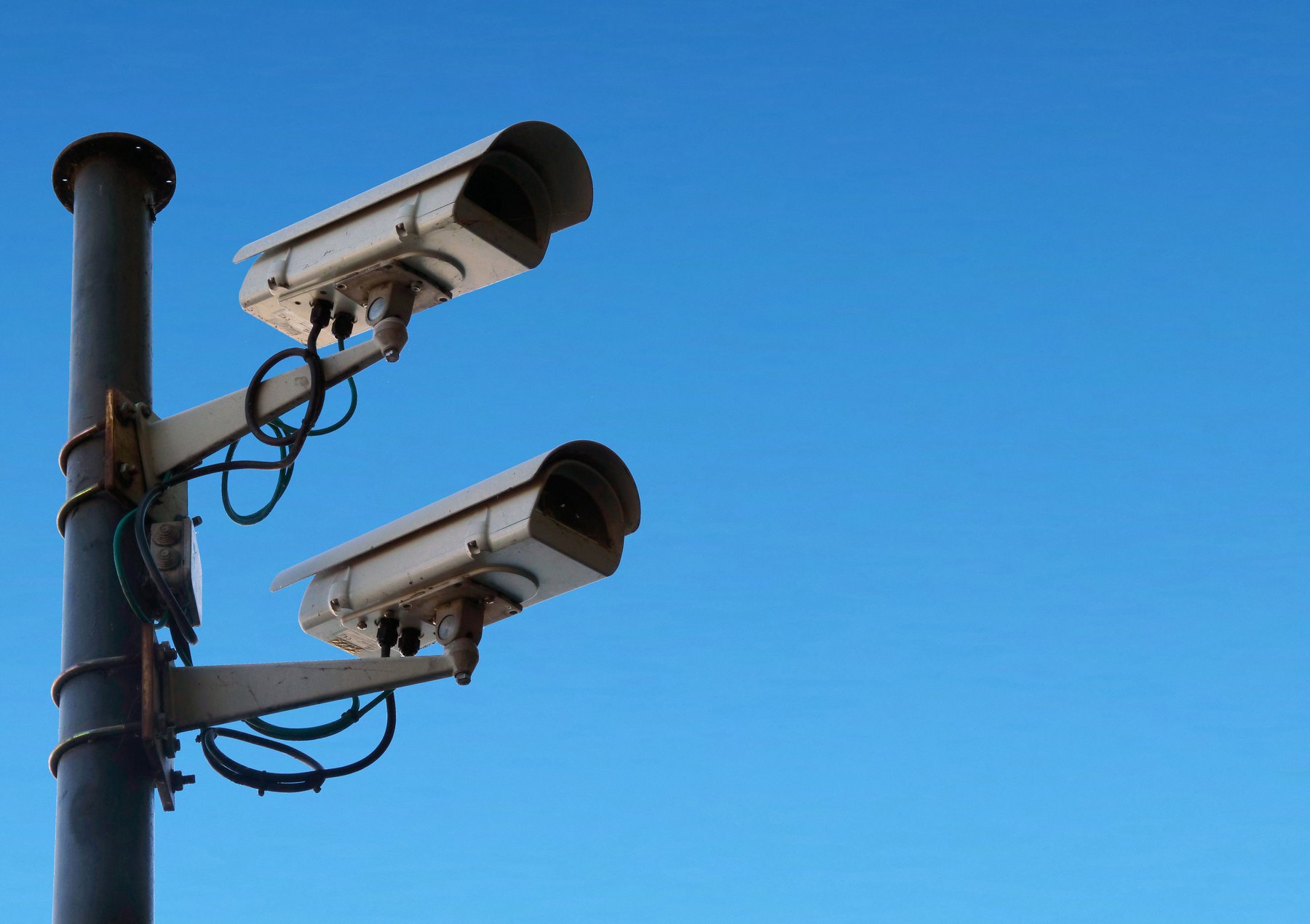
To compare fairly, separate costs into three buckets: upfront equipment, installation labor, and ongoing service. Many people focus on the sticker price of a kit but underestimate monthly monitoring and add-ons like extra cameras or cloud storage.
| Cost category | DIY system | Professional install | What to watch for |
|---|---|---|---|
| Equipment | Often paid upfront; bundles common | May be included, leased, or financed | Ownership, warranty length, replacement costs |
| Installation | $0 labor, your time | One-time install fee or rolled into contract | Extra charges for wiring, drilling, or add-ons |
| Monitoring | Optional; month-to-month common | Often required; contracts common | Contract length, cancellation terms, price increases |
| Cloud storage | Often optional subscription | May be bundled or extra | Retention period, per-camera fees |
| Maintenance | DIY troubleshooting | Service calls may cost extra | Battery replacement, service visit fees |
A simple 3-year cost comparison method
When you compare options, use a consistent time window like 36 months:
- Total 3-year cost = equipment + installation + (monthly monitoring x 36) + expected add-ons
- If there is a contract, include any activation fee and likely add-on subscriptions.
Home security installation: DIY vs professional decision rules
Use these rules to get to a clear answer quickly.
Choose DIY if most of these are true
- You rent, move often, or want portability.
- Your home is smaller or you only need basic coverage.
- You are comfortable using an app and troubleshooting Wi-Fi.
- You want month-to-month monitoring or self-monitoring.
- You want to avoid long contracts and early termination fees.
Choose professional installation if most of these are true
- You want hardwired sensors, more cameras, or whole-home coverage.
- You have a larger home or tricky layouts that create blind spots.
- You want a technician to test placement and signal strength.
- You prefer a single point of contact for service and support.
- You are comfortable with a contract and have reviewed the cancellation terms.
Red flags that should slow you down
- High-pressure sales tactics or unclear pricing.
- Contract terms that are hard to find or hard to understand.
- Equipment that is leased but marketed as owned.
- Large upfront fees without a clear itemized list.
Named options to compare (DIY and professional)
These are recognizable examples you can use as a starting point. Availability, features, and pricing can change, so verify current terms, compatibility, and fees before you buy.
| Option | Best fit | What to compare | Main drawback |
|---|---|---|---|
| Ring Alarm | DIY, app-first households | Monitoring plan terms, camera storage, device compatibility | Works best inside its ecosystem |
| SimpliSafe | DIY with optional monitoring | Sensor costs, monitoring features, cellular backup options | Advanced features may require higher-tier plans |
| ADT | Professional install and monitoring | Contract length, equipment ownership, cancellation fees | Contracts can be costly if you move or cancel early |
| Vivint | Smart-home heavy setups | Financing terms, equipment costs, service fees | Higher total cost is common |
| Frontpoint | DIY with stronger support | Monitoring pricing, equipment bundles, return policy | Monthly costs may be higher than basic DIY plans |
| Abode | DIY with flexible integrations | Smart-home compatibility, monitoring options, add-on pricing | Setup can be more hands-on |
How people pay for a security system (and what to compare)
Security systems are often paid for in one of four ways: cash, credit card, buy now pay later, or a loan. The right choice depends on your cash reserves, your credit profile, and whether you are locking yourself into a contract.
1) Pay in cash (or from savings)
- Best when: you have an emergency fund and the purchase will not drain it.
- Watch for: spending too much upfront and leaving yourself short for true emergencies.
2) Credit card
- Best when: you can pay it off quickly, or you have a 0% intro APR offer and a payoff plan.
- Watch for: high ongoing APR after any promo period, and utilization spikes that can affect credit scores.
3) Buy now pay later (BNPL)
- Best when: terms are clear, payments fit your budget, and you can avoid late fees.
- Watch for: multiple overlapping plans and missed payments.
4) Personal loan or installer financing
- Best when: you need predictable payments and the APR and fees are competitive.
- Watch for: origination fees, long terms that increase total interest, and financing tied to a monitoring contract.
Financing comparison checklist
| What to compare | Why it matters | Good sign | Potential risk |
|---|---|---|---|
| APR | Determines interest cost | Lower APR for your credit profile | High APR can make a modest system expensive |
| Fees | Upfront and hidden costs | Low or no origination and late fees | Fees can raise effective borrowing cost |
| Term length | Payment size vs total interest | Term matches useful life of equipment | Long terms can outlast the hardware |
| Prepayment policy | Flexibility to pay early | No prepayment penalty | Penalties reduce flexibility |
| Contract tie-ins | Limits your options later | Financing separate from monitoring | Hard to cancel or switch providers |
What this looks like with real numbers
Below are three sample budgets. The numbers are illustrative, not quotes. Your actual costs depend on home size, device count, and whether you pay for monitoring and storage.
Scenario A: Small apartment, DIY kit, minimal subscriptions
- Equipment: $280 (base station, keypad, 4 entry sensors, 1 motion sensor)
- Video doorbell: $120
- Optional monitoring: $20 per month
3-year math: $280 + $120 + ($20 x 36 = $720) = $1,120
Allocation example:
- $400 from savings now
- $0 installation labor
- $20 per month from monthly budget
Scenario B: Single-family home, more cameras, DIY with higher monthly costs
- Equipment bundle: $650 (more sensors + hub)
- 3 cameras: $300 total
- Cloud storage: $10 to $30 per month depending on cameras and retention
- Monitoring: $25 per month
3-year math (midpoint storage $20): $650 + $300 + (($25 + $20) x 36 = $1,620) = $2,570
Allocation example:
- $950 upfront using a sinking fund you built over 3 months
- $45 per month ongoing for monitoring + storage
Scenario C: Professional installation with contract and financed equipment
- Installation and activation: $0 to $200 (varies by provider and promos)
- Equipment financed: $1,200 total financed cost (example)
- Monitoring: $45 to $70 per month
3-year math (monitoring $55, install $150): $150 + $1,200 + ($55 x 36 = $1,980) = $3,330
Allocation example:
- $150 upfront
- Equipment payment folded into monthly bill or separate financing payment
- $55 per month monitoring, plus any add-ons
Timeline decision rules for paying (under 1 year, 1 to 3, 3 to 7, 7+)
Security equipment has a practical lifespan. Cameras and hubs can be outdated in a few years, and batteries and sensors need maintenance. Match your payment timeline to how long you expect to use the system.
Under 1 year
- If you might move soon, prioritize portability and avoid long contracts.
- If you must finance, keep the payoff window short so you are not paying for gear you no longer use.
1 to 3 years
- This is a common window for DIY systems. Consider paying cash or using a short payoff plan.
- If using a 0% intro APR card, set autopay to finish before the promo ends.
3 to 7 years
- Be cautious about financing hardware for this long. Technology and needs change.
- If you choose professional monitoring, re-check contract terms and total cost over the full term.
7+ years
- Long financing terms for security equipment are often a mismatch. You may be paying after you would normally upgrade.
- If a provider pushes a long term, focus on total cost, cancellation fees, and whether you own the equipment.
Practical installation checklist (DIY and professional)
Before you buy
- List entry points: doors, ground-floor windows, garage door, basement access.
- Decide what you want recorded: front door, driveway, backyard, interior common areas.
- Check Wi-Fi coverage where cameras will go. Consider a mesh router if needed.
- Decide who gets alerts and how: app notifications, text, professional monitoring.
Before you sign a contract (professional monitoring)
- Ask if equipment is owned, financed, or leased.
- Confirm contract length, cancellation process, and early termination fees.
- Ask how price increases are handled after promotional periods.
- Get an itemized quote including installation, activation, monitoring, and add-ons.
After installation
- Test every sensor and camera view in daylight and at night.
- Set up user codes and app access for household members.
- Turn on two-factor authentication in the app if available.
- Schedule battery checks and firmware updates.
How security systems can affect your budget beyond the monthly bill
Security spending is not just equipment and monitoring. It can also affect your broader financial plan.
- Emergency fund: Avoid draining it for a non-emergency purchase. If buying upfront would drop you below 3 to 6 months of essential expenses, consider scaling down the system or building a sinking fund first.
- Credit score factors: Large credit card purchases can raise utilization. If you plan to apply for a mortgage or auto loan soon, keeping utilization lower may matter.
- Insurance conversations: Some insurers offer discounts for monitored systems or certain devices. Ask your insurer what qualifies and what documentation they need, but do not assume a discount will offset the cost.
Where to learn more and protect yourself from scams
Door-to-door sales and aggressive telemarketing can be part of the home security market. If you are comparing offers or dealing with billing issues, these resources can help you understand your rights and spot red flags:
- Federal Trade Commission (FTC) consumer advice
- Consumer Financial Protection Bureau (CFPB)
- FDIC guidance on banking and avoiding fraud
Quick decision matrix
| If you care most about… | DIY tends to fit | Professional install tends to fit |
|---|---|---|
| Lowest long-term cost | Yes, if you keep subscriptions lean | Sometimes, but contracts can raise total cost |
| Fast setup | Often same-day | Depends on scheduling |
| Complex layouts and hardwiring | Limited | Better fit |
| Flexibility to move | Better fit | Depends on contract and equipment ownership |
| Hands-off support | Varies by brand | Often better, but check service terms |
Bottom line: pick the system that matches your home and cash flow
If you want flexibility, lower commitment, and you are comfortable with basic setup, DIY is often the cleaner financial choice. If you need hardwired components, want a technician to handle placement and testing, or prefer bundled support, professional installation can be worth the higher ongoing cost.
Before you decide, write down your 3-year total cost, confirm whether you own the equipment, and make sure the monthly payment fits your budget even if other bills rise. That simple exercise prevents most buyer regret in home security.


