

How a Home Security System Can Increase Your Property’s Value

Home security system property value can improve when buyers and appraisers see lower risk, better documentation, and modern features that fit how people live today.
Contents
24 sections
-
Why security features can affect resale value
-
Home security system property value: what buyers and appraisers notice
-
Features that can support value
-
Features that can hurt value or buyer interest
-
How to estimate ROI with real numbers (3 scenarios)
-
Scenario 1: Starter DIY system for a $300,000 home
-
Scenario 2: Mid-range professionally installed system for a $500,000 home
-
Scenario 3: Higher-end integrated system for a $900,000 home
-
Security systems and insurance: what to verify
-
Comparison table: common security system options buyers recognize
-
Checklist: choose upgrades that are most likely to add value
-
Financing the system: pay cash, use a card, or roll into a bigger project?
-
Decision rules by timeline
-
What this looks like with real numbers (3 sample budgets)
-
Paying options to compare
-
How to document your system so it supports your asking price
-
What to include
-
Showings and closing: practical steps
-
Common mistakes that reduce value (and how to avoid them)
-
When a security system is most likely to help your sale
-
Helpful resources for protecting your finances and identity
-
Quick decision guide
-
If you want the most resale-friendly setup
-
If you want the best day-to-day benefit while you live there
A security system is not a magic button that adds a fixed dollar amount to your home. Value depends on your neighborhood, local buyer preferences, the quality of the system, and how well you can prove what is installed and how it works. In some markets, security features help a home stand out and sell faster. In others, they matter most as a tie breaker between similar listings.
This guide breaks down what actually influences value, what to install (and what to skip), how to estimate return on investment with real numbers, and how to document your system so it supports your asking price.
Why security features can affect resale value
Home value is shaped by demand, condition, and perceived risk. A well-designed security setup can influence all three:
- Perceived safety and peace of mind: Buyers often pay more for homes that feel secure, especially if they are moving from an apartment or have kids.
- Modernization signal: A clean, professionally installed system can signal that the home is maintained and updated.
- Lower “unknowns” during the buying decision: Clear documentation, warranties, and a working demo reduce uncertainty.
- Insurance implications: Some insurers offer discounts for certain protective devices. Discounts vary by carrier and location, so buyers may view this as a potential ongoing savings opportunity rather than a guaranteed benefit.
Security upgrades tend to add the most value when they are integrated, easy to use, and do not create extra hassle for the next owner.
Home security system property value: what buyers and appraisers notice
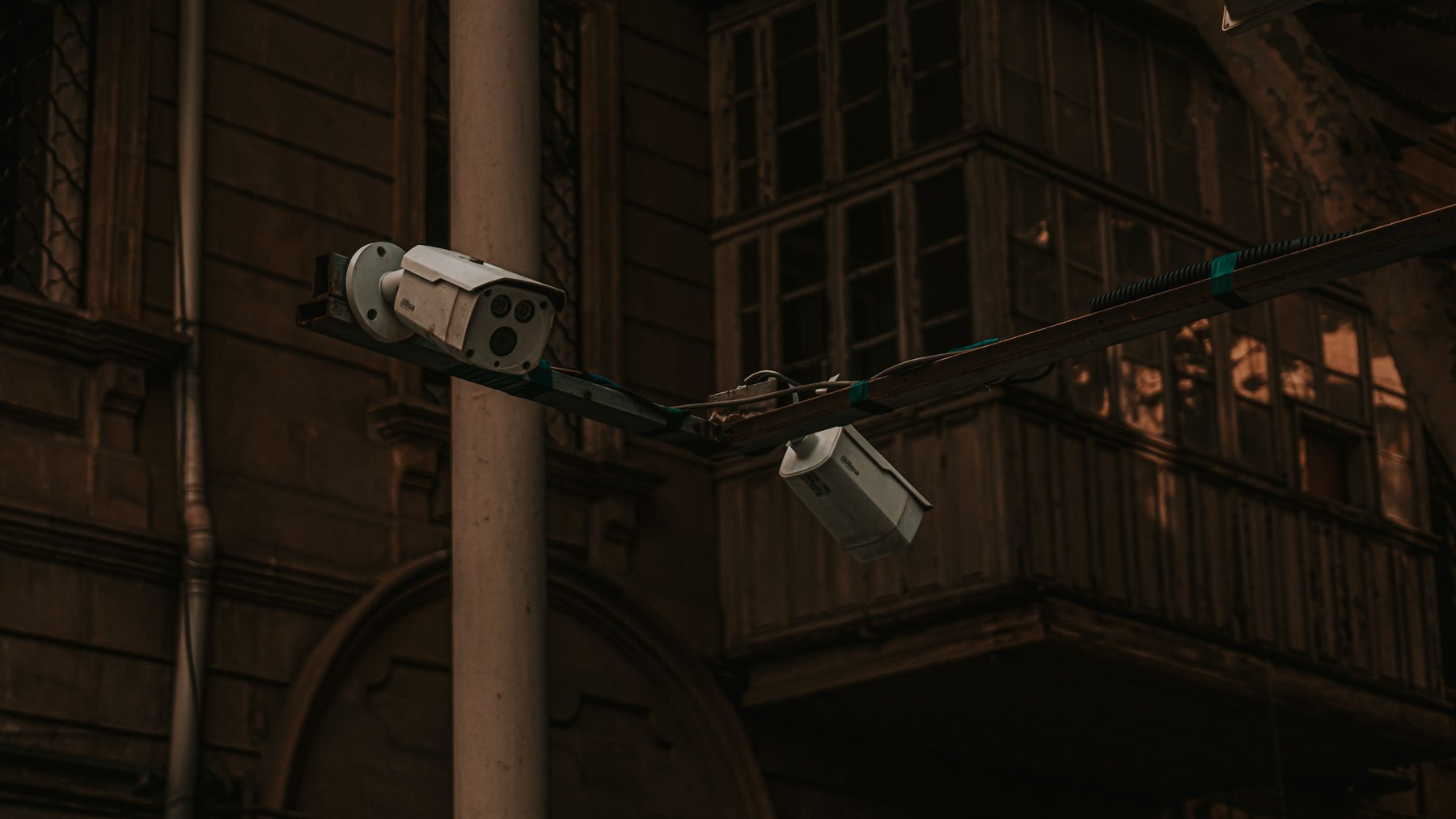
Not every gadget moves the needle. The features below are more likely to be noticed in showings, inspections, and appraisals because they are visible, permanent, and easy to explain.
Features that can support value
- Professionally installed, hardwired components: Hardwired door and window sensors, wired keypads, and a dedicated control panel can look more “built-in” than a pile of battery devices.
- Smart locks and controlled access: A reputable smart lock with a keypad can be appealing for families and short-term guests. Keep a physical key option.
- Video doorbell and exterior cameras: Buyers often like visible coverage of entry points and driveways. Avoid placing cameras in ways that feel invasive.
- Monitored smoke, fire, and carbon monoxide detection: Life safety features can be a strong selling point, especially if integrated with monitoring.
- Glass break sensors and motion detectors: These can show comprehensive coverage beyond just doors.
- Good lighting: Motion-activated exterior lighting is a simple, high-visibility upgrade that complements security.
Features that can hurt value or buyer interest
- Long, non-transferable monitoring contracts: Buyers may resist taking over a contract with fees, penalties, or required equipment leases.
- Messy DIY installs: Visible wires, misaligned sensors, and patched holes can make the home feel poorly maintained.
- Overly complex systems: If it takes a 10-minute tutorial to arm the system, some buyers will see it as a burden.
- Privacy concerns: Interior cameras can be a turnoff. If you have them, be ready to remove or reset them before showings.
How to estimate ROI with real numbers (3 scenarios)
Security systems can affect value in two ways: potential resale impact and potential insurance savings. Neither is guaranteed, so it helps to run a simple range-based estimate.
Use this basic framework:
- Upfront cost: equipment + installation
- Ongoing cost: monitoring subscription + maintenance (batteries, replacements)
- Potential value impact: a conservative range, such as 0% to 1% of home price depending on market and system quality
- Potential insurance discount: varies widely, so treat it as a “maybe” and verify with your insurer
Scenario 1: Starter DIY system for a $300,000 home
- Equipment: $250 to $600
- Monitoring: $0 to $25 per month
- 5-year cost estimate: $250 to $600 + ($0 to $25 x 60 months) = $250 to $2,100
- Potential resale impact: Often more about marketability than price. If it helps you sell faster or reduces buyer objections, that can still be valuable.
Decision rule: If you are selling within 1 to 3 years, prioritize clean installation and buyer-friendly transfer. Avoid contracts that complicate closing.
Scenario 2: Mid-range professionally installed system for a $500,000 home
- Equipment + install: $1,200 to $3,000
- Monitoring: $25 to $60 per month
- 5-year cost estimate: $1,200 to $3,000 + ($25 to $60 x 60) = $2,700 to $6,600
- Potential resale impact: If your market values smart home features, a well-documented system may support a higher list price or reduce negotiation pressure.
Decision rule: If you plan to stay 3 to 7 years, aim for a system you will actually use daily. Convenience and reliability matter as much as features.
Scenario 3: Higher-end integrated system for a $900,000 home
- Equipment + install: $4,000 to $12,000+
- Monitoring and service plan: $50 to $150 per month
- 5-year cost estimate: $4,000 to $12,000 + ($50 to $150 x 60) = $7,000 to $21,000
- Potential resale impact: In higher-end homes, buyers may expect integrated security, cameras, and automation. The system can help the home feel “complete,” but over-customization can narrow your buyer pool.
Decision rule: If you plan to stay 7+ years, prioritize serviceability and open standards so you are not locked into one vendor or obsolete hardware.
Security systems and insurance: what to verify
Some insurers offer discounts for protective devices like burglar alarms, monitored fire alarms, or smart water leak sensors. The discount amount and eligibility vary by insurer, state, and the type of monitoring.
Before you buy, ask your insurer:
- Which devices qualify for a discount (burglar, fire, CO, water leak)?
- Is professional monitoring required?
- Do you need a certificate or proof of installation?
- Does the discount apply to the dwelling portion, contents, or both?
If you are shopping for a policy, compare quotes and ask each carrier the same questions so you can compare apples to apples.
Comparison table: common security system options buyers recognize
These are widely known brands and ecosystems that buyers may recognize in listings. Availability, features, and pricing change, so compare current equipment costs, monitoring fees, and contract terms.
| Option | Best fit | What to compare | Main drawback |
|---|---|---|---|
| ADT | Buyers who want a traditional monitored system | Contract length, equipment ownership, transfer process | Long-term contracts can be a hurdle at resale |
| Vivint | Smart home integration with professional install | Financing terms, equipment compatibility, monitoring fees | Can be expensive and may involve long commitments |
| SimpliSafe | DIY setup with optional monitoring | Sensor coverage, cellular backup, subscription tiers | DIY appearance if not installed neatly |
| Ring Alarm (Amazon) | Budget-friendly system with familiar app | Subscription needs, camera storage, ecosystem lock-in | Privacy concerns for some buyers |
| Abode | DIY users who want broader smart home compatibility | Integrations, monitoring options, device support | More setup complexity than plug-and-play options |
| Frontpoint | DIY with monitoring emphasis | Monitoring cost, equipment pricing, cellular reliability | Ongoing costs can add up |
Checklist: choose upgrades that are most likely to add value
Use this checklist to focus on improvements that are visible, durable, and easy for the next owner to understand.
| Item | Why it helps | What to check before buying | Resale-friendly tip |
|---|---|---|---|
| Video doorbell | High visibility, improves entry monitoring | Wiring needs, cloud storage fees, app support | Leave manuals and show how to reset ownership |
| Exterior cameras | Deters and documents incidents | Night vision, field of view, local vs cloud storage | Aim at your property, avoid neighbors’ windows |
| Door and window sensors | Core intrusion coverage | Battery life, adhesive vs screw mount, tamper alerts | Install consistently and label zones |
| Smart lock | Convenience and controlled access | Battery backup, key override, compatibility with door | Provide codes reset instructions and spare keys |
| Smoke/CO monitoring | Life safety and peace of mind | Interconnect requirements, monitoring eligibility | Document install date and test schedule |
| Motion lighting | Low cost, high curb appeal | Placement, brightness, weather rating | Use warm light and avoid glare into bedrooms |
Financing the system: pay cash, use a card, or roll into a bigger project?
Security systems range from a few hundred dollars to several thousand. How you pay can affect your total cost and flexibility when you sell.
Decision rules by timeline
- Under 1 year (selling soon): Keep it simple. Favor low-cost, easy-to-transfer equipment. Avoid long contracts and equipment leases that could complicate closing.
- 1 to 3 years: Choose upgrades that photograph well and are easy to demonstrate. Pay in a way that does not create liens or transfer obligations.
- 3 to 7 years: Consider reliability and service. If you finance, compare total cost, fees, and whether you can pay off early without penalties.
- 7+ years: Focus on maintainability and avoiding vendor lock-in. Budget for replacements as technology changes.
What this looks like with real numbers (3 sample budgets)
These examples show how a homeowner might allocate funds for security without assuming a specific value increase.
- Budget A: $600 total (DIY starter)
- $180 video doorbell
- $220 alarm kit with sensors
- $120 motion lighting (2 fixtures)
- $80 extra sensors and signage
- Budget B: $2,500 total (balanced pro install)
- $1,500 equipment and installation
- $500 exterior camera coverage (2 to 3 cameras)
- $300 smart lock + keypad
- $200 smoke/CO upgrades
- Budget C: $8,000 total (integrated system)
- $5,500 integrated security and camera system
- $1,000 professional networking improvements (router, access points)
- $900 smart locks for multiple doors
- $600 lighting and sensors (motion, glass break, leak sensors)
Paying options to compare
- Cash: Usually simplest for resale and avoids interest. Make sure you still keep an emergency fund.
- Credit card: Can work for smaller installs if you can pay it off quickly. Compare APR, promotional periods, and fees.
- Vendor financing: Some security companies offer financing. Compare total cost, contract length, equipment ownership, and early payoff terms.
- Bundling with a remodel: If you are already hiring an electrician or doing a renovation, adding wiring for sensors and cameras can be more cost-effective than retrofitting later.
How to document your system so it supports your asking price
Even a great system can be ignored if buyers cannot tell what it is or how it transfers. Create a simple “security system packet” you can hand to your agent or include in a listing binder.
What to include
- Itemized list of devices (brand, model, quantity, locations)
- Receipts and installation invoices
- Warranty information and service plan details
- Monitoring details (monthly cost, whether contract is required, transfer steps)
- Instructions for factory reset and ownership transfer for cameras and smart locks
- Network notes (where the hub is, which devices use Wi-Fi, any dedicated cellular backup)
Showings and closing: practical steps
- Before showings: Ensure cameras and doorbells are working, clean lenses, replace batteries, and tidy visible wiring.
- During listing: Highlight “monitored fire and CO” or “wired sensors” if true, but keep claims specific and verifiable.
- Before closing: Remove personal accounts from devices, reset access codes, and provide the buyer with manuals and any spare keys.
Common mistakes that reduce value (and how to avoid them)
- Over-improving for the neighborhood: If nearby homes are not upgraded, a very expensive system may not be fully valued. Consider focusing on visible basics like lighting and entry coverage.
- Ignoring the network: Cameras and smart devices depend on stable Wi-Fi. If your system is glitchy, buyers may see it as a problem. A modest router upgrade can improve reliability.
- Not checking local rules: Some cities have alarm permit requirements or false alarm fines. Check your local government website and keep permits current if required.
- Privacy missteps: Avoid interior cameras in sensitive areas and disclose what stays with the home. Plan to reset devices at move-out.
When a security system is most likely to help your sale
Security features tend to be most helpful when:
- Your home is in a competitive price range where buyers compare similar listings closely.
- You can clearly show coverage of key entry points and exterior areas.
- The system is easy to transfer and does not force the buyer into a contract.
- The installation looks professional and permanent.
If you are unsure, ask a local real estate agent what buyers in your area respond to. In some markets, lighting, locks, and a doorbell camera deliver most of the practical benefit without adding complexity.
Helpful resources for protecting your finances and identity
- FTC consumer guidance on scams, identity theft, and privacy
- CFPB resources on mortgages, credit, and financial decisions
- AnnualCreditReport.com to check your credit reports
Quick decision guide
If you want the most resale-friendly setup
- Prioritize exterior coverage: doorbell camera, entry sensors, motion lighting.
- Keep monitoring optional or easy to transfer.
- Document everything and provide reset instructions.
If you want the best day-to-day benefit while you live there
- Add life safety: smoke/CO monitoring and leak sensors if relevant.
- Invest in reliability: strong Wi-Fi, cellular backup, and quality cameras.
- Choose a system you will actually arm and use.
A home security system can support property value when it is thoughtfully chosen, neatly installed, and easy for the next owner to understand. Focus on visible, practical upgrades, avoid resale-unfriendly contracts, and keep documentation ready so your security investment is clear to buyers.


