

Renew Passport Online Cost

Renew passport online cost is usually the first question people ask when they are trying to book flights, lock in hotels, or plan an international trip on a budget. The tricky part is that the total you pay can change based on speed, shipping, photos, and whether you need extra services.
Contents
26 sections
-
Renew passport online cost: what you are really paying for
-
Where to verify current fees and timelines
-
Typical cost components checklist (so you do not miss anything)
-
Online renewal vs other renewal methods: cost and tradeoffs
-
Named examples for passport photos and shipping (optional costs)
-
Real-number examples: what the total can look like
-
Example 1: Standard timeline, low add-ons
-
Example 2: Tight timeline, paying for speed
-
Example 3: Family budgeting for multiple renewals
-
How to choose the cheapest safe path (without cutting corners)
-
1) Start with your travel timeline
-
2) Use a simple decision matrix
-
Paying for passport renewal: budgeting options that avoid high interest
-
Three sample savings allocations (with real numbers that add up)
-
Allocation A: Solo traveler, standard timeline (total $220)
-
Allocation B: Two adults renewing this year (total $500)
-
Allocation C: Family travel prep fund (total $900)
-
When you might consider short-term borrowing and what to compare
-
Ways people overpay (and how to avoid it)
-
Paying for speed when you do not need it
-
Using unofficial websites or lookalike services
-
Submitting a photo that gets rejected
-
Documents and info to gather before you start
-
Quick cost-control rules you can follow
-
If you are worried about fraud or identity issues
-
Bottom line: estimate your total before you click pay
This guide breaks down the common costs that can show up during a US passport renewal, how to estimate your total with real numbers, and how to pay for it without creating expensive debt.
Renew passport online cost: what you are really paying for
When you renew a passport online, your total cost typically includes:
- Government application fee for the passport book (and optional passport card).
- Optional speed-up services if you need your passport sooner.
- Photo costs if you do not take and upload your own compliant photo.
- Any shipping or delivery add-ons depending on the process available at the time you apply.
- Indirect costs like last-minute rebooking fees if your passport does not arrive in time.
Because fees and processing options can change, treat any estimate as a starting point and confirm the current fee schedule and processing times before you submit payment.
Where to verify current fees and timelines
The most reliable place to confirm current passport fees and processing times is the US Department of State website. Start with the official passport renewal information and fee pages and compare them to what you see in the online application portal.
For identity theft prevention and safer online payments, it also helps to review the FTC guidance on avoiding scams and protecting personal information: https://consumer.ftc.gov/.
Typical cost components checklist (so you do not miss anything)
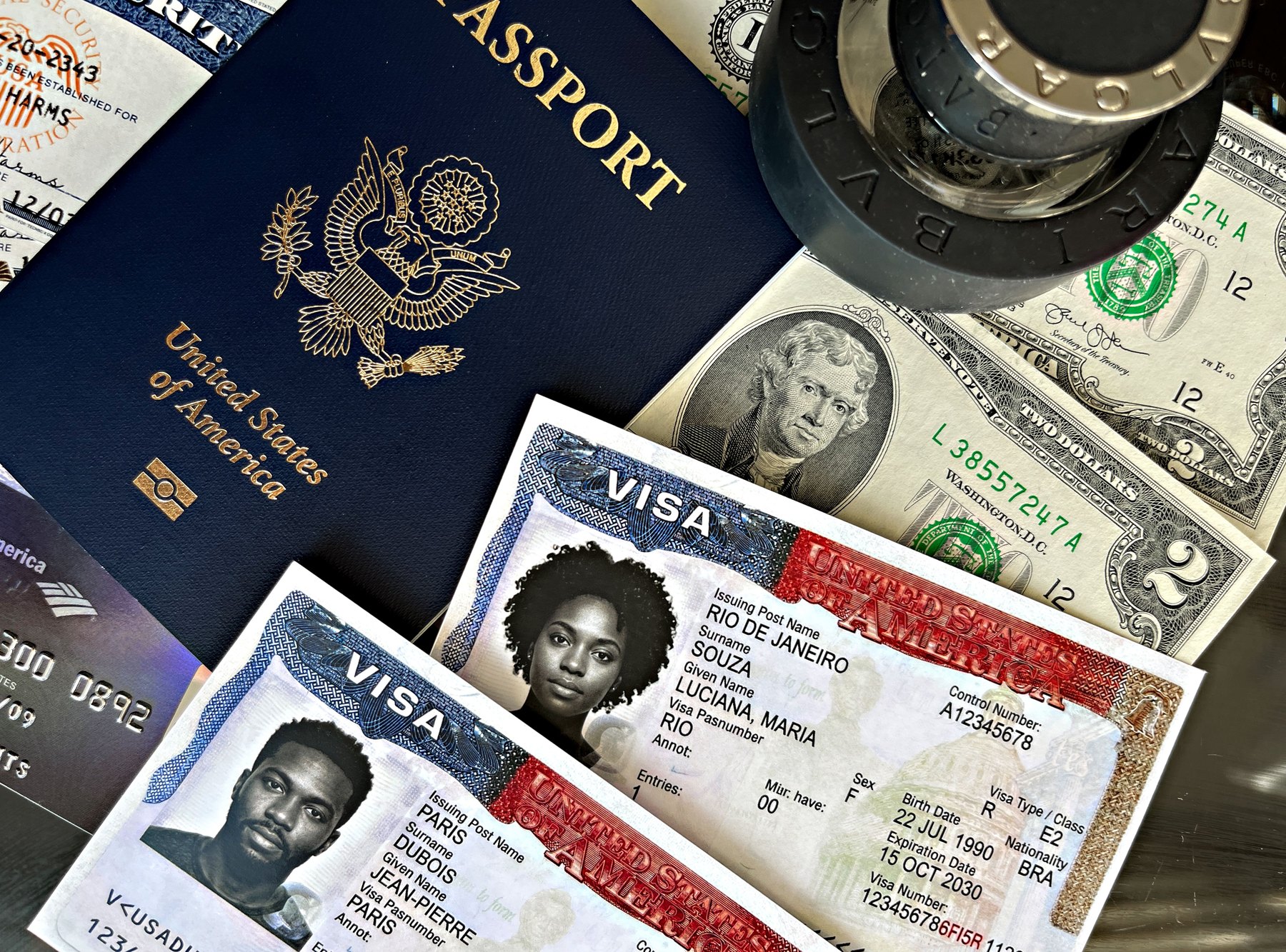
Use this checklist to estimate your all-in cost before you apply:
- Passport book fee (adult renewal)
- Passport card fee (optional)
- Expedited processing fee (optional)
- Faster delivery or shipping fee (optional, when offered)
- Passport photo cost (if you are not taking your own compliant photo)
- Travel buffer (money set aside in case you need to adjust travel dates)
| Cost item | When it applies | What to watch for | How to control the cost |
|---|---|---|---|
| Application fee | Always | Fee changes, book vs card | Confirm current fee on the official site before paying |
| Expedited processing | If you need it sooner | Extra fee plus you may still need a buffer | Apply earlier when possible to avoid paying for speed |
| Delivery or shipping add-on | If offered and selected | Not always available in every process | Only pay for it if your timeline is tight |
| Passport photo | If you do not provide your own compliant photo | Rejected photos can delay processing | Follow photo rules carefully or use a reputable photo service |
| Indirect travel costs | If passport arrives late | Change fees, higher last-minute fares | Do not book nonrefundable travel until you have a realistic timeline |
Online renewal vs other renewal methods: cost and tradeoffs
Even if you plan to renew online, it helps to understand the other paths because availability can change and some travelers are not eligible for online renewal.
| Renewal method | Best fit | What to compare | Main drawback |
|---|---|---|---|
| Online renewal (official portal) | Eligible adults who can upload a compliant photo and pay online | Current fee, processing time, photo requirements | Not everyone qualifies and options can be limited |
| Mail-in renewal (Form DS-82) | Adults eligible to renew by mail who prefer paper submission | Mailing costs, tracking, processing time | Mail delays and the need to send documents |
| In-person at a passport acceptance facility | First-time applicants or those not eligible to renew | Acceptance facility fee, appointment availability | Extra fee and scheduling time |
| Regional passport agency appointment | Urgent travel needs when you qualify for urgent service | Eligibility rules, proof of travel, timing | Limited appointments and strict requirements |
| Private expeditor service (third party) | Some travelers who want help navigating urgent timelines | Total service fee, reviews, refund policy, transparency | Can be expensive and you still pay government fees |
Named examples for passport photos and shipping (optional costs)
Many people spend extra money on photos or shipping. These are examples of widely known options you might compare for convenience and price:
- Passport photos: CVS, Walgreens, UPS Store, FedEx Office, Walmart Photo Center (availability varies by location).
- Shipping and tracking (for mail-in processes): USPS Priority Mail, USPS Priority Mail Express, UPS, FedEx.
Prices and availability vary by location and change over time, so compare current pricing and hours before you go. If you take your own photo, follow the official photo rules closely to reduce the risk of rejection and delays.
Real-number examples: what the total can look like
Exact passport fees can change, so the examples below show how to build a realistic budget using placeholders for the government fee and common add-ons. Replace the placeholders with the current amounts you see in the official portal.
Example 1: Standard timeline, low add-ons
- Government passport renewal fee: $F
- DIY compliant photo: $0
- Optional faster delivery: $0 to $D
Estimated total: $F to $(F + D)
Decision rule: If you have at least 8 to 12 weeks before international travel, you may be able to avoid paying for speed and focus on getting the photo right.
Example 2: Tight timeline, paying for speed
- Government passport renewal fee: $F
- Expedited processing add-on: $E
- Photo at a retail counter: $10 to $25 (varies)
- Optional faster delivery: $0 to $D
Estimated total: $(F + E + 10) to $(F + E + 25 + D)
Decision rule: If your trip is within 4 to 6 weeks, compare the cost of expediting versus the cost of changing your travel dates. Sometimes paying for speed is cheaper than rebooking.
Example 3: Family budgeting for multiple renewals
Assume two adults renewing and you want a simple buffer for surprises.
- 2 x government renewal fee: 2F
- 2 x photo cost: $20 to $50
- Family buffer for travel changes or extra shipping: $50 to $150
Estimated total: $(2F + 70) to $(2F + 200)
Decision rule: If you are renewing for multiple people, build a buffer. A small mistake on one application can create extra shipping, new photos, or schedule changes.
How to choose the cheapest safe path (without cutting corners)
1) Start with your travel timeline
- Under 1 year: Prioritize certainty. Apply as early as you can, and consider paying for speed if your window is tight.
- 1 to 3 years: Renew during a calm period. You can often avoid expedite costs and shop around for photo options.
- 3 to 7 years: Set a reminder for the year before expiration. You can spread costs across months in your travel sinking fund.
- 7+ years: If you are planning long-term travel, treat passport renewal as part of your annual admin checklist and budget a small amount each year.
2) Use a simple decision matrix
| Your situation | Cost priority | Best next step | Common mistake |
|---|---|---|---|
| No travel booked, 3+ months out | Lowest total cost | Standard processing, DIY photo if you can meet requirements | Waiting until flights are booked to start |
| Travel booked, 4 to 8 weeks out | Balance cost and certainty | Compare standard vs expedited based on current processing estimates | Assuming standard timing will work without checking |
| Travel booked, under 4 weeks | Certainty | Check urgent options and eligibility, consider expedited if available | Paying third parties without verifying legitimacy |
| Photo issues in the past | Avoid delays | Use a reputable photo service and double-check requirements | Submitting a low-quality photo that triggers rejection |
Paying for passport renewal: budgeting options that avoid high interest
A passport renewal is a predictable expense, which makes it a good candidate for a small savings plan rather than last-minute borrowing.
Three sample savings allocations (with real numbers that add up)
These examples assume you want to set aside money for passport costs plus a little buffer. Adjust the totals to match the current government fee and your household needs.
Allocation A: Solo traveler, standard timeline (total $220)
- $150 passport renewal fund (fees and photo)
- $50 travel buffer (shipping, replacement photo, small changes)
- $20 document admin (copies, notary if needed, parking)
Total: $220
Allocation B: Two adults renewing this year (total $500)
- $320 renewal fund (two applications plus photos)
- $130 buffer (expedite or faster delivery if needed)
- $50 travel admin (mailing, copies, incidentals)
Total: $500
Allocation C: Family travel prep fund (total $900)
- $600 passport and ID fund (multiple renewals, photos)
- $200 buffer for urgent needs (expedite, extra shipping)
- $100 contingency for travel changes (date shifts, rebooking fees)
Total: $900
When you might consider short-term borrowing and what to compare
If you must pay for renewal quickly and do not have cash on hand, compare the total cost of borrowing, not just the monthly payment. Options people often consider include a credit card, a small personal loan from a bank or credit union, or a 0% intro APR card if you qualify and can repay before the promotional period ends.
- Compare APR and fees: interest rate, origination fees, late fees.
- Match repayment to your timeline: aim for a payoff plan measured in months, not years.
- Watch for cash advance costs: paying government fees should generally be treated as a normal purchase, not a cash advance.
If you are using a credit card and want to reduce the risk of fraud, review the CFPB guidance on managing credit and disputes: https://www.consumerfinance.gov/.
Ways people overpay (and how to avoid it)
Paying for speed when you do not need it
If you have enough time, expedited service may not be worth the extra cost. Check current processing estimates and build in a buffer for photo issues or peak travel seasons.
Using unofficial websites or lookalike services
Some sites charge extra “processing” fees to submit forms you can submit yourself. Before paying, confirm you are using an official government site and that the URL is correct. If you suspect a scam or want tips on spotting fake sites, the FTC has practical resources: https://consumer.ftc.gov/.
Submitting a photo that gets rejected
A rejected photo can create delays that lead to paying for expediting later. If you take your own photo, use good lighting, a plain background, and follow the official size and framing rules exactly.
Documents and info to gather before you start
| Item | Why it matters | Tip to reduce delays |
|---|---|---|
| Your most recent passport | Needed to confirm eligibility and details | Check the issue date, expiration date, and condition |
| Digital passport photo | Required for online renewal | Use official photo rules and a high-resolution image |
| Personal details | Name, address, contact info | Make sure your mailing address is current |
| Payment method | To pay the government fee and any add-ons | Use a secure network and keep your receipt or confirmation |
| Travel dates (if booked) | Helps you choose standard vs expedited | Build in buffer time before departure |
Quick cost-control rules you can follow
- Rule 1: If you can apply 8 to 12 weeks before travel, start with standard processing and avoid paying for speed unless current timelines suggest otherwise.
- Rule 2: If travel is under 6 weeks away, price out the total cost of expediting versus the cost of changing your trip.
- Rule 3: Spend extra effort on the photo. A correct photo can be cheaper than paying for expediting later.
- Rule 4: Avoid third-party “application” sites that add fees. Use official government pages and portals.
- Rule 5: Keep a small travel admin fund. Even $50 to $150 can prevent last-minute credit card debt.
If you are worried about fraud or identity issues
Passport renewals involve sensitive personal data. If you think your information has been exposed, consider monitoring your credit and checking your reports. You can get free weekly credit reports (availability can change) through: https://www.annualcreditreport.com/.
Bottom line: estimate your total before you click pay
The renew passport online cost is more than just the government fee. Your real total depends on timing, photo choices, and whether you add expedited processing or faster delivery. Build a simple budget using the checklist above, confirm current fees on official sources, and choose the lowest-cost option that still fits your travel timeline.


