

How to Use Social Media for Small Business Securely

Secure social media for small business starts with treating every account like a financial asset: it can be used to collect payments, run ads, and reach customers, but it can also be hijacked to steal money or data.
Contents
32 sections
-
What "secure" means for a small business on social media
-
Start with an account inventory and "blast radius" map
-
Quick inventory checklist
-
Secure social media for small business: lock down access first
-
Use strong authentication that fits a team
-
Apply least-privilege roles
-
Decision rule: separate "posting" from "paying"
-
Protect ad accounts and payment methods
-
Practical controls to reduce ad fraud
-
What this looks like with real numbers
-
Spot and stop common social media scams that hit small businesses
-
1) Fake "copyright" or "policy violation" messages
-
2) Invoice and "ad account support" scams
-
3) Impersonation accounts and fake giveaways
-
4) Vendor or influencer fraud
-
Create a simple team policy that people will follow
-
Minimum viable social media security policy
-
Decision rule: if it can move money, require two checks
-
Secure your content workflow and devices
-
Device and network basics
-
Safer link and file handling
-
Use platform tools that reduce risk (with named examples)
-
Build customer trust signals that also reduce fraud
-
Incident response: what to do if your account is hacked
-
First 30 minutes checklist
-
Next 24 hours
-
Where to report and learn more
-
Budgeting for security: small investments that can prevent big losses
-
Three sample monthly security budgets (adds up correctly)
-
Decision rules by timeline
-
Security review checklist you can run monthly
-
Final decision framework: prioritize the controls that reduce financial harm
Social platforms are often connected to your bank account, credit card, ad account, and customer messages. That makes them a common target for phishing, fake invoices, ad account takeovers, and impersonation scams. The goal is not perfection. The goal is to reduce the chances of a takeover and limit the damage if one happens.
What “secure” means for a small business on social media
Security is not only about passwords. For a small business, “secure” usually means:
- Account access is controlled – only the right people can post, run ads, or change payout details.
- Payments and ad spend are protected – attackers cannot add their own card, change billing, or run fraudulent ads.
- Customers can verify it is really you – profiles are consistent, and impersonation is easier to spot.
- Data exposure is limited – DMs, customer info, and employee details are not leaked.
- Recovery is planned – you can regain access quickly and document losses for disputes.
Start with an account inventory and “blast radius” map
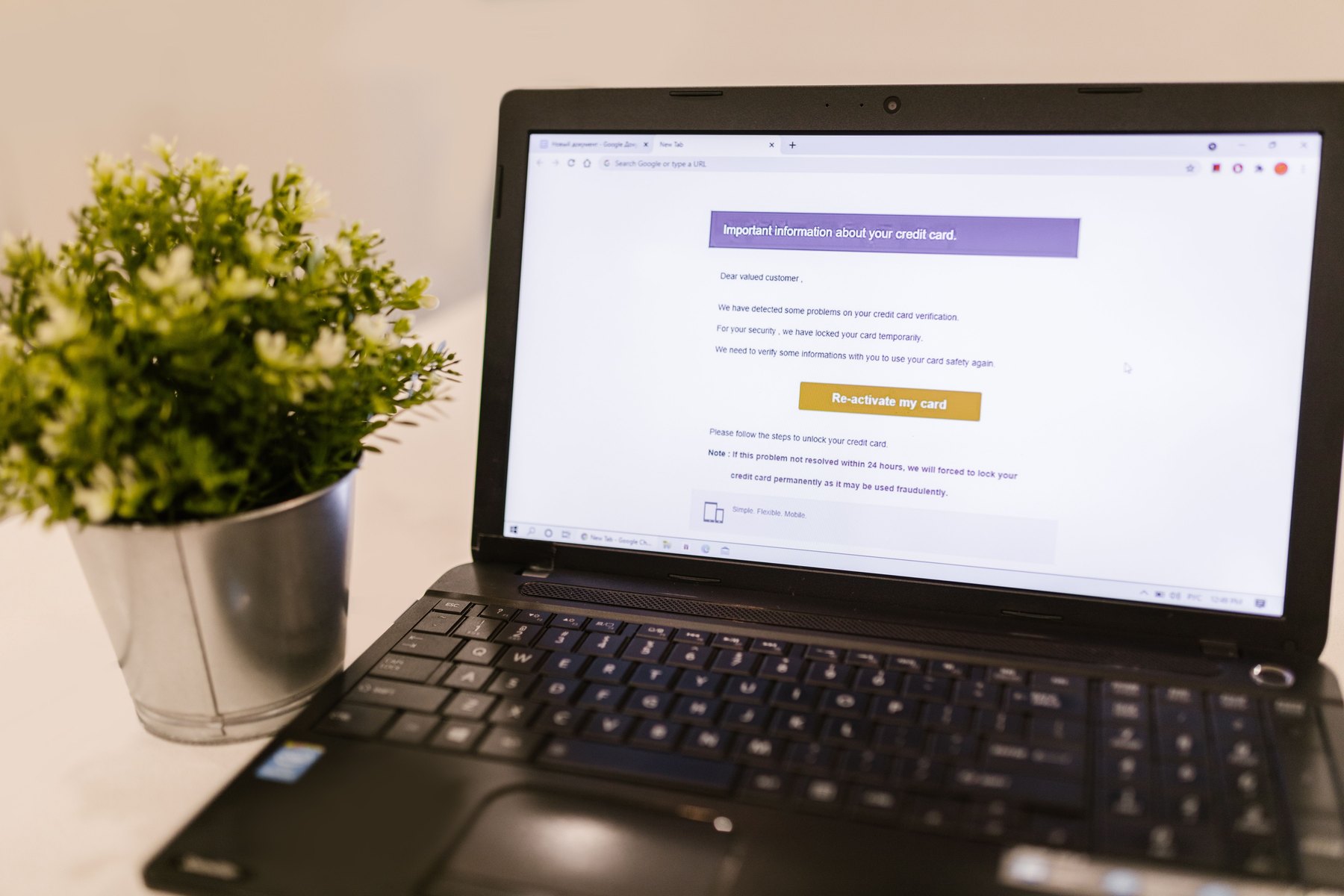
Before changing settings, list every social account and what it touches. This helps you prioritize the accounts that could cause the most financial harm.
Quick inventory checklist
- All profiles: Facebook Page, Instagram, TikTok, X, LinkedIn, YouTube, Pinterest, Reddit, Nextdoor, Google Business Profile, etc.
- Admin tools: Meta Business Manager, TikTok Business Center, Google Ads or YouTube Studio access, social scheduling tools.
- Connected assets: ad accounts, pixels, catalogs, payment methods, bank accounts, Shopify or other storefront integrations.
- Who has access: owners, employees, agencies, freelancers, former staff.
- Recovery info: email addresses, phone numbers, backup codes, trusted devices.
| Account or tool | What it can change | Financial risk if hacked | Priority |
|---|---|---|---|
| Meta Business Manager | Admins, ad spend, payment methods, Page access | High – ad fraud, payout changes, brand impersonation | 1 |
| Instagram account | DMs, posts, bio links, shopping tags | Medium to high – scam links, fake “payment” requests | 2 |
| TikTok Business Center | Ad accounts, roles, pixels | High – ad spend and account lockout | 1 |
| LinkedIn Page | Brand posts, employee targeting, lead gen forms | Medium – impersonation and lead theft | 3 |
| YouTube channel | Uploads, live streams, monetization settings | Medium – crypto scam streams, reputational damage | 3 |
Secure social media for small business: lock down access first
Most takeovers happen because someone reused a password, clicked a fake login link, or gave admin access too broadly. Fixing access control is usually the highest impact step.
Use strong authentication that fits a team
- Turn on multi-factor authentication (MFA) for every admin and editor. Prefer an authenticator app or hardware security key over SMS when possible.
- Use a password manager for the business, not personal notes or shared spreadsheets. Create unique passwords for each platform.
- Store backup codes in a secure place that more than one owner can access (for example, a shared vault with limited access).
Apply least-privilege roles
Give people the minimum access they need. For example, a contractor who schedules posts does not need permission to add payment methods or change admins.
- Limit the number of full admins. Keep it to 1 to 3 trusted owners.
- Use editor or analyst roles for staff who do not need billing access.
- Remove access immediately when someone leaves or a contract ends.
Decision rule: separate “posting” from “paying”
If a role can change billing or payout details, treat it like access to a bank account. Keep that permission with owners only, and require MFA plus a second check (two-person review) for changes.
Protect ad accounts and payment methods
Ad account takeovers can lead to large, unexpected charges. Payment method changes can also redirect payouts or enable fraudulent spending.
Practical controls to reduce ad fraud
- Set internal spending limits and alerts where platforms allow it. Also set card alerts with your bank for large or unusual transactions.
- Use a dedicated payment method for ads (separate card or account) so the exposure is limited if something goes wrong.
- Review billing activity weekly – look for new campaigns, new admins, new pixels, or unfamiliar locations.
- Restrict who can create ads and who can edit billing.
What this looks like with real numbers
Below are sample ways to limit the financial “blast radius” of social media problems. These are examples, not universal rules.
| Scenario | Monthly social ad budget | Suggested payment setup | Why it helps |
|---|---|---|---|
| Local service business | $300 | Dedicated card with a $500 limit and transaction alerts | Caps potential fraudulent spend and flags issues quickly |
| Growing ecommerce store | $2,000 | Separate business credit card for ads only, reviewed weekly | Separates ad risk from inventory and payroll spending |
| Seasonal campaign | $8,000 for a month | Temporary higher limit, daily spend monitoring, two-person approval for billing changes | More oversight when spend spikes and scams are more costly |
Spot and stop common social media scams that hit small businesses
Many attacks are not technical. They are social engineering. Train your team to recognize patterns and slow down before clicking or paying.
1) Fake “copyright” or “policy violation” messages
Scammers send DMs or emails that look like Meta, TikTok, or YouTube, pushing you to “appeal” through a link. The link steals logins.
- Do not log in through links in DMs.
- Navigate directly to the platform or business manager to check notifications.
- Verify the sender handle carefully. Look for misspellings and newly created accounts.
2) Invoice and “ad account support” scams
Some scams claim your ad account has an unpaid invoice and provide wiring instructions or a link to “confirm payment.”
- Only pay through your known billing dashboard, not via emailed instructions.
- Require a second person to approve any payment method or payout change.
3) Impersonation accounts and fake giveaways
Attackers copy your logo and name, then message your followers for deposits, “shipping fees,” or personal info.
- Use consistent branding and link to your official website in bios.
- Pin a post that lists your official accounts and how you handle payments.
- Report impersonators quickly and ask customers to report them too.
4) Vendor or influencer fraud
Someone posing as a creator or marketing vendor asks for an upfront payment and sends a contract link that installs malware or steals credentials.
- Verify identity with a live call and a second channel (company email plus a verified profile).
- Use secure document sharing and avoid unknown attachments.
Create a simple team policy that people will follow
A policy only works if it is short, clear, and tied to real tasks. Keep it to one page and review it quarterly.
Minimum viable social media security policy
- All accounts use MFA and a password manager.
- No one shares passwords by text, email, or DMs.
- Only owners can add admins or change billing and payout settings.
- All link-in-bio changes require a second review.
- All “urgent” platform warnings are verified by logging in directly, not by clicking a message link.
- Access is removed within 24 hours of role changes or offboarding.
Decision rule: if it can move money, require two checks
Any action that can trigger spending or redirect funds should require two-person verification: one person requests, another approves after verifying inside the platform.
Secure your content workflow and devices
Even with strong account settings, compromised devices can leak session cookies, passwords, or drafts.
Device and network basics
- Keep operating systems, browsers, and apps updated.
- Use device screen locks and full-disk encryption where available.
- Avoid logging into admin accounts on shared or public computers.
- Use secure Wi-Fi. If you must work on public Wi-Fi, use a trusted VPN and avoid admin actions like billing changes.
Safer link and file handling
- Use a shared drive with controlled permissions for brand assets.
- Scan files from new vendors or creators before opening.
- Shorten the chain of custody for logos and templates to reduce tampering.
Use platform tools that reduce risk (with named examples)
Different platforms provide different controls. The best approach is to use each platform’s business tools and role-based access rather than sharing a single login.
| Option | Best fit | What to compare | Main drawback |
|---|---|---|---|
| Meta Business Manager (Facebook and Instagram) | Businesses running ads or managing multiple Pages | Role controls, MFA enforcement, asset ownership, billing permissions | Complex setup and confusing permissions for new teams |
| TikTok Business Center | Brands running TikTok ads or managing multiple users | User roles, ad account access, pixel permissions, login security | Support and recovery can be slow for some accounts |
| Google Brand Account and YouTube Studio | Teams managing a YouTube channel | Owner vs manager roles, recovery options, 2-step verification | Ownership transfers require care to avoid lockouts |
| LinkedIn Page Admin roles | B2B brands and recruiting-focused businesses | Admin role types, SSO options (if available), page access reviews | Fewer granular controls than some ad platforms |
| Social scheduling tools (Hootsuite, Buffer, Sprout Social) | Teams that need approvals and scheduling | Role permissions, approval workflows, audit logs, MFA support | Another login to secure and another vendor with access |
Build customer trust signals that also reduce fraud
Security is easier when customers can quickly confirm they are dealing with the real business.
- Keep profiles consistent across platforms: same name, logo, and website URL.
- Use a verified domain email for customer support instead of free email addresses.
- Publish clear payment instructions on your website: accepted payment methods, where invoices come from, and what you will never ask for in DMs.
- Use official verification where it makes sense and is available, especially if impersonation is common in your niche.
Incident response: what to do if your account is hacked
Speed matters. Your first steps should focus on regaining control, limiting spending, and documenting what happened.
First 30 minutes checklist
- Try platform recovery immediately using official recovery flows.
- Change passwords on the email account tied to social logins.
- Revoke access for unknown admins, apps, and connected tools.
- Check billing and pause ads if you can.
- Notify your bank or card issuer if you see unauthorized charges and ask about dispute steps.
Next 24 hours
- Post an update from any still-secure channel (website, email list, other social accounts) explaining where customers can find official updates.
- Report impersonation accounts and ask customers to report them too.
- Review recent posts, DMs, and bio links for scam content.
- Document everything: screenshots, timestamps, transaction IDs, admin changes.
Where to report and learn more
- FTC guidance on scams and reporting: https://consumer.ftc.gov/
- CFPB guidance if you are dealing with unauthorized transfers or payment disputes: https://www.consumerfinance.gov/
Budgeting for security: small investments that can prevent big losses
You do not need an enterprise security program to reduce risk. A few targeted spending choices can improve control and recovery.
Three sample monthly security budgets (adds up correctly)
Scenario A: Solo owner, light social use – $25/month
- $5 to $10: password manager (individual plan)
- $0 to $10: basic cloud storage with sharing controls (if not already included)
- $5 to $15: domain email (if you do not already have it)
Scenario B: Small team, regular posting and ads – $120/month
- $25 to $45: team password manager
- $30 to $80: scheduling tool with approvals (choose features you will actually use)
- $0 to $15: MFA app is often free, consider $0 to $10 for security key amortized monthly
Scenario C: Growing brand, multiple admins and higher ad spend – $350/month
- $45 to $100: team password manager plus admin controls
- $100 to $250: scheduling and social monitoring tool with audit logs
- $0 to $50: security keys for owners and ad managers (spread cost over time)
Decision rules by timeline
- Under 1 year: Focus on MFA everywhere, removing old admins, and separating ad payment methods. These changes are fast and reduce immediate risk.
- 1 to 3 years: Add approval workflows, audit logs, and a consistent offboarding process. Review vendor access and connected apps quarterly.
- 3 to 7 years: Consider more formal identity and access management, documented incident response, and periodic security training for staff and contractors.
- 7+ years: Build redundancy: multiple trained admins, hardware keys, and a mature vendor management process. Plan for leadership transitions so accounts are never “owned” by one person only.
Security review checklist you can run monthly
Use this quick review to keep your setup clean as your team and tools change.
| Check | What to look for | Fix if needed |
|---|---|---|
| Admins and roles | Unknown users, former employees, agencies you no longer use | Remove access, reduce roles, require MFA |
| Billing and payouts | New cards, bank accounts, or billing contacts | Revert changes, contact platform support, notify bank if unauthorized |
| Connected apps | Old scheduling tools, unknown integrations, browser extensions | Revoke access and delete unused integrations |
| Profile links | Bio link changes, shortened URLs you do not recognize | Restore official links and post a clarification if needed |
| Customer messages | Unusual DMs sent, requests for payments, “support” messages | Warn customers, report scam accounts, reset access |
Final decision framework: prioritize the controls that reduce financial harm
If you only have time for a few changes this week, prioritize in this order:
- MFA for every admin and remove old admins.
- Separate ad payment methods and set transaction alerts.
- Two-person checks for billing, payout, and link changes.
- Monthly audit of roles, billing, and connected apps.
These steps help you keep control of your brand, reduce the chance of unauthorized spending, and make it easier to recover quickly if something goes wrong.
For additional guidance on protecting accounts and responding to scams, you can review resources from the FDIC on cybersecurity basics: https://www.fdic.gov/ and the FTC’s scam resources: https://consumer.ftc.gov/.


