

How to Set Up a Smart Home

To set up a smart home, start with a plan for your budget, your WiFi, and the few devices that solve real problems for your household.
Contents
25 sections
-
Start with goals and a realistic budget
-
What this looks like with real numbers
-
Choose an ecosystem before you buy devices
-
Named options comparison table (ecosystems)
-
Build a solid network first (WiFi is the foundation)
-
Network checklist
-
Set up a smart home room by room (a practical order)
-
Step 1: Smart speaker or display (control layer)
-
Step 2: Smart lighting or smart plugs (quick wins)
-
Step 3: Smart thermostat (energy management)
-
Step 4: Security basics (doorbell, lock, sensors)
-
Step 5: Leak sensors and water protection (often overlooked)
-
Understand ongoing costs: subscriptions, storage, and replacements
-
Cost and risk checklist table
-
Financing smart home upgrades without derailing your budget
-
Decision rules for paying over time
-
Timeline based planning (so you do not overbuy)
-
Privacy and security settings you should actually change
-
Troubleshooting: the most common smart home problems
-
Problem: Devices keep going offline
-
Problem: Automations are unreliable
-
Problem: Unexpected charges
-
Smart home buying checklist (printable)
-
Where to find trustworthy consumer guidance
-
How to set up a smart home without overspending
A smart home can be convenient, but it can also get expensive fast if you buy gadgets before you know what you want to automate. This guide walks you through a practical setup that keeps costs predictable, helps you compare options, and reduces the risk of buying devices that do not work together.
Start with goals and a realistic budget
Before you buy anything, decide what you want your smart home to do. The best setups usually focus on a few high impact categories:
- Security and safety: video doorbell, smart locks, leak sensors, smoke and CO alarms.
- Energy management: smart thermostat, smart plugs, lighting schedules.
- Convenience and accessibility: voice control, routines, smart displays.
- Home maintenance: water shutoff valves, humidity sensors, filter reminders.
Then set a budget that includes more than just the device price. Common add on costs include subscriptions, extra sensors, a hub, better WiFi gear, batteries, and professional installation.
What this looks like with real numbers
Here are three sample budgets that add up correctly. Prices vary, so treat these as planning examples and check current pricing and subscription terms.
- Starter setup – $250 total: $80 smart speaker, $60 smart plugs (multi pack), $70 video doorbell (basic model), $40 for extra batteries and mounting accessories.
- Balanced setup – $800 total: $200 mesh WiFi upgrade, $200 smart thermostat, $200 doorbell plus one outdoor camera, $120 leak sensors (multi pack), $80 smart lock.
- Security and energy focused – $1,800 total: $300 mesh WiFi plus router, $250 thermostat, $600 cameras (3 to 4), $250 smart lock plus keypad, $200 leak sensors and water shutoff add on, $200 professional install or electrician time.
Decision rule: if you are not sure you will stick with a platform, start with a starter setup and avoid long subscriptions. You can expand later once you know what you actually use.
Choose an ecosystem before you buy devices
Most smart home frustration comes from mixing devices that do not integrate well. Pick your primary ecosystem first, then buy devices that clearly support it.
- Amazon Alexa: wide device compatibility, strong voice control.
- Google Home: good voice features and routines, strong integration with Google services.
- Apple Home (HomeKit): privacy oriented approach, smooth experience for iPhone users, device compatibility can be narrower.
- Samsung SmartThings: flexible hub based automation, supports many device types.
Also look for devices that support Matter and Thread where possible. These standards can improve cross platform compatibility, but you still need to confirm that the specific device model supports the features you want.
Named options comparison table (ecosystems)
| Option | Best fit | What to compare | Main drawback |
|---|---|---|---|
| Amazon Alexa | Wide device choice, voice first homes | Matter support, routines, subscription needs for cameras | Some features depend on cloud services |
| Google Home | Google users who want simple routines | Device compatibility, Nest integration, multi user controls | Some advanced automations can be limited vs hub systems |
| Apple Home (HomeKit) | iPhone households prioritizing privacy | Home hub needs (Apple TV or HomePod), HomeKit Secure Video | Fewer compatible devices in some categories |
| Samsung SmartThings | DIY automations with many device types | Hub requirements, Zigbee and Z-Wave support, local control | Setup can feel more technical |
| Home Assistant | Power users who want local control | Hardware cost, integrations, backup and maintenance needs | Steeper learning curve and more hands on upkeep |
Build a solid network first (WiFi is the foundation)
A smart home is only as reliable as your network. If your WiFi is weak, devices will drop offline and automations will fail.
Network checklist
- Coverage: if you have dead zones, consider a mesh system.
- Separate networks: use a guest network or an IoT network if your router supports it.
- Security basics: enable WPA2 or WPA3, use a strong unique password, and keep router firmware updated.
- Bandwidth reality: multiple cameras can use significant upload bandwidth. Check your internet plan upload speed.
- Placement: put the router or main mesh node centrally, not hidden in a cabinet.
Decision rule: if you plan to run two or more cameras, prioritize a network upgrade before buying additional cameras.
Set up a smart home room by room (a practical order)
Buying devices in a logical sequence helps you avoid waste. Here is an order that works for many households.
Step 1: Smart speaker or display (control layer)
A smart speaker or display gives you voice control and a place to manage routines. It is often the cheapest way to test an ecosystem before you commit to more devices.
Step 2: Smart lighting or smart plugs (quick wins)
Smart plugs are usually easier than smart bulbs because they work with lamps and small appliances. Use them for:
- Lamps on schedules
- Coffee maker with a manual on switch (only if it safely resumes power)
- Holiday lights
Decision rule: use smart switches for overhead lights you want to control at the wall, and smart bulbs for single lamps or accent lighting.
Step 3: Smart thermostat (energy management)
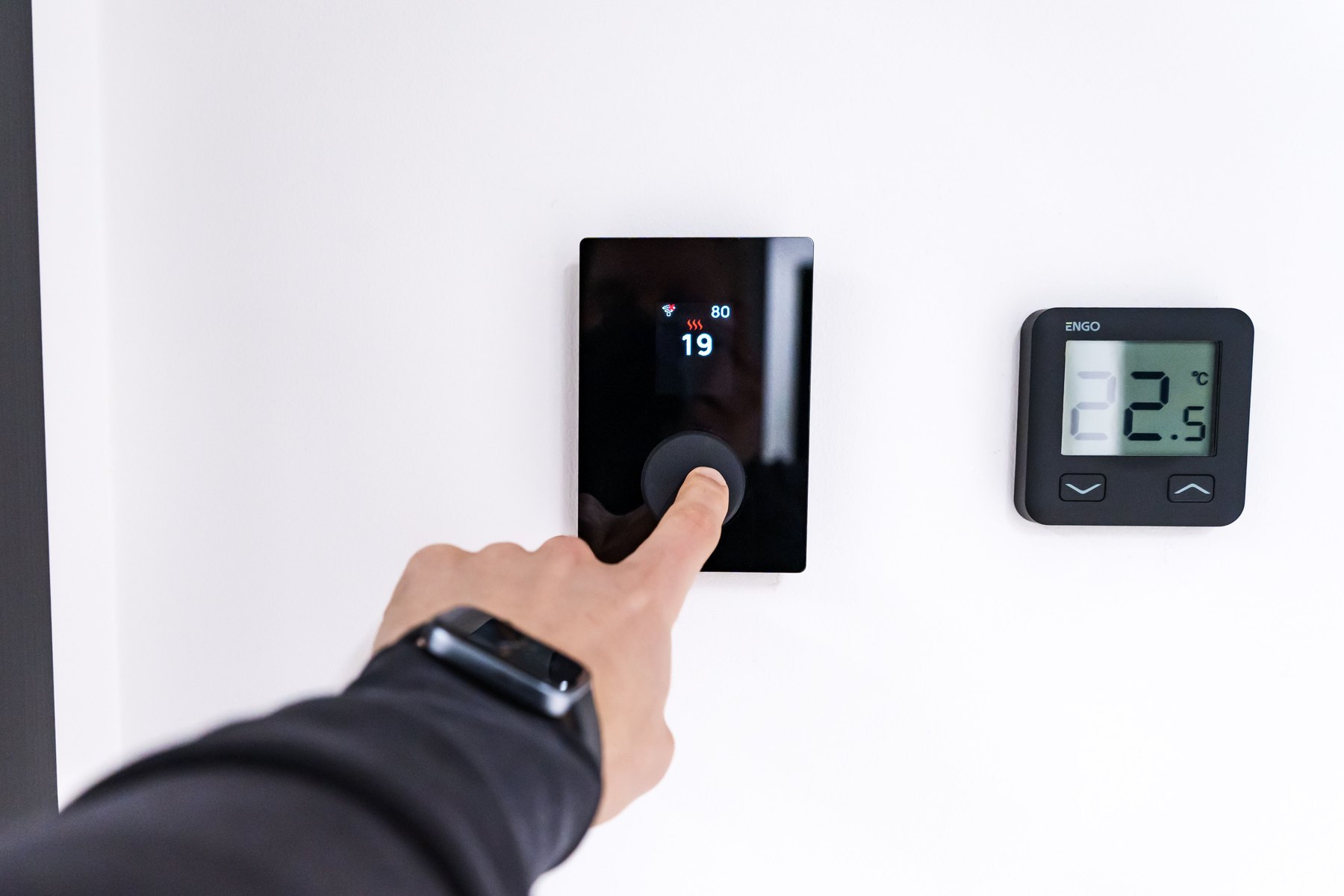
A smart thermostat can help you manage heating and cooling schedules. Compatibility matters. Before buying, confirm your HVAC system type and whether you have a C wire or need an adapter.
Common named examples include Google Nest Thermostat, ecobee Smart Thermostat, and Honeywell Home models. Compare:
- HVAC compatibility
- Remote sensors support
- App usability and multi user access
- Whether key features require a subscription
Step 4: Security basics (doorbell, lock, sensors)
Start with the entry points you use most. A video doorbell and a smart lock can improve convenience, but they also raise privacy and security questions. Choose strong account passwords and enable multi factor authentication where available.
Named examples you can compare include Ring, Google Nest, Arlo, Eufy, Wyze, and SimpliSafe. For locks, look at brands like Schlage, Yale, and August.
Step 5: Leak sensors and water protection (often overlooked)
Water damage can be expensive. Leak sensors near water heaters, sinks, and washing machines can alert you early. Some systems can pair with an automatic shutoff valve, which may cost more up front but can reduce risk.
Understand ongoing costs: subscriptions, storage, and replacements
Many smart home devices have optional or required subscriptions, especially cameras and alarm monitoring. The device price is only part of the cost.
Cost and risk checklist table
| Cost category | What to watch for | How to control it |
|---|---|---|
| Subscriptions | Cloud video storage, professional monitoring, advanced alerts | Start with local storage options where available, compare plan tiers, buy only what you use |
| Device replacements | Batteries, sensors, older WiFi standards, discontinued models | Standardize on fewer brands, keep spare batteries, avoid orphaned product lines |
| Installation | Doorbell wiring, thermostat wiring, smart switches | Budget for an electrician if needed, choose battery models when appropriate |
| Privacy tradeoffs | Always on microphones, cloud processing, data sharing settings | Review privacy settings, limit camera placement indoors, use MFA on accounts |
| Compatibility | Devices that do not work together or lose features across platforms | Pick one main ecosystem, confirm Matter support, read integration notes before buying |
Financing smart home upgrades without derailing your budget
Smart home projects can be tempting to finance, especially when you bundle a lot of devices at once. The safest approach is usually to keep the project small enough to pay from current cash flow, then expand over time.
Decision rules for paying over time
- If you can pay it off this month: paying in full avoids interest and keeps the project flexible.
- If you need a few months: consider saving for 1 to 3 months and buying in phases, starting with the network and one core category.
- If you are considering a buy now pay later plan or store financing: compare the total cost, late fees, and what happens if you return an item. Make sure the payoff timeline fits your budget.
- If you are thinking about using a credit card: compare APR, promotional periods, and your payoff plan. A promo rate can become expensive if you carry a balance after the promo ends.
Timeline based planning (so you do not overbuy)
- Under 1 year: prioritize devices that solve immediate problems, like a better router, a thermostat, or leak sensors.
- 1 to 3 years: expand to cameras, smart locks, and more advanced automations once you know what you use.
- 3 to 7 years: plan for replacements and upgrades as standards change. Budget for a router refresh and battery replacements.
- 7+ years: focus on durable infrastructure like wiring, network layout, and devices that can work locally or across ecosystems.
Privacy and security settings you should actually change
Smart home devices can collect sensitive data. You do not need to be an expert to reduce risk, but you do need to adjust a few settings.
- Turn on multi factor authentication for your smart home accounts.
- Use unique passwords for your router and each major account.
- Review sharing settings in camera and doorbell apps, especially if you share access with family or guests.
- Update firmware for routers, cameras, and hubs.
- Be intentional about indoor cameras and microphone settings. Place devices where they meet your needs without over monitoring private spaces.
For more on protecting yourself from identity theft and account takeovers, see the FTC guidance at consumer.ftc.gov.
Troubleshooting: the most common smart home problems
Problem: Devices keep going offline
- Move the router or add a mesh node closer.
- Check if the device only supports 2.4 GHz WiFi and ensure that band is enabled.
- Reduce interference by moving devices away from microwaves and thick walls.
Problem: Automations are unreliable
- Reduce complexity. Start with one trigger and one action.
- Check whether your automation depends on cloud services that may have outages.
- Make sure time zones and location permissions are correct in your app.
Problem: Unexpected charges
- Review subscription trials and renewal dates.
- Turn off auto renew if you are testing.
- Prefer devices with clear local storage options if you do not want ongoing fees.
Smart home buying checklist (printable)
- Pick your ecosystem: Alexa, Google Home, Apple Home, SmartThings, or Home Assistant.
- Confirm WiFi coverage and upgrade network if needed.
- Choose one category to start: energy, security, or convenience.
- Check compatibility: HVAC type, doorbell wiring, phone OS, and Matter support.
- Estimate total cost: devices + subscriptions + installation + replacements.
- Secure accounts: MFA, unique passwords, firmware updates.
- Buy in phases and keep receipts and serial numbers for returns and warranties.
Where to find trustworthy consumer guidance
If you are buying connected devices, it helps to understand basic consumer protections and security practices:
- Consumer Financial Protection Bureau (CFPB) for guidance on managing payments, credit, and avoiding common financial pitfalls.
- Federal Trade Commission (FTC) for identity theft and online security tips.
- FDIC for understanding insured bank accounts if you are budgeting and saving for home projects.
How to set up a smart home without overspending
The simplest way to keep a smart home affordable is to treat it like a home improvement project: start with the foundation (WiFi), pick one ecosystem, and buy devices that match clear goals. When you compare options, look beyond the sticker price and evaluate subscriptions, compatibility, and how long you expect to use each device. Over time, a phased approach can help you build a smart home that is reliable and fits your budget.


