

What Is a Smart Lock?

A smart lock is an electronic door lock that lets you lock and unlock a door using a phone app, keypad code, fingerprint, key fob, or voice assistant instead of only a traditional key.
Contents
35 sections
-
How a smart lock works
-
Smart lock features that matter in real life
-
1) Access methods
-
2) Temporary and scheduled codes
-
3) Activity logs and notifications
-
4) Remote control
-
5) Integration with other devices
-
Smart lock costs: what to budget for
-
Smart lock security: what to look for and what to avoid
-
Account and app security checklist
-
Physical security and reliability checklist
-
What a smart lock means for renters and landlords
-
If you rent
-
If you are a landlord or manage a property
-
Can a smart lock affect homeowners insurance or claims?
-
Smart lock vs traditional deadbolt: quick comparison
-
Popular smart lock brands to compare
-
How to decide if a smart lock is worth it for your budget
-
Decision rules you can use
-
What this looks like with real numbers
-
Buying checklist: compatibility and setup steps
-
Before you buy
-
After installation
-
Common problems and how to prevent them
-
Problem: The lock jams or fails to lock
-
Problem: Battery drains quickly
-
Problem: You get locked out
-
Problem: App or account issues
-
Related financial considerations: home upgrades, records, and identity protection
-
Smart lock FAQ
-
Do smart locks work without WiFi?
-
What happens if the battery dies?
-
Are smart locks safe?
-
Can a smart lock help with short term rentals?
-
Bottom line
Smart locks are popular with homeowners, renters, and small landlords because they can reduce key hassles, help manage who has access, and create activity logs. But they also introduce new costs and risks, including batteries, app accounts, WiFi or Bluetooth connectivity, and the possibility of lockouts if you do not plan ahead.
How a smart lock works
Most smart locks replace either the entire deadbolt or just the interior thumb turn portion of an existing deadbolt. They use a small motor to turn the deadbolt and a controller that receives commands from a keypad, phone, or hub.
Common ways a smart lock connects:
- Bluetooth – Your phone talks directly to the lock when you are nearby. This can be simpler and more private, but remote unlocking usually is not available unless you add a bridge.
- WiFi – The lock connects to your home network for remote control. This can be convenient, but it depends on your router and internet uptime.
- Z-Wave or Zigbee – The lock connects to a smart home hub (like Samsung SmartThings or Hubitat). This is common in home automation setups and can be reliable, but it adds a hub cost and setup time.
- Thread or Matter – Newer standards designed to improve compatibility across ecosystems. Availability varies by lock model and platform support.
Most models still include a physical key as a backup, but some are keyless. Keyless options reduce the risk of lock picking but increase the importance of backup access planning.
Smart lock features that matter in real life
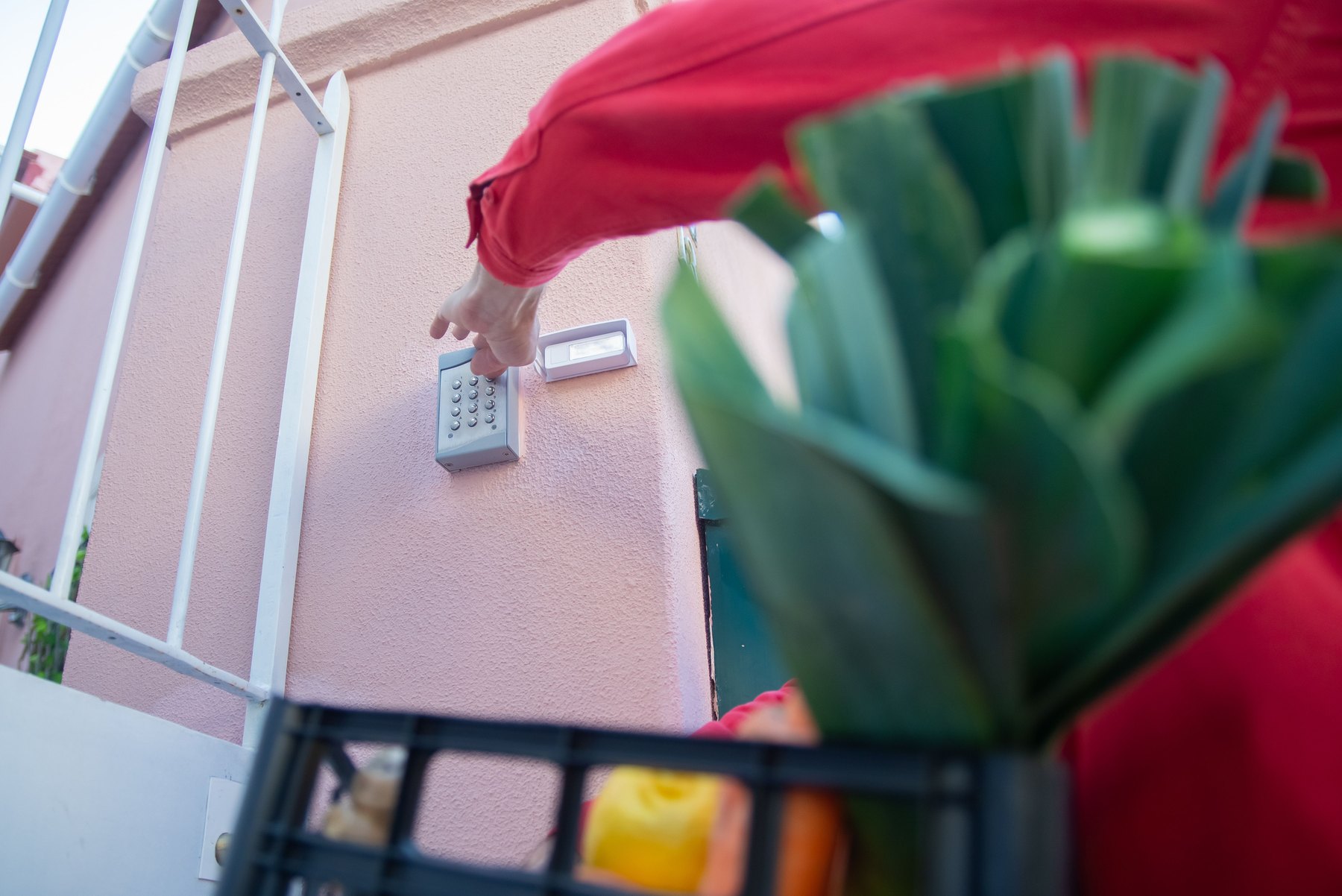
Marketing lists can be long. These are the features that tend to affect day to day convenience, cost, and risk.
1) Access methods
- Keypad codes for family, guests, cleaners, or dog walkers.
- Auto unlock based on phone proximity. Convenient, but can misfire if your phone battery dies or location settings change.
- Fingerprint for quick entry. Performance can vary with wet hands, gloves, or sensor quality.
- Physical key backup for outages and dead batteries.
2) Temporary and scheduled codes
Many smart locks let you create codes that work only during certain hours or dates. This is helpful for short stays, contractors, or recurring services.
3) Activity logs and notifications
Logs can show when the door was locked or unlocked and by which code or user. Notifications can alert you if the door is left unlocked. Logs are only as useful as your habit of checking them and the reliability of the time stamps.
4) Remote control
Remote unlocking can help if a family member forgets their code or you need to let in a service provider. It also raises the stakes for account security. If remote control matters to you, prioritize strong app security and a plan for internet outages.
5) Integration with other devices
Some locks can trigger routines like turning on lights when you unlock the door. This can be useful, but it can also create more points of failure. If you want simple reliability, fewer integrations can be better.
Smart lock costs: what to budget for
The purchase price is only part of the cost. You also may pay for installation, accessories, and ongoing services.
| Cost item | Typical range | What affects the cost | How to control it |
|---|---|---|---|
| Smart lock hardware | About $100 to $350+ | Brand, connectivity, keypad, fingerprint, build quality | Pick only the features you will use |
| Installation | $0 DIY to $100 to $250 pro | Door alignment, existing deadbolt, handyman rates | Measure first, watch fit videos, keep the old lock |
| Hub or bridge (optional) | $30 to $200+ | Need for remote access, Z-Wave or Zigbee hub | Use Bluetooth only if remote access is not needed |
| Batteries | $5 to $25 per year (varies) | Battery type, usage, cold weather | Use quality batteries and set low battery alerts |
| Subscription (sometimes) | $0 to $10+ per month | Advanced logging, cloud features, integrations | Confirm which features require a plan before buying |
Decision rule: if you only want keyless entry for your household, a keypad plus physical key backup often covers the need without requiring a subscription or hub.
Smart lock security: what to look for and what to avoid
A smart lock can be secure, but it shifts some security from metal and keys to software, accounts, and networks. Focus on practical controls you can actually maintain.
Account and app security checklist
- Use a unique password for the lock app account.
- Enable multi factor authentication if offered.
- Limit admin access to one or two trusted people.
- Remove old users and codes when roommates move out or contractors finish.
- Update firmware when security updates are released.
Physical security and reliability checklist
- ANSI grade: If available, look for ANSI Grade 1 or Grade 2 for stronger hardware.
- Door fit: A misaligned door can cause motor strain and lock failures.
- Battery alerts: Confirm how the lock warns you and how much time you typically have.
- Backup entry plan: Keep a physical key accessible or use a secondary entry method.
Also think about privacy. Activity logs can reveal household routines. If that concerns you, choose a lock that stores logs locally or offers privacy controls, and keep sharing settings tight.
What a smart lock means for renters and landlords
Smart locks can simplify move ins, guest access, and maintenance visits. They can also create disputes if expectations are not clear.
If you rent
- Get permission first if you plan to replace a lock. Many leases require landlord approval.
- Keep the original hardware so you can reinstall it when you move out.
- Clarify key and code policies: Who gets admin access, and what happens if the lock fails?
If you are a landlord or manage a property
- Standardize models across units if possible to reduce maintenance complexity.
- Set a turnover process for deleting users, resetting codes, and documenting access.
- Plan for outages: Have a physical key policy or a lockbox process for emergencies.
Can a smart lock affect homeowners insurance or claims?
Some insurers may offer discounts for certain protective devices, but discounts and eligibility vary. A smart lock alone may not qualify, and the insurer may care more about monitored security systems, deadbolt type, or burglary prevention features.
Decision rule: before buying a lock mainly for an insurance discount, ask your insurer what devices qualify and what documentation they need. If you already have a policy, confirm whether adding a smart lock changes anything about your coverage requirements or claim documentation.
For broader guidance on protecting yourself from fraud and identity theft related to accounts and devices, the FTC has practical resources at consumer.ftc.gov.
Smart lock vs traditional deadbolt: quick comparison
| Factor | Smart lock | Traditional deadbolt |
|---|---|---|
| Convenience | High – codes, remote access, no key needed | Medium – key required |
| Upfront cost | Higher | Lower |
| Ongoing maintenance | Batteries, updates, possible subscriptions | Minimal |
| Failure modes | Battery, app, connectivity, motor alignment | Key loss, mechanical wear |
| Access control | Strong – unique codes and schedules | Limited – copies of keys are hard to track |
Popular smart lock brands to compare
There is no single best smart lock for everyone. These well known brands can be a starting point for comparison. Always verify compatibility with your door and your preferred ecosystem before buying.
| Option | Best fit | What to compare | Main drawback |
|---|---|---|---|
| Schlage Encode and Encode Plus | People who want a mainstream keypad lock with WiFi options | WiFi reliability, app features, compatibility with Apple Home | Can cost more than basic models |
| Yale Assure series | Homeowners who want multiple connectivity modules | Module type (Z-Wave, Zigbee, WiFi), keypad style, warranty | Choosing the right module can be confusing |
| August Smart Lock | Renters who want to keep the exterior key look | Bridge for remote access, auto unlock behavior, battery life | Bulkier interior unit on some doors |
| Kwikset Halo and Premis | Budget minded buyers who still want app control | App experience, keypad durability, rekey options | Some models have fewer advanced features |
| Ultraloq (including fingerprint models) | People who want fingerprint entry and multiple unlock methods | Fingerprint accuracy, backup methods, weather resistance | Biometrics can be inconsistent for some users |
| Level Lock | Minimalist look with smart features built into the bolt | Compatibility, battery replacement process, remote options | Fewer visible cues and sometimes fewer features |
How to decide if a smart lock is worth it for your budget
A smart lock is a home upgrade. Like any upgrade, it competes with other priorities such as emergency savings, paying down high interest debt, or essential repairs.
Decision rules you can use
- Choose a smart lock first if you frequently manage access for kids, guests, cleaners, or short term visitors and you have had real problems with keys.
- Delay the purchase if you are carrying high interest credit card balances or you do not have a basic emergency buffer. Convenience upgrades can wait until cash flow is steadier.
- Keep it simple if reliability is your top priority. A keypad plus physical key backup often beats complex automations.
What this looks like with real numbers
Assume you are considering a $220 smart lock and $80 installation, for a total of $300. Here are three ways to fit it into a household plan without guessing outcomes.
- Scenario A: You have $1,000 set aside for home upgrades. Allocate $300 to the smart lock project, $400 to a small home repair fund, and $300 to a buffer for unexpected costs. Total = $1,000.
- Scenario B: You have $300 available but also want to avoid new debt. Allocate $150 now to buy a simpler keypad deadbolt, $100 to extra keys and a lockbox backup plan, and $50 to batteries and tools. Total = $300.
- Scenario C: You can save $50 per month for upgrades. Allocate $50 per month for 6 months to reach $300, then buy the lock and installation without using a credit card. Total saved = $300.
If you are considering financing a smart lock on a credit card, compare the convenience benefit against the interest cost. A small purchase can become expensive if it takes many months to pay off at a high APR.
Buying checklist: compatibility and setup steps
Before you buy
- Confirm your door has a standard deadbolt size and backset (common sizes are 2 3/8 inches and 2 3/4 inches).
- Check door thickness and whether the lock supports it.
- Decide if you need remote access. If not, Bluetooth only models can reduce complexity.
- Decide who needs access and how: keypad codes, app access, or physical keys.
After installation
- Run the lock calibration process so the motor learns the door position.
- Create unique codes for each person instead of sharing one code.
- Turn on low battery alerts and test them.
- Store a backup key securely or set up an alternative entry method.
Common problems and how to prevent them
Problem: The lock jams or fails to lock
Often caused by door misalignment. Tighten hinges, adjust the strike plate, and make sure the deadbolt slides smoothly without the motor.
Problem: Battery drains quickly
Cold weather, frequent use, and weak batteries can contribute. Use quality batteries and keep spares. If the lock supports it, check battery status in the app monthly.
Problem: You get locked out
Plan for this before it happens. Keep a physical key accessible, use a keypad model, or set up a trusted person with access. Avoid relying on a single method like phone only entry.
Problem: App or account issues
Use strong passwords, enable multi factor authentication when available, and keep recovery options up to date. If you change phones, confirm you can transfer access without losing admin control.
Related financial considerations: home upgrades, records, and identity protection
If you own your home, keep receipts and model information for major upgrades. This can help with warranty claims and home inventory documentation. For identity protection and account security habits, the FTC guidance at https://consumer.ftc.gov/ is a solid starting point.
If you are improving home security as part of a broader financial plan, you may also want to review your credit reports periodically to spot account fraud early. You can get free reports at AnnualCreditReport.com.
Smart lock FAQ
Do smart locks work without WiFi?
Many do. Bluetooth models can work without WiFi for nearby unlocking. Some WiFi models still work locally with keypad codes and physical keys even if the internet is down, but remote features may not work.
What happens if the battery dies?
Most locks warn you well before failure. Many include a physical key backup. Some keypad locks also have emergency power options like a 9V contact. Check the model details before buying.
Are smart locks safe?
They can be, especially when paired with strong account security and a well installed deadbolt. Safety depends on the specific lock hardware, your door quality, and how you manage codes, updates, and access sharing.
Can a smart lock help with short term rentals?
It can simplify guest access with time limited codes. If you manage a rental, focus on reliable code turnover, clear guest instructions, and a backup entry plan for emergencies.
Bottom line
A smart lock can make entry easier and access management more controlled, especially for households with frequent visitors or shared access needs. The best choice depends on your door compatibility, preferred access method, and how much complexity you are willing to maintain. Compare models by connectivity, backup options, security features, and total cost, not just the sticker price.
For more consumer guidance on security and avoiding scams tied to online accounts and connected devices, you can also explore resources from the CFPB at https://www.consumerfinance.gov/.


