

What Is a VPN Connection?

A VPN connection is a secure, encrypted link between your device and a VPN server that helps protect your data as it travels across the internet.
Contents
28 sections
-
What a VPN connection actually does
-
How a VPN connection works (simple step-by-step)
-
VPN connection vs proxy vs private browsing
-
When a VPN connection is worth paying for
-
1) You use public Wi-Fi for banking or bill pay
-
2) You travel often
-
3) You work remotely
-
4) You want basic privacy from your ISP
-
When a VPN connection may not help much
-
How VPNs relate to money, credit, and identity theft risk
-
What to look for in a VPN connection (decision checklist)
-
VPN connection providers: examples to compare
-
What would this look like with real numbers?
-
Scenario A: Occasional traveler on a tight budget
-
Scenario B: Remote worker who uses public Wi-Fi weekly
-
Scenario C: Family plan mindset (many devices)
-
Decision rules by timeline (how long you need the VPN)
-
Practical setup tips for a safer VPN connection
-
Use multi-factor authentication on financial accounts
-
Turn on the kill switch (if available)
-
Keep your device updated
-
Know what to do on public Wi-Fi
-
Common VPN connection problems (and quick fixes)
-
Slow speeds
-
Websites or banks blocking access
-
VPN disconnects on mobile
-
How to choose: a simple scoring method
-
Bottom line
People often use VPNs to reduce the risk of snooping on public Wi-Fi, add privacy from their internet provider, and access work networks while traveling. But a VPN is not a magic shield. It can help with certain risks, and it can introduce tradeoffs like slower speeds, subscription costs, and trust in the VPN company itself.
What a VPN connection actually does
When you connect to a VPN, your device creates an encrypted tunnel to a VPN server operated by the provider (or your employer). From there, your internet traffic goes out to websites and apps. This changes what others can see in a few important ways:
- On public Wi-Fi: The hotspot operator and nearby attackers have a harder time reading your traffic because it is encrypted between you and the VPN server.
- At home: Your internet service provider (ISP) can usually see that you are using a VPN and how much data you use, but it is less able to see the specific sites you visit (especially if the sites use HTTPS, which most do).
- To websites: Websites typically see the VPN server’s IP address, not your home IP address. This can reduce basic tracking tied to your IP.
A VPN does not automatically make you anonymous, prevent phishing, or stop malware. If you log into an account, that service still knows it is you. If your device is infected, a VPN does not remove the infection.
How a VPN connection works (simple step-by-step)
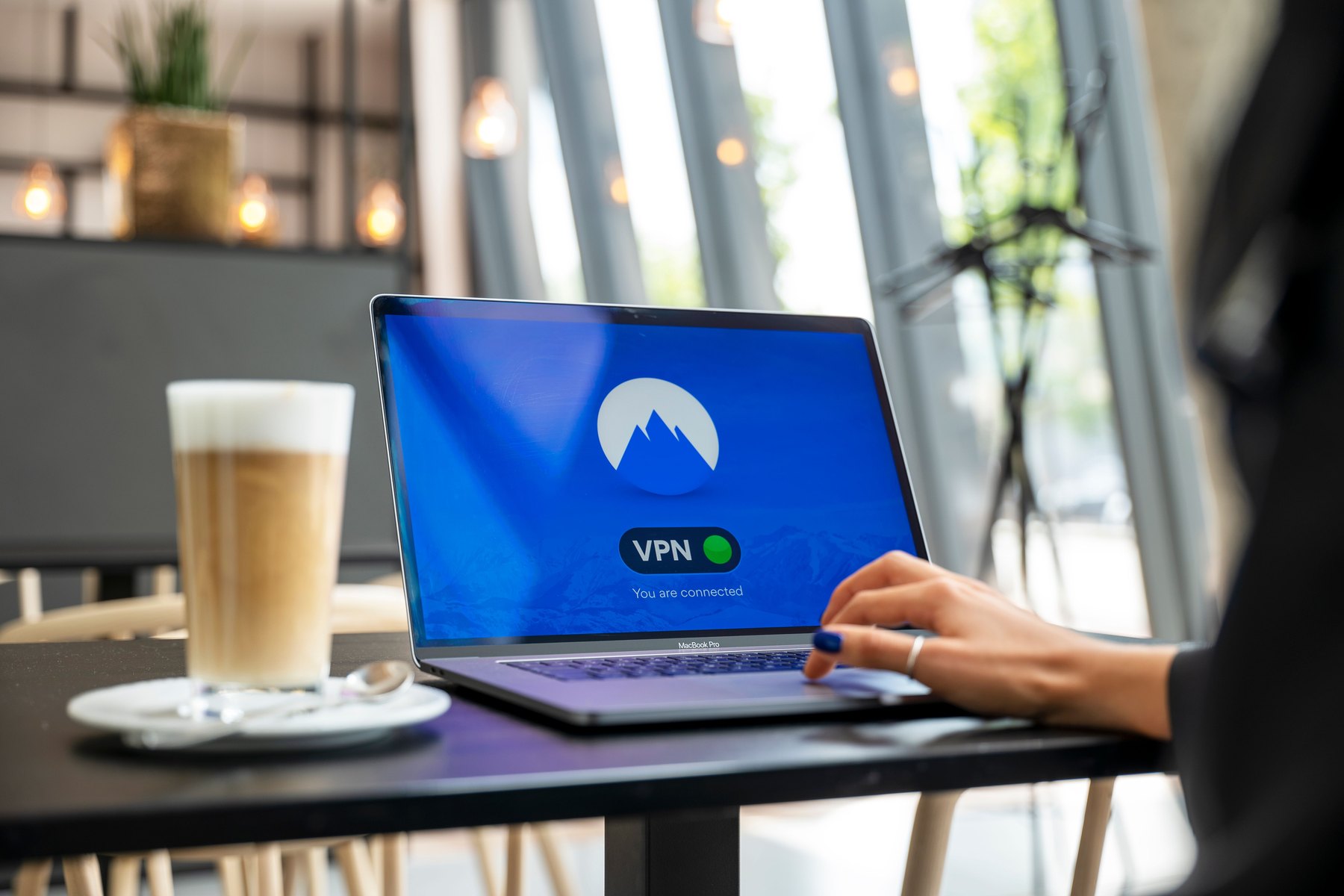
- You open the VPN app on your phone, laptop, or tablet.
- The app authenticates with the VPN provider and chooses a server location.
- Encryption starts using a VPN protocol (for example, WireGuard, OpenVPN, or IKEv2).
- Your traffic routes through the VPN server before going to the wider internet.
- Websites respond back to the VPN server, which forwards the encrypted traffic to you.
Many VPN apps also include extras like a kill switch (blocks internet if the VPN drops), split tunneling (only some apps use the VPN), and DNS leak protection (helps prevent your DNS requests from bypassing the tunnel).
VPN connection vs proxy vs private browsing
These tools are often confused. They solve different problems.
| Tool | What it does | What it does not do | Best for |
|---|---|---|---|
| VPN | Encrypts traffic between your device and VPN server; changes your visible IP | Does not stop tracking cookies; does not guarantee anonymity; does not remove malware | Safer use of public Wi-Fi, travel, basic privacy from local networks |
| Proxy | Routes traffic through another server; may change IP | Often does not encrypt; can be easy to intercept | Basic location switching for low-risk browsing |
| Private/Incognito mode | Limits what your browser saves locally (history, cookies for that session) | Does not hide activity from your ISP, employer, or websites | Shared computers, reducing local browsing traces |
When a VPN connection is worth paying for
A VPN can be a practical purchase when it reduces a risk you actually face or replaces a more expensive workaround. Common situations:
1) You use public Wi-Fi for banking or bill pay
If you regularly check accounts at airports, hotels, cafes, or campus networks, a VPN can add a layer of protection against local network snooping. You should still look for HTTPS (the lock icon) and avoid clicking unknown links.
2) You travel often
Travel increases exposure to unfamiliar networks and devices. A VPN can help you keep traffic encrypted on hotel Wi-Fi and reduce the chance that your sessions are intercepted.
3) You work remotely
Some employers require a corporate VPN to access internal systems. This is different from a consumer VPN subscription, but the concept is similar: an encrypted tunnel to a trusted network.
4) You want basic privacy from your ISP
A VPN can limit the browsing details your ISP can observe, though your VPN provider may be able to see more. Choosing who to trust is part of the decision.
When a VPN connection may not help much
- You are trying to avoid scams: A VPN does not stop phishing texts, fake support calls, or fraudulent websites.
- You want to hide from websites you log into: Logging in identifies you regardless of IP address.
- You need maximum speed: VPN encryption and routing can slow connections, especially on distant servers.
- You are on a managed work device: Your employer may still monitor activity through device management tools and policies.
How VPNs relate to money, credit, and identity theft risk
VPNs are not a credit product, but they can support safer financial routines. If your data is intercepted on insecure networks, it can lead to account takeover attempts or identity theft headaches that affect your finances.
For identity theft prevention and recovery steps, the FTC’s identity theft resources are a strong starting point: https://consumer.ftc.gov/identity-theft.
For ongoing credit monitoring basics, you can check your credit reports for free at: https://www.annualcreditreport.com/.
What to look for in a VPN connection (decision checklist)
Use this checklist to compare VPN services without getting lost in marketing claims.
| Feature to compare | Why it matters | What to verify | Common tradeoff |
|---|---|---|---|
| Privacy policy and logging | Determines what data could exist if there is a breach or request | Read what is collected (timestamps, IPs, device IDs) and retention period | Less logging can reduce troubleshooting detail |
| Protocol support | Affects security and speed | Look for modern protocols like WireGuard; confirm app support on your devices | Older devices may not support newer protocols well |
| Kill switch | Helps prevent accidental exposure if the VPN drops | Confirm it exists on your OS (Windows, macOS, iOS, Android) | Can interrupt apps if the connection is unstable |
| DNS leak protection | Helps keep your browsing requests inside the tunnel | Check settings and independent leak test instructions | Misconfiguration can still cause leaks |
| Server locations | Closer servers often mean better speed | Confirm locations you actually need (home region, travel destinations) | More locations can mean more complexity and variable performance |
| Device limits and router support | Determines how many devices you can protect | Check simultaneous connections and whether it works on your router | Router setup can be more technical |
| Price and renewal terms | VPNs are usually subscriptions | Compare monthly vs annual pricing and auto-renewal rules | Intro pricing may jump at renewal |
VPN connection providers: examples to compare
There is no single best VPN for everyone. The goal is to compare features, transparency, and total cost for your situation. Here are recognizable examples many consumers evaluate:
| Option | Best fit | What to compare | Main drawback |
|---|---|---|---|
| NordVPN | People who want a mainstream paid VPN with lots of server options | Protocol options, kill switch behavior, renewal pricing | Subscription cost and plan complexity |
| ExpressVPN | Users prioritizing ease of use across devices | Speed on nearby servers, router support, current pricing | Often priced higher than some competitors |
| Proton VPN | Privacy-focused users who also use encrypted email tools | Logging policy, open-source components, free vs paid limits | Free tier may have speed or location limits |
| Mullvad | Users who want minimal account data and simple pricing | Account setup process, payment options, server performance | Fewer “extra” features and a more utilitarian app |
| Surfshark | Households with many devices looking for broad coverage | Device limits, app usability, renewal pricing | Performance can vary by location and time |
| Private Internet Access (PIA) | Power users who like configurable settings | Advanced options, protocol settings, speed tests | More settings can mean more chances to misconfigure |
Before subscribing, compare the total cost over the period you expect to use it, the cancellation rules, and whether it works on every device you care about.
What would this look like with real numbers?
A VPN is usually a small recurring expense, but small subscriptions add up. Below are realistic budgeting scenarios using round numbers. Replace them with actual prices you see today.
Scenario A: Occasional traveler on a tight budget
You want protection on airport and hotel Wi-Fi, but you do not need premium features.
- VPN subscription: $5 to $12 per month (or check annual pricing)
- Password manager: $0 to $4 per month
- Set aside for device security (replacement fund): $10 per month
Example monthly allocation (adds up to $20):
- $8 VPN
- $2 password manager
- $10 device replacement fund
Scenario B: Remote worker who uses public Wi-Fi weekly
You value reliability and a kill switch, and you want coverage on phone and laptop.
Example monthly allocation (adds up to $35):
- $12 VPN
- $8 identity monitoring or credit monitoring tool (optional)
- $15 emergency fund contribution (earmarked for fraud-related hassles like replacing cards or taking time off)
Scenario C: Family plan mindset (many devices)
You want to cover multiple phones, tablets, and a streaming device, and you may prefer router support.
Example monthly allocation (adds up to $50):
- $15 VPN
- $10 password manager (family tier)
- $25 “digital maintenance” bucket (cloud backup, device insurance, or savings for upgrades)
Decision rules by timeline (how long you need the VPN)
Thinking in timelines helps you avoid overpaying for a subscription you do not use.
- Under 1 year: If you only need a VPN for a short travel season or internship, compare monthly plans vs a single annual plan. Check renewal pricing and whether you can turn off auto-renew.
- 1 to 3 years: If you travel regularly or work remotely, an annual plan can lower average monthly cost. Re-check your needs each year because providers and features change.
- 3 to 7 years: Focus on provider trust, track record, and consistent app updates. Over long periods, the risk of a provider changing policies matters more than saving a few dollars.
- 7+ years: Consider whether your needs are better met by broader security habits: strong passwords, multi-factor authentication, device updates, and avoiding risky networks. A VPN can still help, but it should not be the only tool.
Practical setup tips for a safer VPN connection
Use multi-factor authentication on financial accounts
A VPN helps protect data in transit, but account security often comes down to login protection. Turn on multi-factor authentication where available, especially for banking, email, and payment apps.
Turn on the kill switch (if available)
If your VPN disconnects, your device may revert to an unprotected connection. A kill switch can reduce that risk, especially on laptops that move between networks.
Keep your device updated
VPNs do not patch security holes in your operating system or browser. Regular updates reduce the chance that an attacker can compromise your device even if your traffic is encrypted.
Know what to do on public Wi-Fi
- Confirm the network name with staff (avoid lookalike hotspots).
- Avoid accessing sensitive accounts if the network feels suspicious.
- Prefer your phone’s hotspot when possible.
The FTC has practical guidance on staying safer online and avoiding scams: https://consumer.ftc.gov/.
Common VPN connection problems (and quick fixes)
Slow speeds
- Switch to a closer server location.
- Try a different protocol (WireGuard is often faster, depending on the provider).
- Disable the VPN for high-bandwidth tasks if you do not need it (split tunneling can help).
Websites or banks blocking access
Some services flag VPN traffic for fraud prevention. If you cannot log in:
- Try a different server.
- Temporarily disconnect the VPN for that session, especially on trusted home internet.
- Use your mobile network instead of public Wi-Fi for sensitive logins.
VPN disconnects on mobile
- Check battery optimization settings that may pause the VPN app.
- Enable “always-on VPN” if your phone supports it.
- Update the app and operating system.
How to choose: a simple scoring method
If you are comparing multiple VPNs, score each one from 1 (poor) to 5 (excellent) on the factors below, then pick the best overall fit for your needs and budget.
| Factor | Score (1 to 5) | What “5” looks like |
|---|---|---|
| Trust and transparency | Clear policy, independent audits or strong transparency reports, minimal data collection | |
| Reliability | Stable connections, kill switch works as expected | |
| Speed | Good performance on nearby servers during your typical hours | |
| Device coverage | Works on all your devices, reasonable connection limits, router option if needed | |
| Total cost | Fair monthly cost after renewal, easy cancellation, no surprise add-ons |
Bottom line
A VPN connection can be a useful tool for protecting your data on public Wi-Fi and adding a layer of privacy, especially when you travel or work remotely. The best choice depends on how you use the internet, which devices you need to cover, and how much you are willing to pay for reliability and transparency. Compare protocols, logging policies, security features like a kill switch, and the full subscription cost before you commit.
If you are tightening your overall financial security, consider pairing a VPN with strong account habits and regular credit report checks. For consumer protection resources and complaint options, the CFPB can be helpful: https://www.consumerfinance.gov/.


