

AI and Home Security: What to Know

AI and home security are changing how people protect their homes, from smarter motion detection to faster alerts and fewer false alarms.
Contents
27 sections
-
How AI and home security works (in plain English)
-
Common AI features you will see
-
On-device AI vs cloud AI
-
AI and home security: benefits and tradeoffs
-
Accuracy depends on your setup
-
Major providers and devices to compare (named examples)
-
Decision rule: start with your "must-have" list
-
What AI features usually cost (and how to budget)
-
Typical cost categories to plan for
-
Three sample budgets with real numbers
-
Decision rule: calculate your 2-year total cost
-
Financing and payment options: when a loan might (or might not) make sense
-
Common ways people pay
-
Timeline decision rules (under 1 year to 7+ years)
-
Privacy, data, and account security: what to check before you install
-
Practical privacy checklist
-
Account security basics that matter
-
Reducing false alarms and making AI alerts more useful
-
Setup tips that usually improve results
-
Buying checklist: compare systems like a pro
-
Feature and cost checklist
-
Home and neighborhood fit checklist
-
Insurance, claims, and documentation: where AI footage can help
-
When AI security upgrades fit your finances (and when to wait)
-
Quick decision rules
-
What this looks like with real numbers
-
Next steps
But “AI” can mean very different things depending on the device: some systems run basic person detection on a camera, while others use cloud analysis, facial recognition, or package detection. Those features can be helpful, but they can also create new costs, privacy questions, and ongoing subscription decisions. This guide breaks down what AI features actually do, what they typically cost, how to compare major options, and how to decide what makes sense for your budget and risk level.
How AI and home security works (in plain English)
Traditional security devices rely on simple triggers: a door opens, a sensor trips, or a camera detects motion. AI features add a layer of pattern recognition. Instead of alerting you every time a tree branch moves, the system tries to classify what it sees or hears.
Common AI features you will see
- Person detection: Tries to tell a person from a pet, shadow, or car headlights.
- Package detection: Flags deliveries and sometimes alerts if a package disappears.
- Vehicle detection: Useful for driveways or street-facing cameras.
- Facial recognition: Attempts to identify familiar faces. This can be convenient, but it raises privacy and data storage questions.
- Sound recognition: Listens for glass break, smoke alarms, or unusual noises. Some features are on-device; others require cloud processing.
- Smart alerts and activity zones: Lets you draw zones and get alerts only for certain areas, like a porch or gate.
- Automation: If a camera detects a person at night, it can turn on lights, start recording, or trigger a siren.
On-device AI vs cloud AI
Where the “brain” runs matters for cost and privacy:
- On-device (edge) processing: Analysis happens on the camera or hub. This can reduce cloud fees and keep more data local, but hardware may cost more.
- Cloud processing: Video or events are sent to a provider’s servers for analysis. This can improve accuracy over time, but often requires a subscription and depends on internet uptime.
AI and home security: benefits and tradeoffs
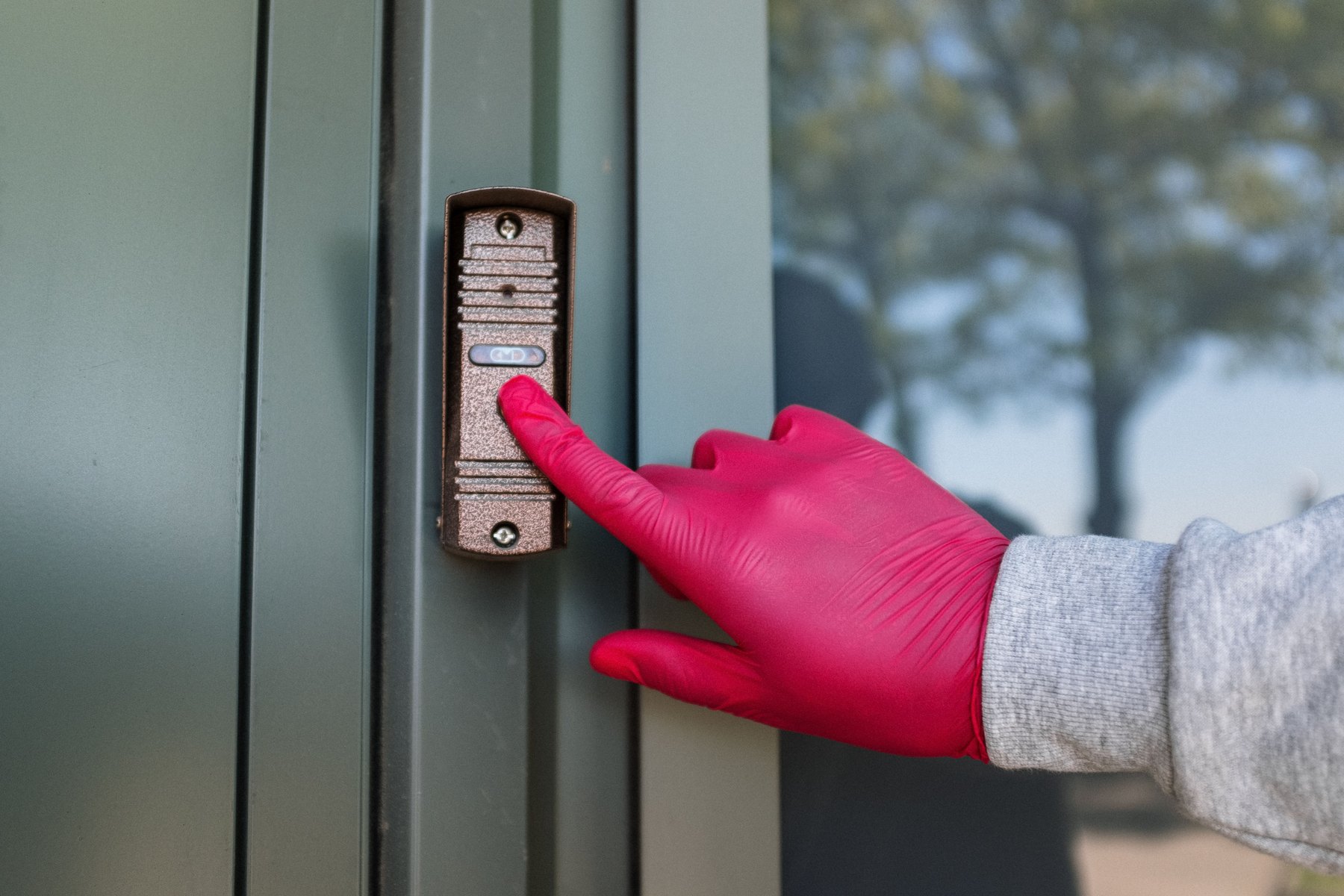
AI features can improve day-to-day usability, but they are not magic. Use the checklist below to weigh what you gain against what you take on.
| Potential benefit | What it can help with | Common tradeoff |
|---|---|---|
| Fewer false alerts | Less notification fatigue, better response | May require a subscription or newer hardware |
| Smarter alerts (person, package, vehicle) | Prioritizes important events | Accuracy varies by lighting, camera angle, and weather |
| Faster review of incidents | Event timelines and “highlights” | Cloud storage costs can add up |
| Automation | Lights, sirens, locks, and routines | More complexity and more points of failure |
| Remote monitoring | Check cameras and sensors from anywhere | Relies on strong passwords and account security |
Accuracy depends on your setup
AI detection quality often comes down to basics:
- Camera placement: Face-level angles usually outperform high, steep angles.
- Lighting: Porch lights and motion lights can improve night detection.
- Wi-Fi strength: Weak signals can cause delayed alerts or missed uploads.
- Weather: Rain, snow, and glare can trigger false motion events.
Major providers and devices to compare (named examples)
You do not need to pick a single “best” brand for everyone. A better approach is to compare a few recognizable options across the same criteria: equipment cost, monthly fees, storage, monitoring, and how AI features are delivered.
| Option | Best fit | What to compare | Main drawback |
|---|---|---|---|
| Ring (Amazon) | Doorbells and cameras with broad ecosystem support | Subscription cost, camera coverage, alert accuracy, storage terms | Many features depend on a paid plan |
| Google Nest | People who want strong app experience and smart home integration | Video history length, AI alerts, device compatibility | Cloud reliance and ongoing subscription decisions |
| Arlo | Wireless camera setups and flexible placement | Battery life, AI detection features, subscription tiers | Advanced alerts often require a plan |
| SimpliSafe | DIY alarm systems with optional professional monitoring | Monitoring price, contract terms, camera features, cellular backup | Camera AI features vary by model and plan |
| ADT | Professionally installed systems and monitoring-first households | Contract length, total monthly cost, equipment ownership, cancellation terms | Can be more expensive over time depending on plan |
| Eufy (Anker) | People seeking more local storage options | Local vs cloud storage, app permissions, device updates | Still requires careful account security and update management |
Decision rule: start with your “must-have” list
- If you want professional monitoring, compare SimpliSafe and ADT style plans, and verify contract terms and total monthly cost.
- If you want video-first coverage for porch and driveway, compare Ring, Nest, and Arlo for alert quality and video history.
- If you want more local control, look closely at local storage options and how footage is secured and updated.
What AI features usually cost (and how to budget)
AI security costs usually fall into four buckets: equipment, installation, subscription, and monitoring. The tricky part is that “AI features” are often bundled into a monthly plan rather than included with the device.
Typical cost categories to plan for
- Upfront equipment: Cameras, doorbells, sensors, hubs, and possibly a smart lock.
- Installation: DIY time and tools, or professional install fees.
- Subscription: Cloud video storage, advanced detection, rich notifications, and extended video history.
- Monitoring: Optional professional response and cellular backup, depending on the provider.
Three sample budgets with real numbers
These examples show how costs can stack up. Replace the numbers with the quotes you receive and the devices you actually need.
- Scenario A: Starter apartment setup – $300 upfront
- $120 video doorbell
- $120 indoor camera
- $60 door/window sensor bundle
- Total upfront: $300
- Ongoing: $0 to $20 per month depending on whether you want cloud storage and smart alerts
- Scenario B: Typical single-family home – $900 upfront
- $200 doorbell camera
- $450 for three outdoor cameras
- $150 sensor kit (doors, windows, motion)
- $100 smart lighting or motion floodlight
- Total upfront: $900
- Ongoing: $15 to $50 per month if you add video history, AI detection, and optional monitoring
- Scenario C: Higher coverage with monitoring – $1,800 upfront
- $600 for six cameras (mix of indoor and outdoor)
- $400 for sensors and hub
- $300 smart lock and keypad
- $500 professional installation or upgrades (wiring, mounts, network gear)
- Total upfront: $1,800
- Ongoing: $30 to $80 per month depending on monitoring, cellular backup, and video plan
Decision rule: calculate your 2-year total cost
When comparing systems, add:
- Upfront equipment and installation
- Plus 24 months of subscriptions and monitoring
- Plus expected replacements (batteries, one extra camera, SD cards)
This helps you compare a low-upfront, higher-monthly plan against a higher-upfront, lower-monthly setup.
Financing and payment options: when a loan might (or might not) make sense
Many households pay for security upgrades with cash flow, but some providers offer installment plans, and some people consider a credit card or personal loan for a larger setup. The right choice depends on your budget stability and how quickly you can pay it down.
Common ways people pay
- Cash or sinking fund: Often simplest if you can save for 1 to 3 months.
- Credit card: Convenient for smaller purchases, but interest can be costly if you carry a balance.
- 0% intro APR card (if you qualify): Can spread costs if you can pay before the promo ends. Compare the regular APR after the intro period and any balance transfer fees.
- Buy now, pay later: May fit short payoff timelines, but watch for late fees and how returns are handled.
- Personal loan: Can be useful for a defined project with a fixed payoff plan. Compare APR, origination fees, and term length.
| Payment method | Best for | What to compare | Key risk |
|---|---|---|---|
| Cash | Small to mid upgrades | Opportunity cost, emergency fund impact | Draining reserves |
| Credit card | Short payoff window | APR, rewards, purchase protection | High interest if not paid quickly |
| 0% intro APR card | Planned payoff in promo period | Promo length, post-promo APR, fees | Balance remains after promo ends |
| Installment plan | Bundled equipment purchases | Total cost, term, return policy | Harder to change systems mid-term |
| Personal loan | Larger projects with fixed budget | APR, origination fee, term, prepayment policy | Paying interest for tech that depreciates |
Timeline decision rules (under 1 year to 7+ years)
- Under 1 year: Favor cash, a short payoff plan, or a 0% intro APR card if you can pay it off before the promo ends.
- 1 to 3 years: Consider fixed monthly payments only if the total cost is clear and fits your budget with room for surprises.
- 3 to 7 years: Be cautious financing rapidly aging tech for this long. If you do, prioritize reasonable terms and avoid stretching payments beyond the expected life of the devices.
- 7+ years: Usually better for structural home improvements, not consumer electronics. If you are upgrading doors, windows, or exterior lighting, focus on durability and total home value, not just AI features.
Privacy, data, and account security: what to check before you install
AI security devices can collect sensitive data: video of your family, audio, visitor patterns, and sometimes location data. Before buying, review privacy controls and lock down your accounts.
Practical privacy checklist
- Storage location: Is footage stored locally, in the cloud, or both?
- Retention: How long is video kept? Can you delete it easily?
- Sharing: Who can access clips – household members, guests, monitoring agents?
- Law enforcement requests: Check the provider’s transparency and request policies.
- Facial recognition: If offered, confirm it is optional and understand how face data is stored.
Account security basics that matter
- Use a unique, long password for your security account.
- Turn on multi-factor authentication if available.
- Keep device firmware and apps updated.
- Secure your home Wi-Fi with WPA2 or WPA3 and change the router admin password.
For more on avoiding scams and protecting personal information, review guidance from the FTC at consumer.ftc.gov.
Reducing false alarms and making AI alerts more useful
False alarms waste time and can lead you to ignore notifications. AI helps, but setup still matters.
Setup tips that usually improve results
- Define activity zones: Exclude busy sidewalks and swaying trees.
- Adjust sensitivity: Start medium, then tune based on a week of alerts.
- Improve lighting: Add a porch light or motion light for clearer night video.
- Mount at the right height: Many outdoor cameras work best around 7 to 9 feet, angled to capture faces rather than the top of heads.
- Test your Wi-Fi: If signals are weak outdoors, consider a mesh system or wired options.
Buying checklist: compare systems like a pro
Use this checklist to compare apples to apples across brands and plans.
Feature and cost checklist
- Does the system work without a subscription? If yes, what do you lose?
- What is the monthly cost for the features you actually want (video history, person detection, package alerts)?
- How many cameras are included in the plan price?
- Is professional monitoring optional, and what does it include (cellular backup, dispatch support, app features)?
- How long is the warranty, and how are replacements handled?
- Can you export clips easily for insurance or police reports?
Home and neighborhood fit checklist
- Do you need weather-rated cameras and floodlights?
- Do you have a clear view of entry points without filming neighbors’ windows?
- Do you have pets that could trigger motion sensors?
- Is your internet reliable enough for cloud-based features?
Insurance, claims, and documentation: where AI footage can help
Security footage can help document incidents like theft or vandalism. If you ever need to share documentation, it helps to know where your clips are stored and how to download them quickly. If you are evaluating how insurance and security overlap, keep records of:
- Device purchase receipts and serial numbers
- Photos of installed equipment
- Saved clips related to incidents
For broader consumer guidance on financial products and complaint options, the CFPB is a useful resource: consumerfinance.gov.
When AI security upgrades fit your finances (and when to wait)
AI features are most valuable when they reduce your daily hassle and help you respond faster to real events. They are less valuable when they push you into a monthly bill you resent or a long payoff timeline for devices that may be outdated in a few years.
Quick decision rules
- Upgrade now if you can cover upfront costs without skipping essentials, and the monthly plan (if any) fits comfortably in your budget.
- Start smaller if you are unsure: one doorbell camera plus better lighting can cover a lot.
- Wait or simplify if you would need long-term debt for cameras alone, or if your internet is unreliable and cloud features would frustrate you.
What this looks like with real numbers
If your household can spare $60 per month for security, you might allocate it like this:
- $25 per month for a video storage and AI alert plan (verify current pricing)
- $15 per month for optional monitoring or cellular backup (if you choose it)
- $20 per month into a replacement fund for batteries, an extra camera, or a router upgrade
If $60 per month feels tight, a lower-commitment approach could be:
- $0 to $10 per month for basic cloud storage or none at all
- $20 per month saved toward one additional camera in 6 to 12 months
- $30 per month kept in your general emergency fund to avoid financing surprises
Next steps
Make a short list of the entry points you want to cover, decide whether you want professional monitoring, and then compare 2 to 4 systems using a 2-year total cost estimate. Focus on the AI features that solve a specific problem for you, like reducing false alerts or identifying deliveries, and skip the rest.
If you are also reviewing your broader financial picture, it can help to check your credit reports for accuracy before applying for any financing. You can get your reports at AnnualCreditReport.com. For guidance on identity theft and account takeovers, see FTC identity theft resources.

