

Best Security Cameras for Homes to Compare Before You Choose

The best security cameras for homes are the ones that fit your layout, internet, privacy preferences, and monthly budget without creating surprise costs later.
Contents
34 sections
-
What to decide first (so you do not overpay)
-
1) Where you need coverage
-
2) How you want to be alerted
-
3) How you want video stored
-
4) Your tolerance for monthly fees
-
Best security cameras for homes: top options to compare
-
Wired vs wireless: cost and reliability tradeoffs
-
Wireless battery cameras
-
Wired power (plug in or hardwired)
-
PoE (Power over Ethernet) systems
-
Subscriptions vs local storage: how to compare total cost
-
What a subscription may add
-
What local storage may require
-
Real number budgets: what home camera setups can look like
-
Scenario A: $250 starter setup (apartment or small home)
-
Scenario B: $600 balanced setup (typical single family home)
-
Scenario C: $1,500 higher control setup (DIY PoE or hybrid)
-
Financing and cash flow: how to pay without creating money stress
-
Decision rules by timeline
-
A simple affordability check
-
Feature checklist: what matters for most households
-
Video and night vision
-
Motion detection quality
-
Power and weather
-
Privacy and account security
-
Installation tips that can save money
-
Do a WiFi test before you mount anything
-
Mount for faces, not just wide views
-
Plan for lighting
-
When a camera system can affect your broader finances
-
Quick decision matrix: pick the right type for your home
-
Questions to ask before you buy (printable checklist)
-
Where to learn more about security and consumer protection
-
Bottom line: compare the system, not just the camera
This guide walks through practical comparisons: wired vs wireless, local storage vs cloud plans, how to estimate total cost, and which well known camera brands are worth comparing side by side. You will also see real number examples for different budgets, plus checklists you can use before you buy.
What to decide first (so you do not overpay)
Before comparing brands, make four decisions. These choices usually matter more than a specific model.
1) Where you need coverage
- Outdoor entry points: front door, driveway, garage, back door, side gate.
- Indoor high traffic areas: main hallway, living room, near valuables.
- Packages: doorbell camera or a camera aimed at the porch.
Decision rule: start with the front door and one additional exterior angle. Many households get the most value from 2 to 4 cameras rather than trying to cover every corner.
2) How you want to be alerted
- Live view only: lowest ongoing cost, but you may miss events.
- Motion alerts: useful, but can be noisy without good detection settings.
- Person, package, and vehicle detection: can reduce false alerts, often tied to a subscription depending on brand.
3) How you want video stored
- Local storage: microSD, hub, or NVR. Usually no monthly fee, but you must protect the device from theft or damage.
- Cloud storage: monthly fee, easier remote access, and off site backup.
- Hybrid: local plus cloud for critical cameras.
4) Your tolerance for monthly fees
Security cameras can be a one time purchase or an ongoing expense. A low upfront price can come with a subscription for recording, smart alerts, or extended history. If you are budgeting tightly, estimate the 12 month and 36 month totals before you commit.
Best security cameras for homes: top options to compare
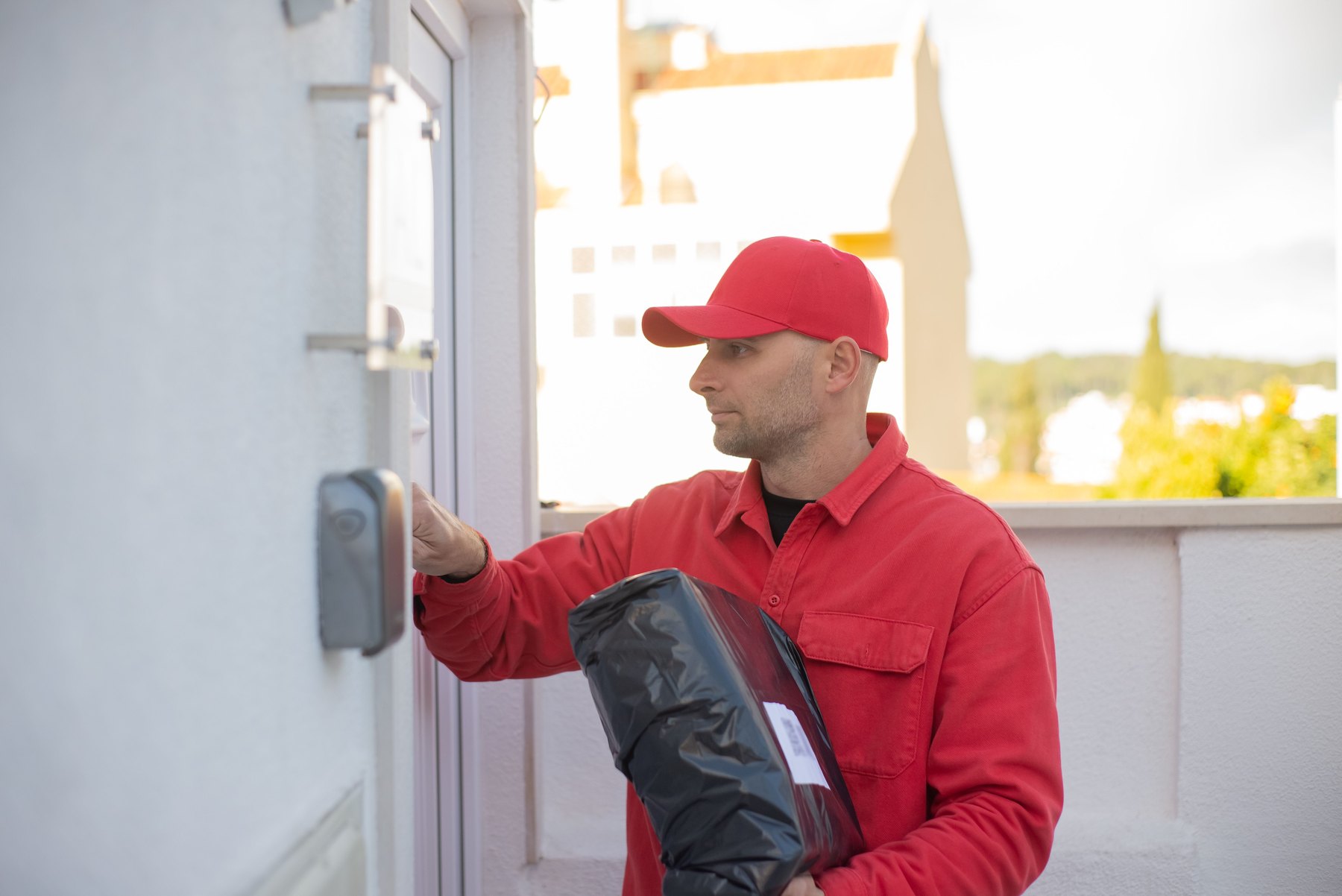
Below are recognizable brands many homeowners compare. Availability, features, and plan pricing can change, so verify current details before buying.
| Option | Best fit | What to compare | Main drawback |
|---|---|---|---|
| Ring (Stick Up Cam, Floodlight Cam, Video Doorbell) | People who want simple setup and broad accessory choices | Subscription cost for recording, camera placement, lighting options | Many features are limited without a plan |
| Google Nest (Nest Cam, Nest Doorbell) | Homes already using Google Home devices | Event history length, AI alerts, integration with Google Home | Full recording history typically requires a subscription |
| Arlo (Pro series, Essential series) | Wireless outdoor setups with flexible camera placement | Battery life, spotlight models, subscription features | Costs can rise with multiple cameras and plans |
| Eufy Security (Solo cams, HomeBase systems) | Buyers trying to minimize monthly fees with local storage | Local storage method, encryption, app controls, optional cloud | Feature set varies a lot by model, compare carefully |
| Wyze (Cam v-series, Battery Cam) | Budget focused buyers who want basic coverage | App features, optional plans, camera durability outdoors | Lower cost can mean tradeoffs in build and advanced detection |
| Reolink (PoE and WiFi cams, NVR kits) | People who want higher control and local recording | PoE vs WiFi, NVR storage size, remote access setup | More DIY setup than plug and play brands |
Wired vs wireless: cost and reliability tradeoffs
Choosing power and connectivity is a money decision as much as a tech decision.
Wireless battery cameras
- Pros: easy placement, no electrician needed, good for rentals.
- Costs to watch: extra batteries, solar panels, or frequent recharging time.
- Reliability: can miss events if battery is low or WiFi is weak.
Decision rule: if you expect heavy motion (busy street, lots of deliveries), battery cameras may need more frequent charging. Consider wired power for the busiest location.
Wired power (plug in or hardwired)
- Pros: steady power, fewer missed recordings, often better for 24/7 capture.
- Costs to watch: extension safe routing, outdoor rated outlets, possible installation.
- Reliability: depends on WiFi unless you use Ethernet or PoE.
PoE (Power over Ethernet) systems
- Pros: strong reliability, one cable for power and data, good for multi camera setups.
- Costs to watch: cabling, drilling, NVR, and time to install.
- Best for: homeowners who want local recording and less dependence on WiFi.
Subscriptions vs local storage: how to compare total cost
Many shoppers focus on camera price and forget the ongoing plan. A practical way to compare is to estimate total cost over 1 year and 3 years.
What a subscription may add
- Longer video history and downloadable clips
- Person, package, pet, and vehicle detection
- Activity zones and richer notifications
- Professional monitoring in some ecosystems
What local storage may require
- A hub, base station, microSD cards, or an NVR
- Physical security for the recorder (so it is not stolen)
- More setup time for remote viewing and backups
| Cost item | One time | Monthly or recurring | Questions to ask |
|---|---|---|---|
| Cameras and mounts | Yes | No | How many cameras do you actually need now vs later? |
| Doorbell transformer or wiring | Maybe | No | Is your existing doorbell wiring compatible? |
| Cloud recording plan | No | Yes | How many cameras are included per plan and what is the history length? |
| Local storage (microSD, hub, NVR) | Yes | Maybe | Where will the recorder be stored and how will you back up footage? |
| WiFi upgrades (mesh router) | Maybe | No | Do you have dead zones near exterior walls or garage? |
| Professional installation | Maybe | No | Is the install simple, or do you need drilling, attic runs, or PoE cabling? |
Real number budgets: what home camera setups can look like
Exact prices vary by retailer and promotions, so treat these as planning examples. The goal is to avoid spending your whole budget on cameras while ignoring storage, WiFi, and mounting needs.
Scenario A: $250 starter setup (apartment or small home)
- $120: 1 doorbell camera (or 1 outdoor cam aimed at entry)
- $80: 1 indoor camera for main living area
- $30: mounts, cable clips, weather covers
- $20: microSD card or first month of a plan (if needed)
Decision rule: if you rent, prioritize easy removal and avoid drilling. If your entry has poor WiFi, budget for a mesh node instead of a second camera.
Scenario B: $600 balanced setup (typical single family home)
- $200: doorbell camera
- $300: two outdoor cameras (front and backyard)
- $60: one indoor camera (optional)
- $40: lighting or mounting accessories
Decision rule: cover the front door and driveway first. Add backyard coverage second. Indoor cameras are often optional if your exterior coverage is strong.
Scenario C: $1,500 higher control setup (DIY PoE or hybrid)
- $800: PoE NVR kit with multiple cameras (or mix and match cameras plus NVR)
- $250: additional camera for a blind spot or side yard
- $250: cabling, tools, junction boxes, weatherproofing
- $200: network upgrade (basic mesh or better router)
Decision rule: if you want reliable recording without monthly fees, plan for local storage and installation time. Put the recorder somewhere less obvious and consider a small UPS for short outages.
Financing and cash flow: how to pay without creating money stress
Home security gear is often an unplanned expense. If you are deciding whether to pay upfront, use a buy now pay later offer, or put it on a credit card, compare the total cost and your payoff timeline.
Decision rules by timeline
- Under 1 year: If you can pay it off within a few statements, a credit card may be manageable. Track the payoff date and avoid carrying a balance longer than planned.
- 1 to 3 years: Consider whether a subscription plus interest would cost more than a local storage system. If you finance, compare APR and fees and keep the monthly payment small enough that you can still handle essentials.
- 3 to 7 years: Tech changes. Paying interest for years on cameras that may be outdated can be expensive. If you need a larger system, consider phased buying: start with key entry points, then add cameras later.
- 7+ years: Treat cameras as equipment that may need replacement. Plan for maintenance and upgrades rather than long financing terms.
A simple affordability check
- Add the monthly subscription (if any) to your internet bill and any monitoring costs.
- Make sure the total fits your budget even in months with higher bills.
- If you are carrying credit card debt already, consider a smaller starter setup first.
Feature checklist: what matters for most households
Use this checklist to compare models across brands without getting lost in marketing terms.
Video and night vision
- Resolution (often 1080p or higher) and real world clarity at your needed distance
- Night vision type (infrared vs color night vision with spotlight)
- Field of view: wide enough to cover the area without severe distortion
Motion detection quality
- Person detection and package detection (if you get deliveries)
- Activity zones so you can ignore sidewalks or busy streets
- Alert speed and whether clips load quickly on your phone
Power and weather
- Battery life estimates and realistic recharge frequency
- Operating temperature range for your climate
- Weather rating and whether the mount is truly outdoor ready
Privacy and account security
- Two factor authentication availability
- Local storage encryption options
- Guest access controls for family members
For practical identity theft and account protection tips, the FTC has a clear overview at consumer.ftc.gov.
Installation tips that can save money
Small planning steps can prevent rebuys and reduce the need for paid installation.
Do a WiFi test before you mount anything
Stand where the camera will go and check signal strength. If your phone struggles to load video there, the camera may struggle too. A mesh node near an exterior wall can be cheaper than buying a more expensive camera to compensate for weak WiFi.
Mount for faces, not just wide views
A camera mounted too high can capture the top of heads. A doorbell camera or a camera at about door height often captures better identification angles.
Plan for lighting
Backlighting from the sun or a bright porch light can wash out faces. Consider a camera angle that avoids direct glare, or use a model with HDR. For driveways, a floodlight camera can combine lighting and recording, but compare ongoing costs and wiring needs.
When a camera system can affect your broader finances
Security upgrades can connect to other money choices, especially if you are also thinking about insurance, credit, or recovery after theft.
- Documenting losses: Keeping receipts and serial numbers can help if you ever need to document property. Store copies digitally.
- Identity and credit monitoring: If a break in leads to stolen documents, consider checking your credit reports. You can access free credit reports at AnnualCreditReport.com.
- Scams after incidents: Be cautious of unsolicited calls offering monitoring or repairs. Verify vendors independently.
Quick decision matrix: pick the right type for your home
| If you are… | Good starting choice | Why | Watch out for |
|---|---|---|---|
| Renting or moving soon | Battery cameras and a doorbell cam with minimal drilling | Easy to install and remove | Battery maintenance and WiFi dead zones |
| On a tight budget | One key outdoor camera plus one indoor camera | Best coverage per dollar | Subscription creep if you add many cameras later |
| Wanting fewer monthly fees | Local storage system or hybrid local plus cloud | Lower ongoing cost potential | Recorder placement and backup planning |
| Needing maximum reliability | Wired power or PoE cameras with NVR | Stable power and consistent recording | Higher install effort and upfront cost |
| Already in an ecosystem | Match your smart home platform (Ring, Nest, etc.) | Smoother app and device integration | Lock in and plan pricing changes |
Questions to ask before you buy (printable checklist)
- How many entry points do I need to cover right now (not eventually)?
- Do I want recordings without a subscription, or am I comfortable with a monthly plan?
- What is my all in cost for 12 months: hardware + accessories + subscription?
- Is my WiFi strong at each camera location, including the garage and exterior walls?
- Do I need a doorbell camera, a floodlight camera, or both?
- Who will have access to the app, and is two factor authentication enabled?
Where to learn more about security and consumer protection
If you are comparing home security products and want to avoid scams or misleading claims, these resources can help:
- FTC consumer guidance for scam awareness and reporting.
- CFPB for broader consumer protection information, especially if you are financing purchases or dealing with billing disputes.
Bottom line: compare the system, not just the camera
A smart comparison looks at total cost over time, storage approach, WiFi reliability, and how quickly you can get useful alerts. Start with the highest value locations, pick a storage plan you can stick with, and compare recognizable options like Ring, Google Nest, Arlo, Eufy, Wyze, and Reolink based on your home and budget.

